
PalGate
PalGate

PalGate

Tools

| Pal Electronics Systems

Play on PC with BlueStacks or from our cloud

  • Overview
  • How to Download

Page Modified On: September 05, 2025

Run PalGate on PC or Mac

Let BlueStacks turn your PC, Mac, or laptop into the perfect home for PalGate, a fun Tools app from Pal Electronics Systems.

About the App

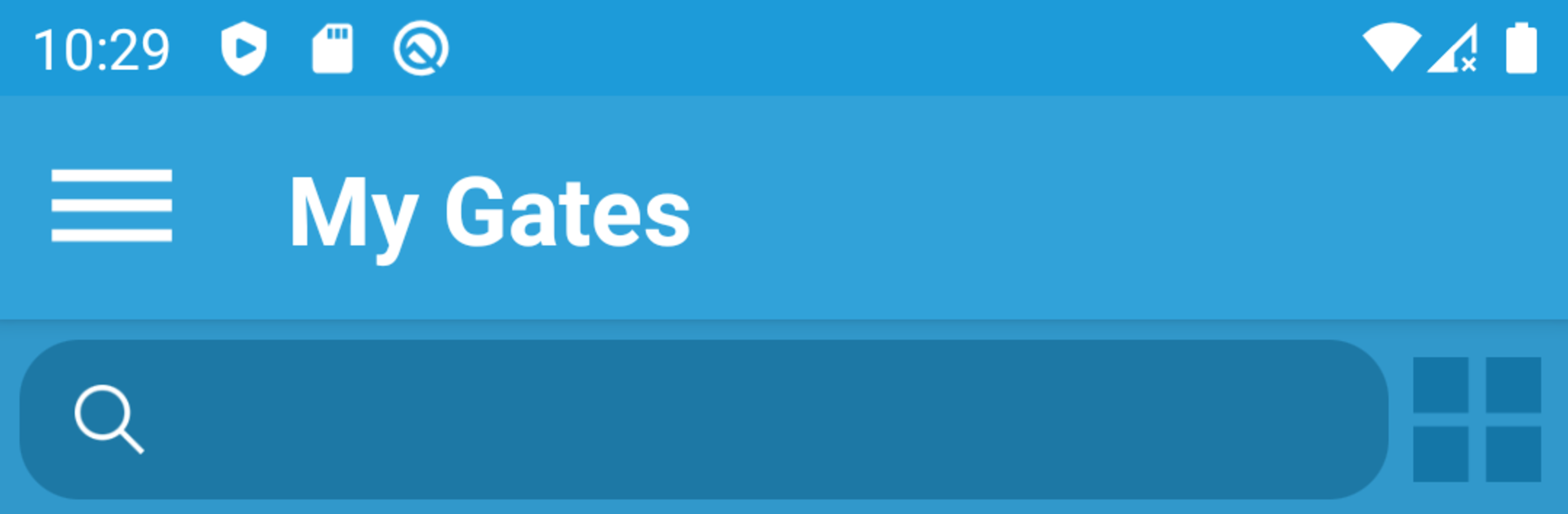
PalGate makes opening and managing gates feel effortless. Pair the app with your PalGate device and control entry points right from your phone—fast, simple, and secure. Built by Pal Electronics Systems, this Tools app focuses on smooth control, easy sharing, and reliable protection for everyday use.

App Features

  • Instant control: Open or close your connected gate with a single tap. No fumbling with physical remotes.
  • Access management: Decide who gets access and adjust permissions anytime without complicated setups.
  • Quick user changes: Add or remove users in seconds—perfect for guests, deliveries, or new staff.
  • Activity history: See a clear log of recent gate activity so you always know what happened last.
  • Encrypted remotes: Digital keys are encrypted, helping keep your entry points protected.
  • One or two relays: Works with PalGate devices that include one or two relays, so you can manage the hardware that fits your setup.
  • Simple, clean interface: A straightforward layout that keeps the important controls front and center.
  • Works with your routine: Prefer a bigger screen? You can also use PalGate on your computer through BlueStacks while controlling the same hardware.
  • Hardware ready: Requires a PalGate device to operate; once paired, you’re set for quick control and easy management.

Eager to take your app experience to the next level? Start right away by downloading BlueStacks on your PC or Mac.


How to Download and Run PalGate on PC or Mac

  • Download and install BlueStacks on your PC or Mac

  • Complete Google sign-in to access the Play Store, or do it later

  • Look for PalGate in the search bar at the top right corner

  • Click to install PalGate from the search results

  • Complete Google sign-in (if you skipped step 2) to install PalGate

  • Click the PalGate icon on the home screen to start playing

video
Watch Video

Minimum System Requirements

With BlueStacks 5, you can get started on a PC that fulfills the following requirements.

  • Operating System

    Microsoft Windows 7 or above, macOS 11 (Big Sur) or above

  • Processor

    Intel, AMD or Apple Silicon Processor

  • RAM

    at least 4GB

  • HDD

    10GB Free Disk Space

Note:

* You must be an Administrator on your PC. Up to date graphics drivers from Microsoft or the chipset vendor.

PalGate - FAQs

  • How to Run PalGate on Windows PC & Mac?

    Run PalGate on your PC or Mac by following these simple steps.

    • Click on ‘Download PalGate on PC’ to download BlueStacks
    • Install it and log-in to Google Play Store
    • Launch and run the app.
  • Why is BlueStacks the fastest and safest platform to play games on PC?

    BlueStacks respects your privacy and is always safe and secure to use. It does not carry any malware, spyware, or any sort of additional software that could harm your PC.

    It is engineered to optimize speed and performance for a seamless gaming experience.

  • What are PalGate PC requirements?

    Minimum requirement to run PalGate on your PC

    • OS: Microsoft Windows 7 and above:
    • Processor: Intel or AMD Processor:
    • RAM: Your PC must have at least 2GB of RAM. (Note that having 2GB or more disk space is not a substitute for RAM):
    • HDD: 5GB Free Disk Space.
    • You must be an Administrator on your PC.



