



Why limit yourself to your small screen on the phone? Run PingTools Pro, an app by Yaroslav Syrytsia, best experienced on your PC or Mac with BlueStacks, the world’s #1 Android emulator.
About the App
PingTools Pro is a versatile network toolbox that makes it easy to understand what’s going on with your Wi‑Fi, your local network, and the internet at large. It blends live stats, smart scanners, and admin‑grade utilities into one clean package, so you can troubleshoot quickly or just keep an eye on things. It’s a Tools app from Yaroslav Syrytsia, and if you prefer working on a bigger screen, you can also use it with BlueStacks.
App Features
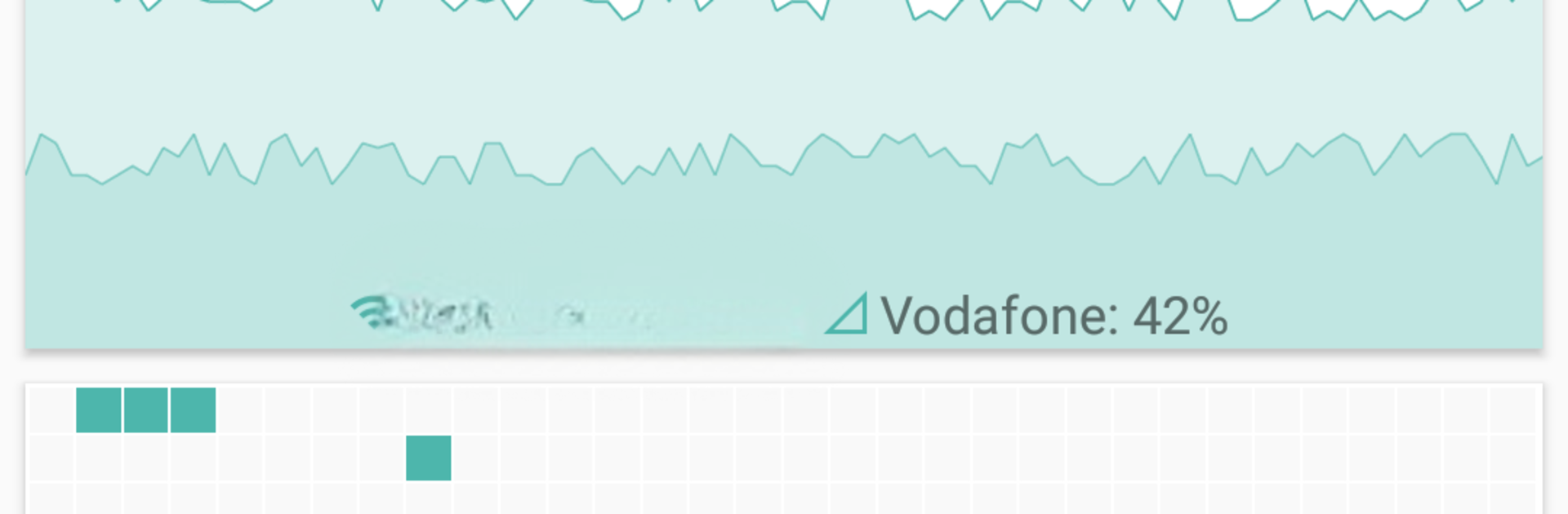
- Network Info Dashboard: See connection status at a glance, including router IP, external IP, ISP details, plus handy graphs for Wi‑Fi quality and data usage.
- Watcher Alerts: Schedule checks for websites, hosts, or services and get notified the moment something changes.
- LAN Discovery: Scan your local network to spot every connected device, view vendors, and see what services are running.
- Ping & Advanced Ping: Use classic ping or go deeper with TCP and HTTP/HTTPS checks. Background mode and sound alerts keep you informed without babysitting the app.
- GeoPing (Global Checks): Test availability from multiple regions worldwide to confirm your site or service is reachable abroad.
- Traceroute with Map View: Track the exact path your packets take and visualize their route across the globe.
- iPerf Throughput Test: Measure real bandwidth using iperf3 in both client and server modes.
- Port Scanner: Quickly find open TCP ports on a target and see what they’re commonly used for.
- Whois Lookup: Pull domain or IP registration details, including organization info and key dates.
- UPnP & DLNA Finder: Detect routers, game consoles, media servers, and smart TVs on your network.
- Bonjour Browser: Explore ZeroConf/Avahi services and locate Apple devices by service.
- Wi‑Fi Scanner: List nearby access points with vendor info, signal strength, channel, and 2.4/5 GHz support, plus clear signal charts.
- Subnet Scanner: Probe your subnet by ping or targeted port checks to discover hosts and services (yes, even a quick pass for SSH on 22).
- DNS Lookup & Reverse: Query DNS records or run reverse lookups for fast troubleshooting.
- Wake on LAN (WoL): Power on a sleeping PC remotely using a Magic Packet.
- IP Calculator: Plan subnets and masks, and get the exact IP ranges you need.
BlueStacks gives you the much-needed freedom to experience your favorite apps on a bigger screen. Get it now.





