
S6evo™
S6evo™

S6evo™

Tools

| SikkertHjem™

Play on PC with BlueStacks or from our cloud

  • Overview
  • How to Download

Page Modified On: September 12, 2025

Run S6evo™ on PC or Mac

Upgrade your experience. Try S6evo™, the fantastic Tools app from SikkertHjem™, from the comfort of your laptop, PC, or Mac, only on BlueStacks.

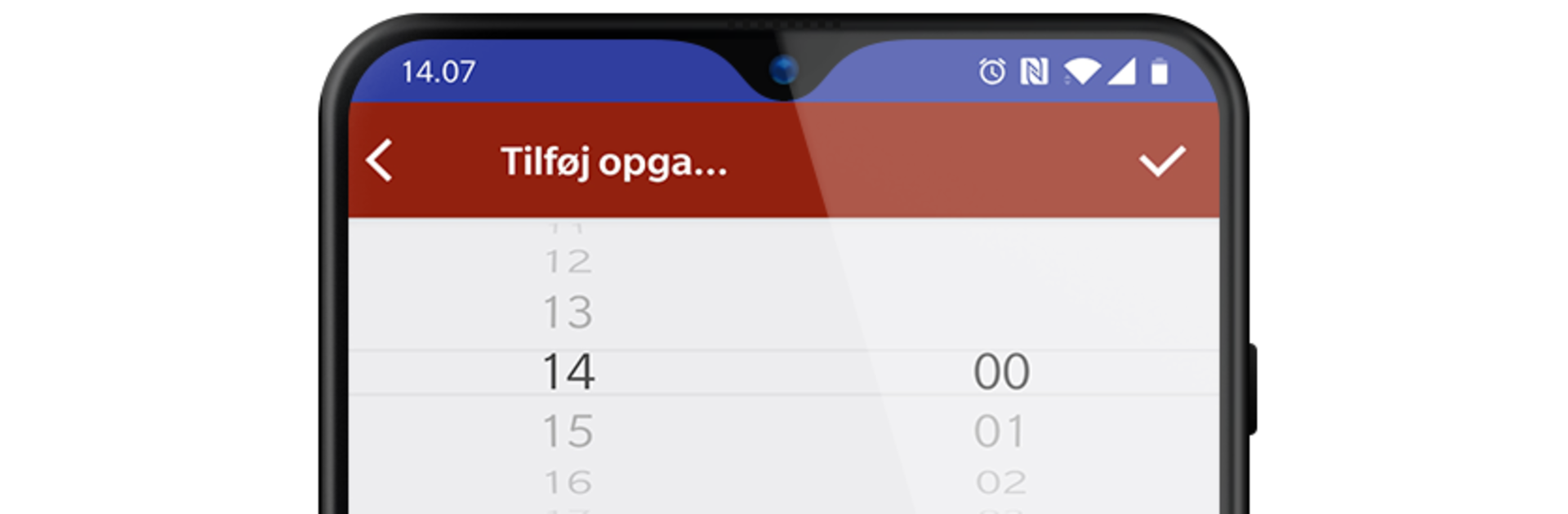
S6evo feels like a clean remote control panel for a whole home alarm setup. It ties into the SikkertHjem S6evo gear, so a person can arm or disarm, check sensors, and see what is going on without poking through a dozen menus. On BlueStacks, the bigger screen helps a lot. The live camera feeds from the indoor and outdoor SmartCams look sharp, switching views is quick, and it is easier to spot little details than on a phone. Toggling SmartPlugs on and off from the same place is handy, almost like flipping a wall switch from a desk.

What stands out is how the app treats access and alerts. It lets someone share the system with family, choose who can do what, and decide who gets notifications. So one person can only receive pings, another can arm or disarm, that sort of thing. Adding new sensors is simple too. Scan the QR code and it shows up ready to place, no weird pairing dance. If the app is open in BlueStacks, the phone is still better for the scanning step, but once things are added, running it on PC feels smooth. There are rules to tell it how to behave when someone is home or away, so it can be quiet at night but still alert if a door opens, or light a SmartPlug when motion hits. Everything updates in real time, which makes the app feel steady and predictable for the daily stuff.

BlueStacks brings your apps to life on a bigger screen—seamless and straightforward.

How to Download and Run S6evo™ on PC or Mac

  • Download and install BlueStacks on your PC or Mac

  • Complete Google sign-in to access the Play Store, or do it later

  • Look for S6evo™ in the search bar at the top right corner

  • Click to install S6evo™ from the search results

  • Complete Google sign-in (if you skipped step 2) to install S6evo™

  • Click the S6evo™ icon on the home screen to start playing

video
Watch Video

Minimum System Requirements

With BlueStacks 5, you can get started on a PC that fulfills the following requirements.

  • Operating System

    Microsoft Windows 7 or above, macOS 11 (Big Sur) or above

  • Processor

    Intel, AMD or Apple Silicon Processor

  • RAM

    at least 4GB

  • HDD

    10GB Free Disk Space

Note:

* You must be an Administrator on your PC. Up to date graphics drivers from Microsoft or the chipset vendor.

S6evo™ - FAQs

  • How to Run S6evo™ on Windows PC & Mac?

    Run S6evo™ on your PC or Mac by following these simple steps.

    • Click on ‘Download S6evo™ on PC’ to download BlueStacks
    • Install it and log-in to Google Play Store
    • Launch and run the app.
  • Why is BlueStacks the fastest and safest platform to play games on PC?

    BlueStacks respects your privacy and is always safe and secure to use. It does not carry any malware, spyware, or any sort of additional software that could harm your PC.

    It is engineered to optimize speed and performance for a seamless gaming experience.

  • What are S6evo™ PC requirements?

    Minimum requirement to run S6evo™ on your PC

    • OS: Microsoft Windows 7 and above:
    • Processor: Intel or AMD Processor:
    • RAM: Your PC must have at least 2GB of RAM. (Note that having 2GB or more disk space is not a substitute for RAM):
    • HDD: 5GB Free Disk Space.
    • You must be an Administrator on your PC.




