



Get freedom from your phone’s obvious limitations. Use Simple Speedcheck, made by Internet Speed Test, Etrality, a Tools app on your PC or Mac with BlueStacks, and level up your experience.
Simple Speedcheck feels like a straight shooter. Open it, tap a big start button, and it races through ping, download, and upload, then settles on clear numbers. The layout is clean with color highlights, so it is easy to tell at a glance if the connection is fine for video calls or just light browsing. Little icons help spell out what that speed is actually good for, which is way more helpful than raw Mbps staring back.
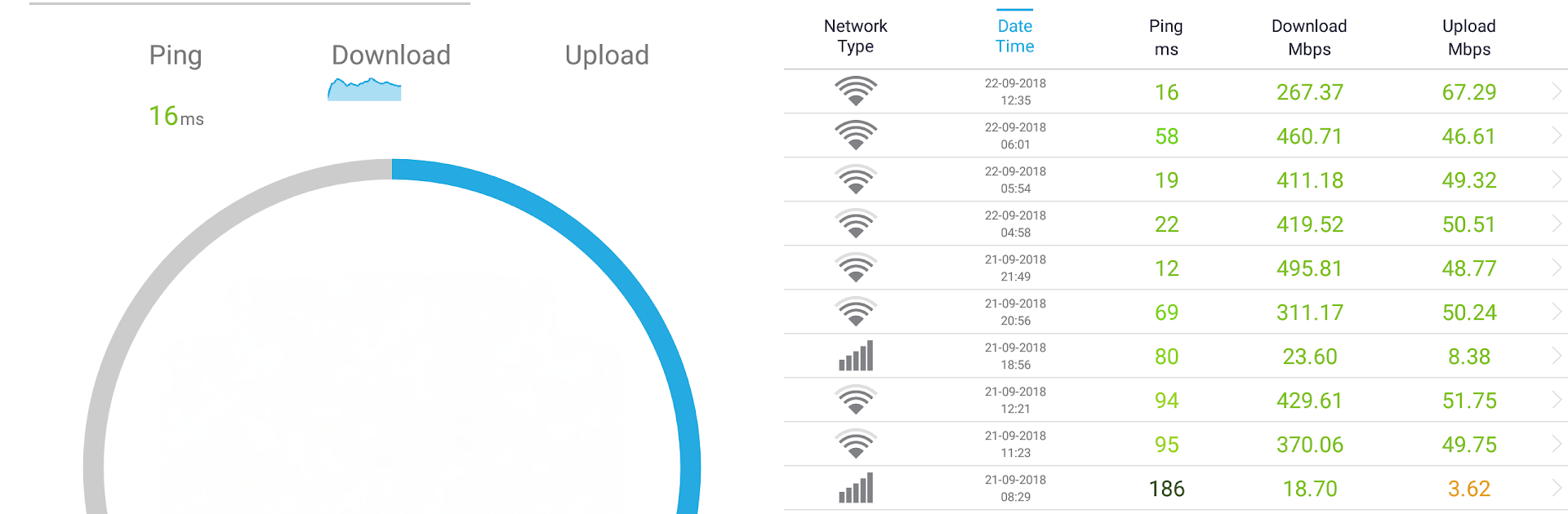
It handles both WiFi and mobile data without fuss, whether someone is on 3G, 4G, or LTE, and it does not nag for weird permissions. Results go into a tidy history with the useful bits saved, like signal strength, network name, internal and external IPs, and the exact time of the test. That makes it simple to compare runs and see if the home DSL, ADSL, or cable is steady, or if the cell connection drops at certain hours. The app leans on a wide set of servers, so the numbers tend to feel consistent rather than all over the place.
Using it on a PC with BlueStacks is actually nice because the bigger screen makes the graphs and history easier to read, and switching between past tests is quicker. Someone can tweak the router, hit test again, and watch changes in real time without squinting. No clutter, no gimmicks, just quick checks that get to the point.
BlueStacks gives you the much-needed freedom to experience your favorite apps on a bigger screen. Get it now.





