



Why limit yourself to your small screen on the phone? Run testo Smart, an app by Testo SE + Co.KGaA, best experienced on your PC or Mac with BlueStacks, the world’s #1 Android emulator.
About the App
testo Smart from Testo SE + Co.KGaA turns your phone into a pro-grade measuring partner. Checking a chiller, balancing airflow, tuning a boiler, or documenting food temps? The app pulls live readings from compatible Testo instruments and helps you understand, log, and share results without juggling multiple tools. Prefer a larger view when you’re at your desk? It works great on BlueStacks as well.
App Features
-
Unified measurement hub: Handle refrigeration, AC/heat pumps, heating, ventilation, indoor climate, food safety, frying oil quality, and storage checks in one place.
-
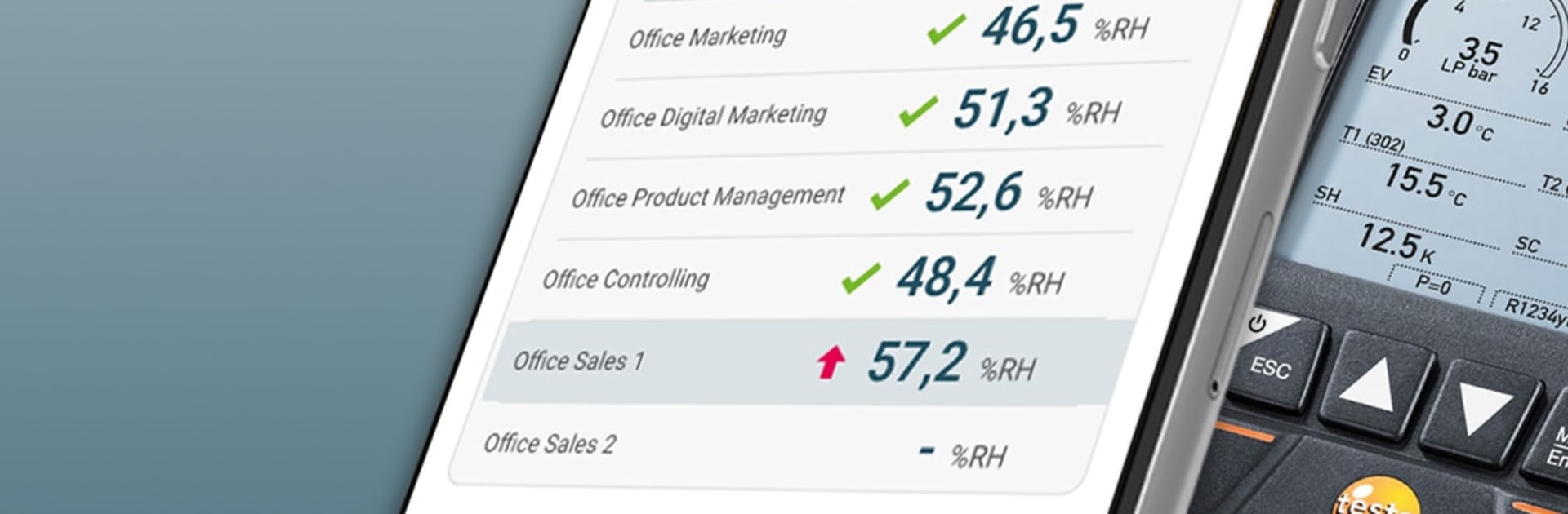
Clear live visuals: See measurements as tidy tables and trend graphs with deltas and markers so you can interpret results at a glance.
-
Smart refrigeration tools: Run leak tests with pressure-drop curves, calculate superheat and subcooling automatically (including target superheat), guide refrigerant charging by weight or SH/SC targets, and track vacuum progress with start and differential values.
-
Ventilation & airflow: Enter duct dimensions and let the app compute volume flow. Set up diffusers with their geometry, compare multiple outlets, and use continuous or multi-point averaging.
-
Heating & combustion: Use a second-screen view with the testo 300 for flue gas work, measure gas flow and static pressure alongside flue measurements, and capture flow/return temperatures with delta T.
-
Indoor climate & IAQ: Get automatic dew point and wet-bulb calculations. Log temperature, humidity, lux, UV, pressure, and CO2 with the right data logger—whether it’s a single room or an online monitoring setup.
-
Thermography essentials: Visualize Delta T on HVAC and industrial systems, spot hot/cold areas, and assess potential mold risk.
-
Food HACCP workflows: Record CP/CCP checks, set custom limits and notes for each point, and export documentation for regulatory needs and internal QA.
-
Frying oil management: Track oil quality and TPM readings, handle instrument calibration/adjustment, apply your own limits and comments, and generate compliant reports.
-
Rapid reports & sharing: Create PDF or CSV reports on site, add photos, and email them right from the app.
-
Broad device compatibility: Works with Testo Smart Probes; the testo 860i thermal imager; digital manifolds 550s/557s/558s/550i/570s (and legacy 550/557); refrigerant scale 560i; vacuum pump 565i; flue gas analyzers 300 and 310 II (including EN); vacuum gauge 552; clamp meter 770-3; volume flow hood 420; compact HVAC meters; food thermometers 110 Food and 104-IR BT; data loggers 174 BT series; and online loggers 160/162/164 GW.
-
Genre: Tools
Switch to BlueStacks and make the most of your apps on your PC or Mac.





