
Sound meter : SPL & dB meter

Sound meter : SPL & dB meter

Tools

| KTW Apps

Play on PC with BlueStacks or from our cloud

  • Overview
  • How to Download

Page Modified On: July 22, 2025

Run Sound meter : SPL & dB meter on PC or Mac

What’s better than using Sound meter : SPL & dB meter by KTW Apps? Well, try it on a big screen, on your PC or Mac, with BlueStacks to see the difference.

About the App

Ever wondered just how loud your surroundings really are? With Sound meter : SPL & dB meter by KTW Apps, you can turn your phone into a handy sound measuring tool in seconds. Whether you’re curious about the noise level in your neighborhood, need a quick check for your workspace, or just want to see how “quiet” your quiet time actually is, this app has you covered. It’s straightforward, quick to use, and gives you a real-time look at all those decibel readings.

App Features

  • Instant Noise Measurement
    Measure sound levels right from your phone or tablet using the built-in mic—great for noise checks at home, the office, or outdoors.

  • Live Decibel Chart
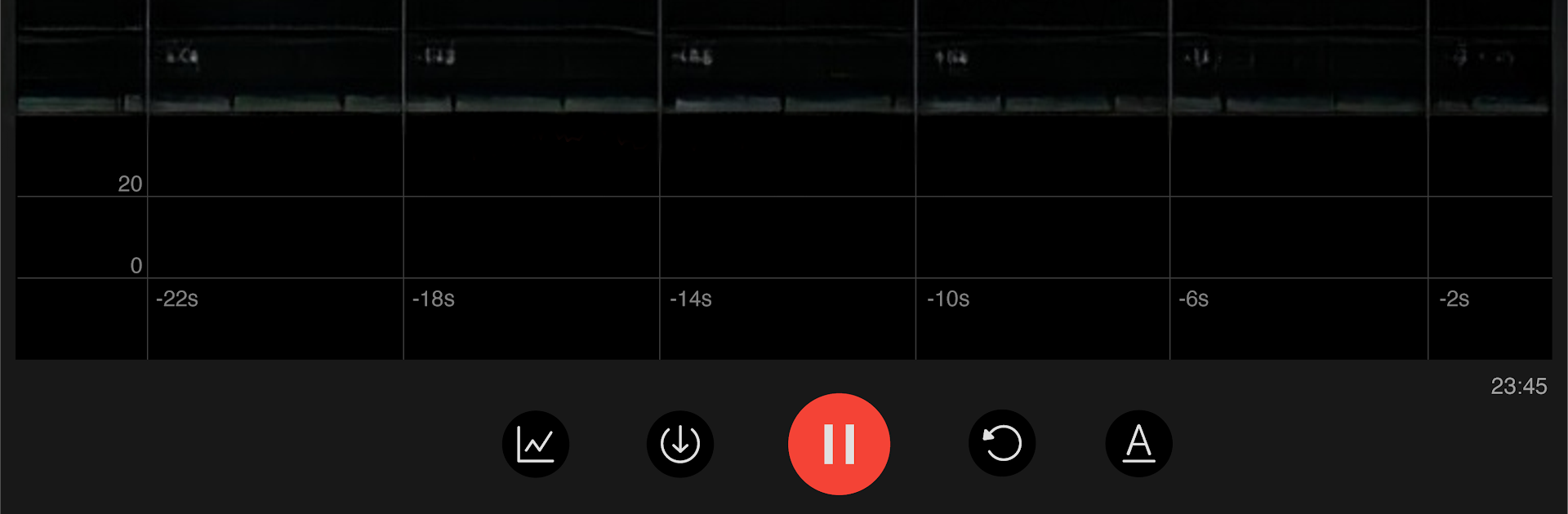
    Watch sound levels update instantly on an easy-to-read chart. Perfect if you like seeing the numbers move in real time.

  • Session Stats
    During every recording, you’ll see the lowest, highest, and average decibel readings so you know exactly what’s been going on.

  • Recording Timer
    Keep track of how long you’ve been measuring with a simple time display during each session.

  • Reset Any Time
    Need a fresh start? Just tap reset to clear your current readings.

  • Pause and Resume
    Hit pause if you want to stop measuring but don’t want to lose your stats, then pick back up whenever you’re ready.

  • Noise Reference Guide
    Not sure what those numbers mean? The app lists common sounds—like a whisper, traffic, or a passing train—so you can compare your results and put things in perspective.

  • Handy Adjustment Tip
    Since phone mics are tuned for voices, you can tweak the decibel numbers for more accuracy. If you’ve got a real sound meter, you can match things up easily. Or just pick a super quiet spot and set the app to read around 20–30 dB.

Oh, and if you’re using BlueStacks, you’ll get all these features on your computer, too. This way, your noise measurement setup isn’t limited to just your phone.

Big screen. Bigger performance. Use BlueStacks on your PC or Mac to run your favorite apps.

How to Download and Run Sound meter : SPL & dB meter on PC or Mac

  • Download and install BlueStacks on your PC or Mac

  • Complete Google sign-in to access the Play Store, or do it later

  • Look for Sound meter : SPL & dB meter in the search bar at the top right corner

  • Click to install Sound meter : SPL & dB meter from the search results

  • Complete Google sign-in (if you skipped step 2) to install Sound meter : SPL & dB meter

  • Click the Sound meter : SPL & dB meter icon on the home screen to start playing

video
Watch Video

Minimum System Requirements

With BlueStacks 5, you can get started on a PC that fulfills the following requirements.

  • Operating System

    Microsoft Windows 7 or above, macOS 11 (Big Sur) or above

  • Processor

    Intel, AMD or Apple Silicon Processor

  • RAM

    at least 4GB

  • HDD

    10GB Free Disk Space

Note:

* You must be an Administrator on your PC. Up to date graphics drivers from Microsoft or the chipset vendor.

Sound meter : SPL & dB meter - FAQs

  • How to Run Sound meter : SPL & dB meter on Windows PC & Mac?

    Run Sound meter : SPL & dB meter on your PC or Mac by following these simple steps.

    • Click on ‘Download Sound meter : SPL & dB meter on PC’ to download BlueStacks
    • Install it and log-in to Google Play Store
    • Launch and run the app.
  • Why is BlueStacks the fastest and safest platform to play games on PC?

    BlueStacks respects your privacy and is always safe and secure to use. It does not carry any malware, spyware, or any sort of additional software that could harm your PC.

    It is engineered to optimize speed and performance for a seamless gaming experience.

  • What are Sound meter : SPL & dB meter PC requirements?

    Minimum requirement to run Sound meter : SPL & dB meter on your PC

    • OS: Microsoft Windows 7 and above:
    • Processor: Intel or AMD Processor:
    • RAM: Your PC must have at least 2GB of RAM. (Note that having 2GB or more disk space is not a substitute for RAM):
    • HDD: 5GB Free Disk Space.
    • You must be an Administrator on your PC.




