
Sun position and path

Sun position and path

Tools

| siranet

Play on PC with BlueStacks or from our cloud

  • Overview
  • How to Download

Page Modified On: November 03, 2025

Run Sun position and path on PC or Mac

What’s better than using Sun position and path by siranet? Well, try it on a big screen, on your PC or Mac, with BlueStacks to see the difference.

About the App

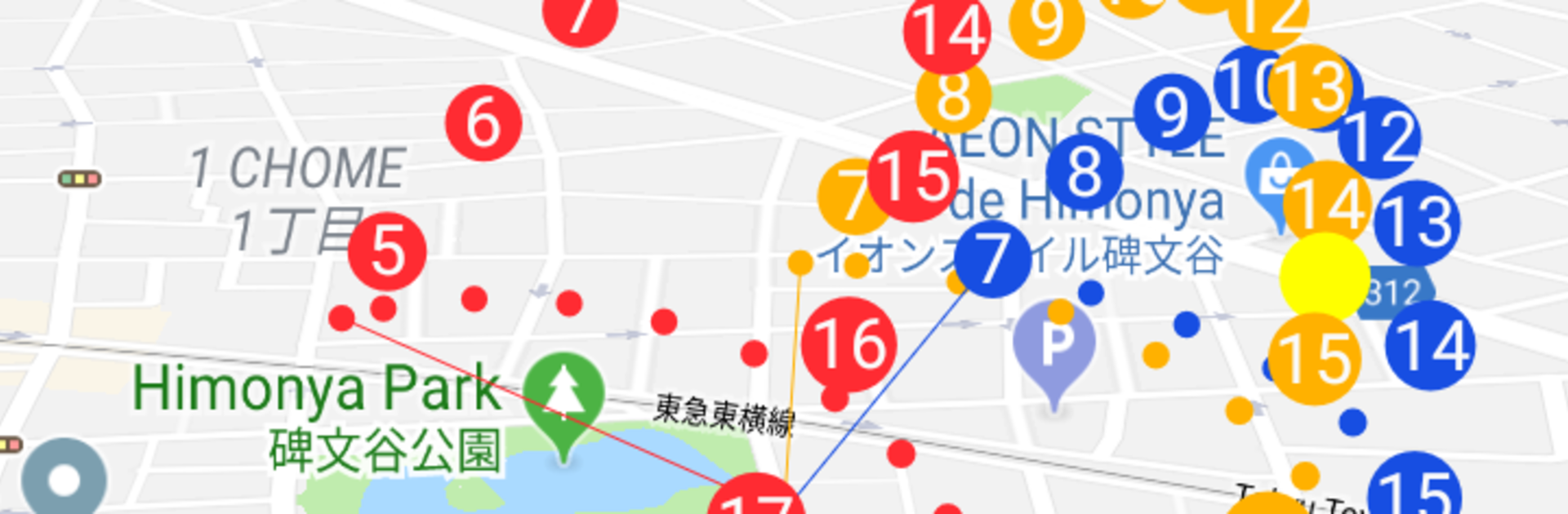
Sun position and path from siranet is a clever Tools app that shows exactly where the sun will be—right now or during another season—so you can plan with confidence. Point your phone at the sky and watch a smooth AR overlay trace the sun’s path across your camera view. Prefer a broader view? Jump to any spot on a 3D map and preview how light and shade change there throughout the year.

App Features

  • AR sky view: Hold up your device and see the sun’s position and path layered over your camera, making it easy to understand where light will fall.
  • Seasonal preview: Explore how the sun shifts with the seasons so you can plan for summer brightness or winter light without guesswork.
  • 3D trajectory anywhere: Pick a location on the globe and visualize the sun’s arc in 3D to understand lighting from morning to evening.
  • Practical planning: Handy for photography, placing solar panels, setting up a garden, remodeling, buying a home, or simply checking which spots will be shaded.
  • Quick on-the-go checks: Standing in a park or on a job site? Open the app to see where and when shadows will appear.
  • Clear, visual insights: Get a simple, visual picture of sun altitude and direction so you don’t have to interpret complicated charts.
  • Desktop-friendly option: Prefer a bigger screen while planning? Run Sun position and path on your computer with BlueStacks for extra space while exploring maps and paths.

Big screen. Bigger performance. Use BlueStacks on your PC or Mac to run your favorite apps.

How to Download and Run Sun position and path on PC or Mac

  • Download and install BlueStacks on your PC or Mac

  • Complete Google sign-in to access the Play Store, or do it later

  • Look for Sun position and path in the search bar at the top right corner

  • Click to install Sun position and path from the search results

  • Complete Google sign-in (if you skipped step 2) to install Sun position and path

  • Click the Sun position and path icon on the home screen to start playing

video
Watch Video

Minimum System Requirements

With BlueStacks 5, you can get started on a PC that fulfills the following requirements.

  • Operating System

    Microsoft Windows 7 or above, macOS 11 (Big Sur) or above

  • Processor

    Intel, AMD or Apple Silicon Processor

  • RAM

    at least 4GB

  • HDD

    10GB Free Disk Space

Note:

* You must be an Administrator on your PC. Up to date graphics drivers from Microsoft or the chipset vendor.

Sun position and path - FAQs

  • How to Run Sun position and path on Windows PC & Mac?

    Run Sun position and path on your PC or Mac by following these simple steps.

    • Click on ‘Download Sun position and path on PC’ to download BlueStacks
    • Install it and log-in to Google Play Store
    • Launch and run the app.
  • Why is BlueStacks the fastest and safest platform to play games on PC?

    BlueStacks respects your privacy and is always safe and secure to use. It does not carry any malware, spyware, or any sort of additional software that could harm your PC.

    It is engineered to optimize speed and performance for a seamless gaming experience.

  • What are Sun position and path PC requirements?

    Minimum requirement to run Sun position and path on your PC

    • OS: Microsoft Windows 7 and above:
    • Processor: Intel or AMD Processor:
    • RAM: Your PC must have at least 2GB of RAM. (Note that having 2GB or more disk space is not a substitute for RAM):
    • HDD: 5GB Free Disk Space.
    • You must be an Administrator on your PC.




