
Timekettle
Timekettle

Timekettle

Tools

| Shenzhen Timekettle Technologies Co., Ltd

Play on PC with BlueStacks or from our cloud

  • Overview
  • How to Download

Page Modified On: September 12, 2025

Run Timekettle on PC or Mac

Multitask effortlessly on your PC or Mac as you try out Timekettle, a Tools app by Shenzhen Timekettle Technologies Co., Ltd on BlueStacks.

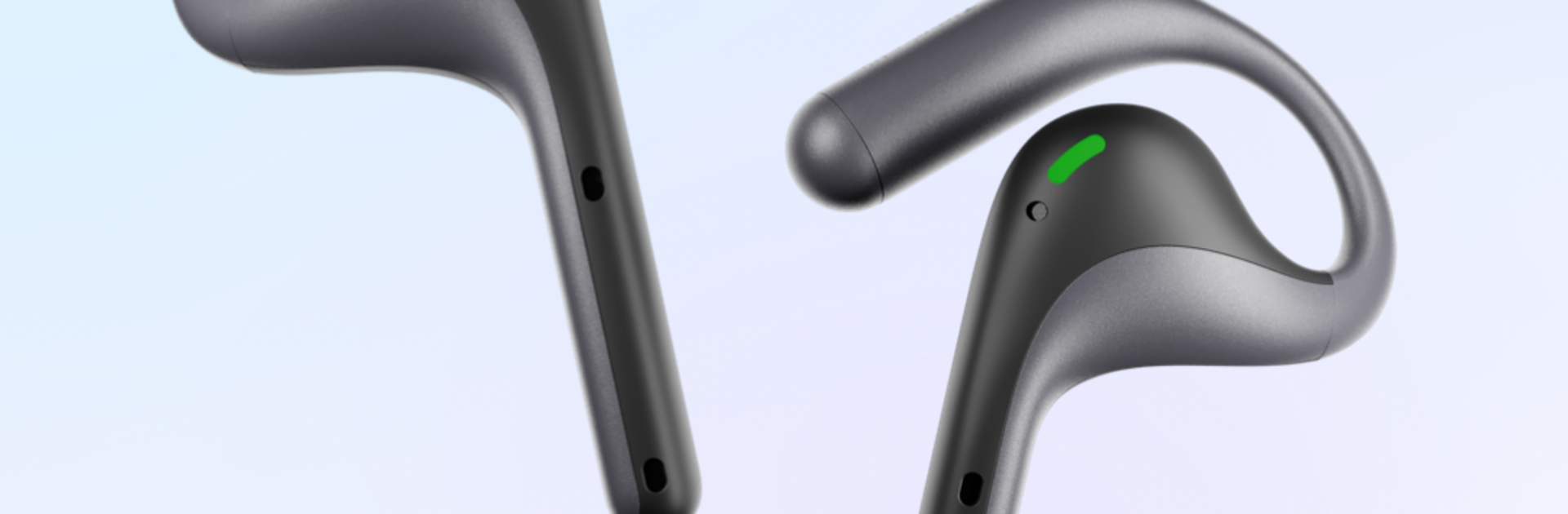
Timekettle feels less like a regular translator app and more like the control hub for their own gear. It pairs with the Timekettle earbuds and the little plug-in translator, then handles the live cross-language stuff while people just talk at a normal pace. Each person keeps their own device or earbud, there is no awkward passing a phone back and forth, and the conversation stays natural. It is built for real situations, work meetings, study sessions, travel chats, everyday errands, that kind of thing. The app sits in the background and keeps things moving so both sides can focus on talking, not fiddling with settings.

On PC with BlueStacks, it is easier to see what is happening. The bigger screen makes language choices and connection status simpler to check, and switching modes is less fiddly than on a tiny phone screen. It still needs the Timekettle hardware to be useful, so anyone looking for a standalone translator might be confused. Setup feels straight forward once the devices are paired, then it is mostly hands-free. What stands out is the flow, because it tries to keep people speaking naturally instead of taking turns with a microphone. If the goal is to break through language gaps without turning a conversation into a tech demo, this is the type of tool that makes that possible.

Ready to experience Timekettle on a bigger screen, in all its glory? Download BlueStacks now.

How to Download and Run Timekettle on PC or Mac

  • Download and install BlueStacks on your PC or Mac

  • Complete Google sign-in to access the Play Store, or do it later

  • Look for Timekettle in the search bar at the top right corner

  • Click to install Timekettle from the search results

  • Complete Google sign-in (if you skipped step 2) to install Timekettle

  • Click the Timekettle icon on the home screen to start playing

video
Watch Video

Minimum System Requirements

With BlueStacks 5, you can get started on a PC that fulfills the following requirements.

  • Operating System

    Microsoft Windows 7 or above, macOS 11 (Big Sur) or above

  • Processor

    Intel, AMD or Apple Silicon Processor

  • RAM

    at least 4GB

  • HDD

    10GB Free Disk Space

Note:

* You must be an Administrator on your PC. Up to date graphics drivers from Microsoft or the chipset vendor.

Timekettle - FAQs

  • How to Run Timekettle on Windows PC & Mac?

    Run Timekettle on your PC or Mac by following these simple steps.

    • Click on ‘Download Timekettle on PC’ to download BlueStacks
    • Install it and log-in to Google Play Store
    • Launch and run the app.
  • Why is BlueStacks the fastest and safest platform to play games on PC?

    BlueStacks respects your privacy and is always safe and secure to use. It does not carry any malware, spyware, or any sort of additional software that could harm your PC.

    It is engineered to optimize speed and performance for a seamless gaming experience.

  • What are Timekettle PC requirements?

    Minimum requirement to run Timekettle on your PC

    • OS: Microsoft Windows 7 and above:
    • Processor: Intel or AMD Processor:
    • RAM: Your PC must have at least 2GB of RAM. (Note that having 2GB or more disk space is not a substitute for RAM):
    • HDD: 5GB Free Disk Space.
    • You must be an Administrator on your PC.




