




Let BlueStacks turn your PC, Mac, or laptop into the perfect home for Video2SRT, a fun Tools app from Matej Plavevski.
About the App
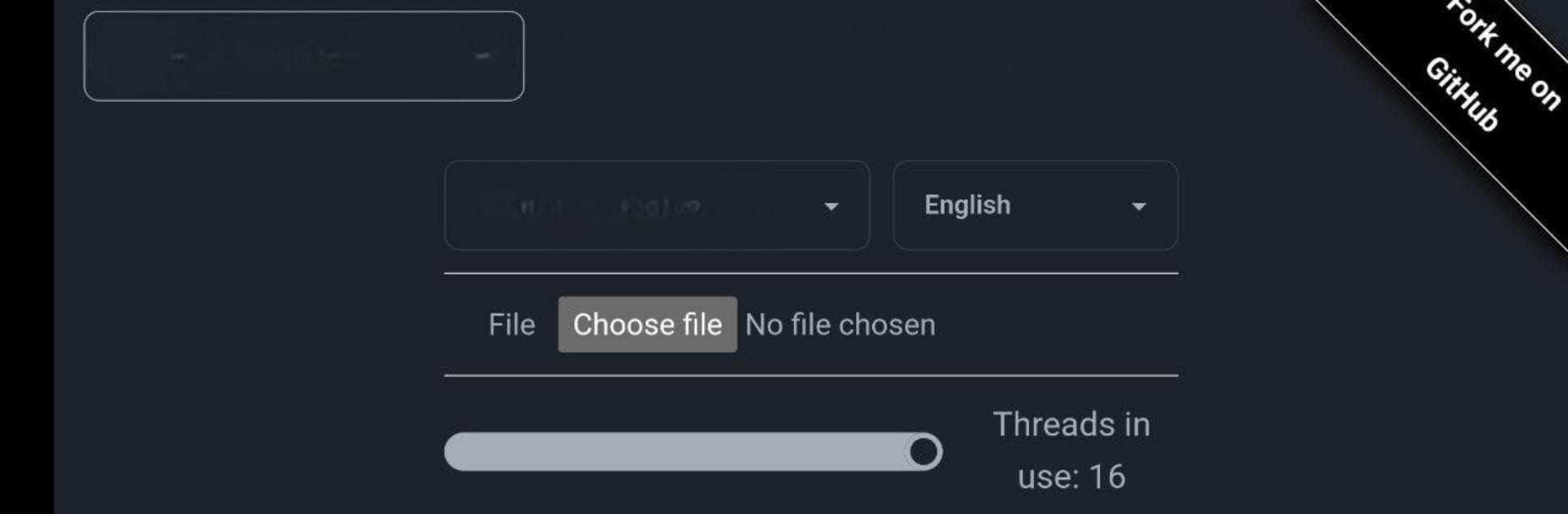
Ever wish you could snag subtitles from your favorite videos without jumping through hoops or handing your files off to someone else? Video2SRT makes it a breeze to extract subtitles—right on your own device. No need to mess with third-party services or worry about sending your videos anywhere. If you’ve got videos without subtitles or just want your own copy, this handy app has your back.
App Features
-
Local Subtitle Extraction
Pull subtitles directly from videos stored on your phone or tablet—no uploads or internet connection required. It all happens right where your files already live. -
Privacy-Focused
Whatever you process stays yours. Video2SRT keeps everything on your device, so your content doesn’t leave your hands. That’s peace of mind if your videos are personal or private. -
Open Source Transparency
Curious about how things work under the hood? The app’s open source nature means anyone can peek at the code, or just trust that there aren’t any sneaky surprises. -
Simple, Clean Interface
Don’t like clutter? Neither do we. Navigate the straightforward menus and grab your subtitles in just a few taps—no confusing setups or technical know-how needed. -
Works With Popular Video Formats
Whether it’s a common movie file or something you shot yourself, Video2SRT supports a range of video types. -
Perfect Addition for BlueStacks Users
Prefer handling things from your desktop? Video2SRT runs smoothly with BlueStacks, so you can extract subtitles even on your laptop or PC, not just your phone.
That’s Video2SRT from Matej Plavevski in a nutshell: a straightforward way to get subtitles from your videos—quickly, privately, and on your terms.
Ready to experience Video2SRT on a bigger screen, in all its glory? Download BlueStacks now.





