Tu Marea
Tu Marea

Tu Marea

Tools

| Luis Miravalles

Play on PC with BlueStacks or from our cloud

  • Overview
  • How to Download

Page Modified On: December 05, 2025

Run Tu Marea on PC or Mac

What’s better than using Tu Marea by Luis Miravalles? Well, try it on a big screen, on your PC or Mac, with BlueStacks to see the difference.

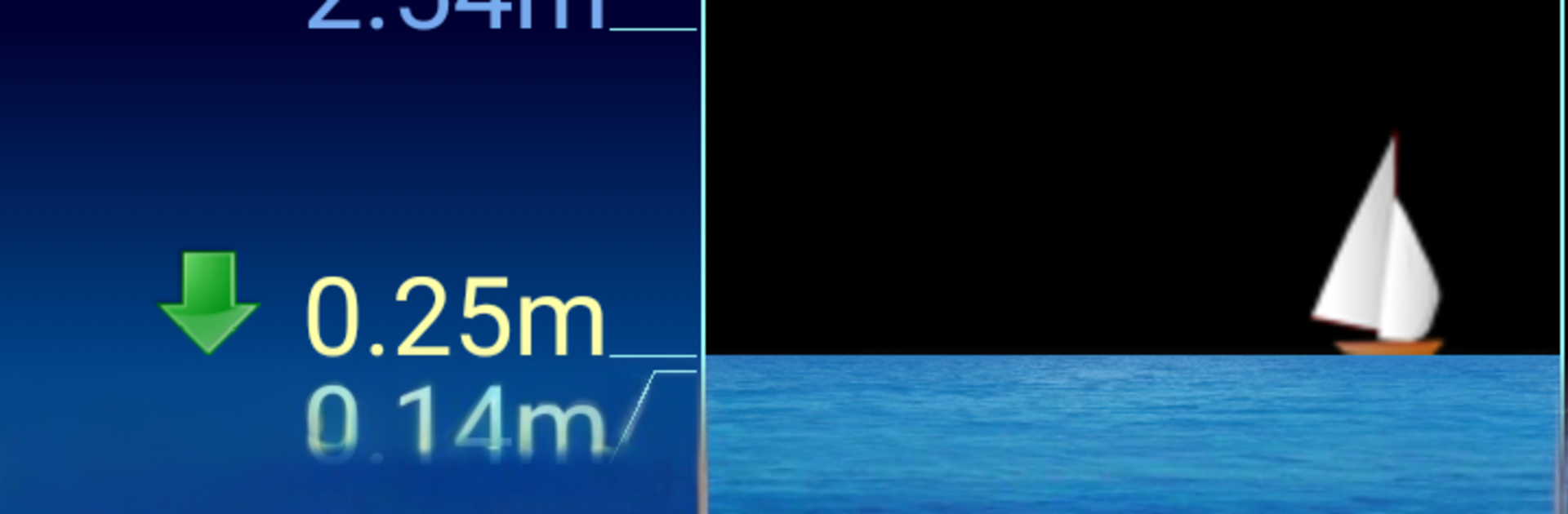
Tu Marea is a simple tide checker for the Cantabrian and Atlantic coasts of the Iberian Peninsula, and it keeps things really clear. It shows upcoming highs and lows with a clean graph of water height, so spotting spring tides is quick without hunting through menus. There is no internet required, which matters a lot when the beach has weak signal. It also tags photos to the tide level. A user can snap a picture of a favorite cove and the app will remember it, then later it shows the photo that best matches the current height. It sounds small, but it helps judge how much sand or rocks will be visible before heading out.

The app throws in moon phase plus sunrise and sunset, which rounds out planning for early mornings or late light. It runs without ads, so the screen stays uncluttered. On BlueStacks the graph and times are easy to read on a bigger display, and clicking around the timeline is smooth. The layout is plain in a good way, fast to understand. For anyone who wants extra data, there is a Pro version that adds water temperature, sea state, and wind strength. The core version already feels complete for checking tides day to day.

BlueStacks brings your apps to life on a bigger screen—seamless and straightforward.

How to Download and Run Tu Marea on PC or Mac

  • Download and install BlueStacks on your PC or Mac

  • Complete Google sign-in to access the Play Store, or do it later

  • Look for Tu Marea in the search bar at the top right corner

  • Click to install Tu Marea from the search results

  • Complete Google sign-in (if you skipped step 2) to install Tu Marea

  • Click the Tu Marea icon on the home screen to start playing

video
Watch Video

Minimum System Requirements

With BlueStacks 5, you can get started on a PC that fulfills the following requirements.

  • Operating System

    Microsoft Windows 7 or above, macOS 11 (Big Sur) or above

  • Processor

    Intel, AMD or Apple Silicon Processor

  • RAM

    at least 4GB

  • HDD

    10GB Free Disk Space

Note:

* You must be an Administrator on your PC. Up to date graphics drivers from Microsoft or the chipset vendor.

Tu Marea - FAQs

  • How to Run Tu Marea on Windows PC & Mac?

    Run Tu Marea on your PC or Mac by following these simple steps.

    • Click on ‘Download Tu Marea on PC’ to download BlueStacks
    • Install it and log-in to Google Play Store
    • Launch and run the app.
  • Why is BlueStacks the fastest and safest platform to play games on PC?

    BlueStacks respects your privacy and is always safe and secure to use. It does not carry any malware, spyware, or any sort of additional software that could harm your PC.

    It is engineered to optimize speed and performance for a seamless gaming experience.

  • What are Tu Marea PC requirements?

    Minimum requirement to run Tu Marea on your PC

    • OS: Microsoft Windows 7 and above:
    • Processor: Intel or AMD Processor:
    • RAM: Your PC must have at least 2GB of RAM. (Note that having 2GB or more disk space is not a substitute for RAM):
    • HDD: 5GB Free Disk Space.
    • You must be an Administrator on your PC.