Buzzer: Quiz Night
Buzzer: Quiz Night

Buzzer: Quiz Night

Trivia

| RMB Studios

Play on PC with BlueStacks or from our cloud

  • Overview
  • Game Features
  • How to Play

Page Modified On: September 11, 2026

Play Buzzer: Quiz Night on PC or Mac

Buzzer: Quiz Night brings the Trivia genre to life, and throws up exciting challenges for gamers. Developed by RMB Studios, this Android game is best experienced on BlueStacks, the World’s #1 app player for PC and Mac users.

About the Game

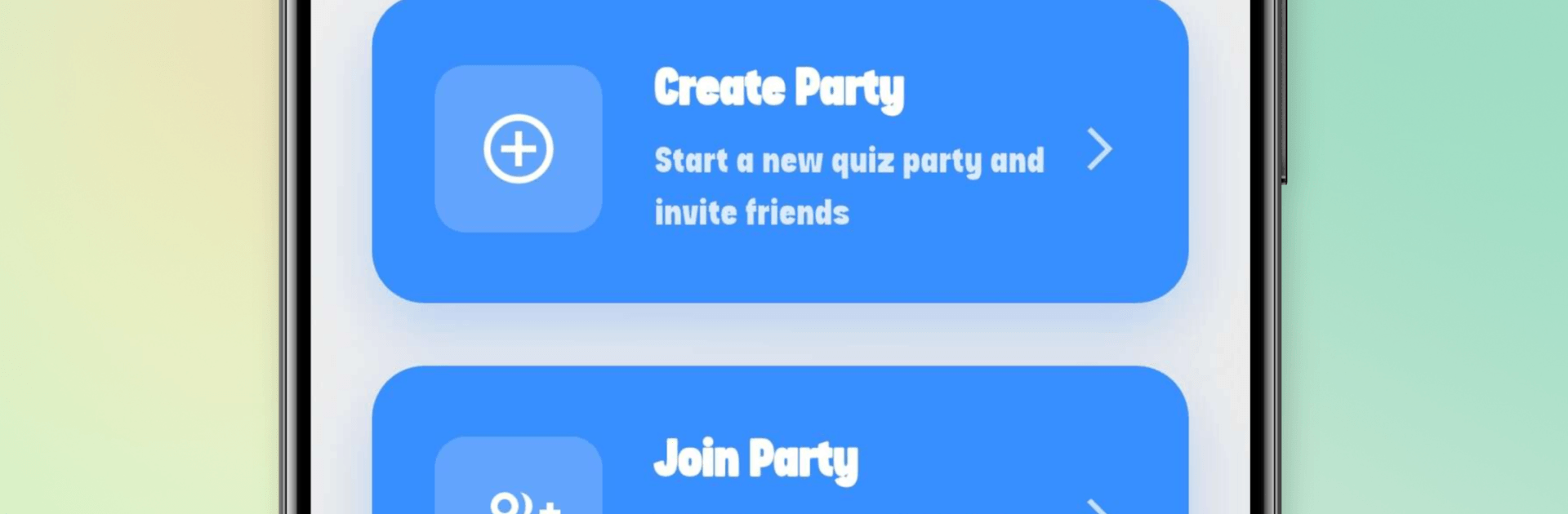
Buzzer: Quiz Night turns any hangout into a fast, funny, elbows-off-the-table game show. It’s a Trivia experience where one person hosts, everyone else gets a personal buzzer, and the race to answer first is half the fun. Fire it up on your favorite device—works great on BlueStacks if you want the big-screen vibe—and watch the room light up when someone beats the buzzer by a split second.

Game Features

  • Quick Host Setup: Open a room in seconds, become the quizmaster, and start asking questions without messing with cables or extra gear.
  • Personal Buzzers for Everyone: Each participant joins on their own device and gets a big, comfy button that feels great to tap at just the right moment.
  • Instant Buzz Detection: See (and hear) who buzzed first with crisp feedback that locks out late taps, keeping every round fair and fast.
  • Clean, Accessible Design: Large touch areas, readable text, and smooth animations make it friendly for all ages—even in dim lighting.
  • Custom Buzzer Sounds: Choose from classic game-show tones or playful effects to match your quiz’s mood, from serious showdown to silly party vibes.
  • Made for Groups: Perfect for living rooms, classrooms, and team sessions; it keeps things organized whether you’ve got a few players or a whole crowd.
  • Privacy First: No account needed and no personal data collection, so you can host and play without sign-ins or tracking.
  • Cross-Platform Comfort: Works across Android devices and tablets, and runs nicely on BlueStacks when you want more space to show off the action.

Start playing Buzzer: Quiz Night on BlueStacks and get a smoother, more comfortable PC or Mac setup.


Game Features

Enhancements

  • Macros
  • Multi Instance
  • Multi Instance Sync
  • Script
  • Enhancements
Macros

Macros

Automate the predictable in Buzzer: Quiz Night and transform your gameplay with Macros. Get access to inventive Macros in the BlueStacks Macro Community
Multi Instance

Multi Instance

Play Buzzer: Quiz Night on one window. And chat with your friend on the other. Press CTRL + Shift + 8 to open the Multi-Instance Manager. And start creating fresh instances or clone an existing one.
Multi Instance Sync

Multi Instance Sync

Play Buzzer: Quiz Night with the power of Multi-Instance Sync. Replicate what you are doing on the main instance on all other instances. Level up faster, play more.
Script

Script

Script your way to gaming glory in Buzzer: Quiz Night with BlueStacks Script. Write and run a set of commands to automate repeated tasks. Trigger the command by assigning it to any key.
Read More

How to Download and Play Buzzer: Quiz Night on PC or Mac

  • Download and install BlueStacks on your PC or Mac

  • Complete Google sign-in to access the Play Store, or do it later

  • Look for Buzzer: Quiz Night in the search bar at the top right corner

  • Click to install Buzzer: Quiz Night from the search results

  • Complete Google sign-in (if you skipped step 2) to install Buzzer: Quiz Night

  • Click the Buzzer: Quiz Night icon on the home screen to start playing

video
Watch Video

Minimum System Requirements

With BlueStacks 5, you can get started on a PC that fulfills the following requirements.

  • Operating System

    Microsoft Windows 7 or above, macOS 11 (Big Sur) or above

  • Processor

    Intel, AMD or Apple Silicon Processor

  • RAM

    at least 4GB

  • HDD

    10GB Free Disk Space

Note:

* You must be an Administrator on your PC. Up to date graphics drivers from Microsoft or the chipset vendor.

Buzzer: Quiz Night - FAQs

  • How to play Buzzer: Quiz Night on Windows PC & Mac?

    Play Buzzer: Quiz Night on your PC or Mac by following these simple steps.

    • Click on 'Play Buzzer: Quiz Night on PC’ to download BlueStacks
    • Install it and log-in to Google Play Store
    • Launch and play the game.
  • Why is BlueStacks the fastest and safest platform to play games on PC?

    BlueStacks respects your privacy and is always safe and secure to use. It does not carry any malware, spyware, or any sort of additional software that could harm your PC.

    It is engineered to optimize speed and performance for a seamless gaming experience.

  • What are Buzzer: Quiz Night PC requirements?

    Minimum requirement to run Buzzer: Quiz Night on your PC

    • OS: Microsoft Windows 7 or above MacOS 11 (Big Sur) or above
    • Processor: Intel, AMD or Apple Silicon Processor
    • RAM: Your PC must have at least 4GB of RAM. (Note that having 4GB or more disk space is not a substitute for RAM)
    • HDD: 10GB Free Disk Space.
    • You must be an Administrator on your PC.