

Why limit yourself to your small screen on the phone? Run AW Player, an app by AWY Studio, best experienced on your PC or Mac with BlueStacks, the world’s #1 Android emulator.
About the App
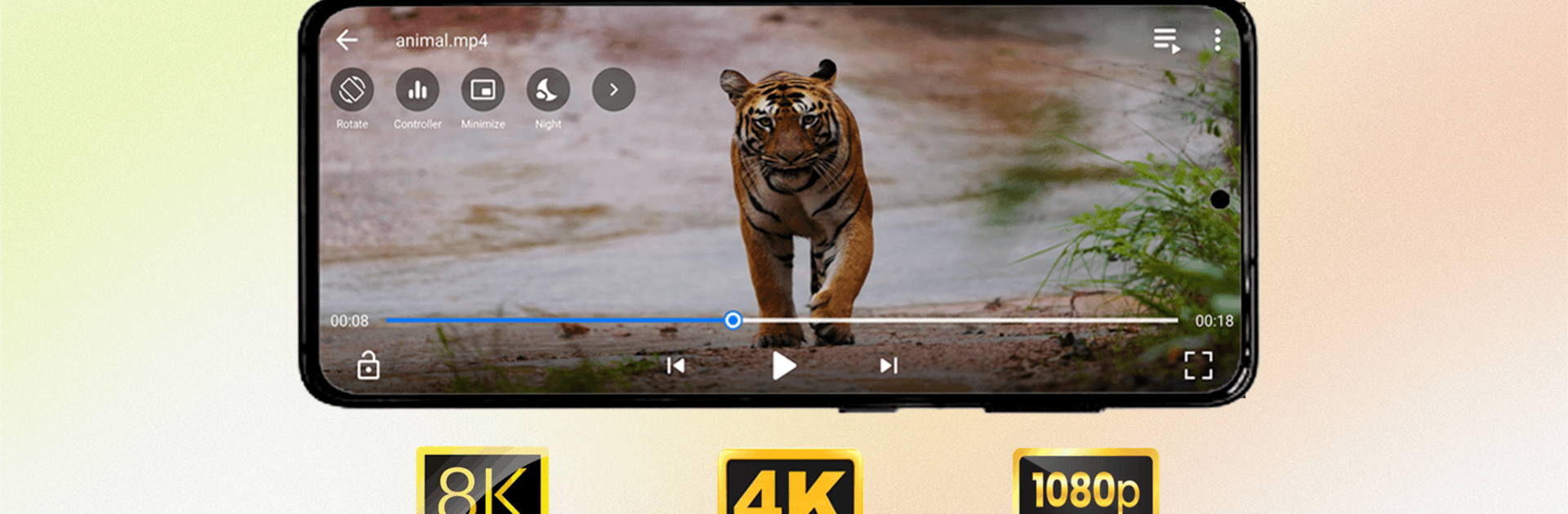
AW Player keeps video watching simple, smooth, and snappy. This Video Players & Editors app focuses on the stuff that actually matters: reliable playback, clear controls, and quick access to your videos—whether they’re stored locally or opened from a link. Want a bigger view? You can also enjoy AW Player on PC with BlueStacks.
App Features
- Smooth playback engine: Enjoy stutter-free viewing with responsive controls that feel immediate, even on long or high‑quality videos.
- Local library support: Browse and play videos from internal or external storage without fuss—your folders, neatly organized.
- Link-based streaming: Paste supported online links to start watching right away, no extra hoops to jump through.
- Resume where you left off: AW Player remembers your last position so you can pick up a movie or episode instantly.
- Lightweight performance: Fast to open, quick to scan, and optimized to stay out of your way while you watch.
- Clean, straightforward controls: A tidy interface with the essentials front and center—no clutter, just what you need.
- Wide format compatibility: Plays multiple video formats so you don’t have to worry about conversions.
- Built for everyday use: Stable handling of large files and consistent behavior make it a dependable daily driver.
- Privacy-respecting access: Requests storage permission solely to find and play your local videos—nothing more.
- Ongoing refinements: Thoughtful updates focus on stability, speed, and quality-of-life tweaks that keep the experience polished.
Switch to BlueStacks and make the most of your apps on your PC or Mac.