Crossword Party
Crossword Party

Crossword Party

Word

| JoyLink Games

Play on PC with BlueStacks or from our cloud

  • Overview
  • Game Features
  • How to Play

Page Modified On: October 08, 2026

Play Crossword Party on PC or Mac

Explore a whole new adventure with Crossword Party, a Word game created by JoyLink Games. Experience great gameplay with BlueStacks, the most popular gaming platform to play Android games on your PC or Mac.

About the Game

Crossword Party turns quick thinking into a friendly duel. It’s a fast, turn-by-turn twist on classic letter play where you and an opponent build words on a shared board and chase the top score. If you love the Word genre, expect tight strategy, clever clues, and that “just one more round” feeling. Prefer a bigger screen and a comfy setup? It runs smoothly on PC with BlueStacks.

Game Features

  • Turn-Based Showdowns: Trade turns placing letters, weaving words across the board while keeping an eye on the score.
  • Risk, Reward, Repeat: Nail a correct placement for points, complete full words for juicy bonuses, and watch out—misplaced letters can shave points off your total.
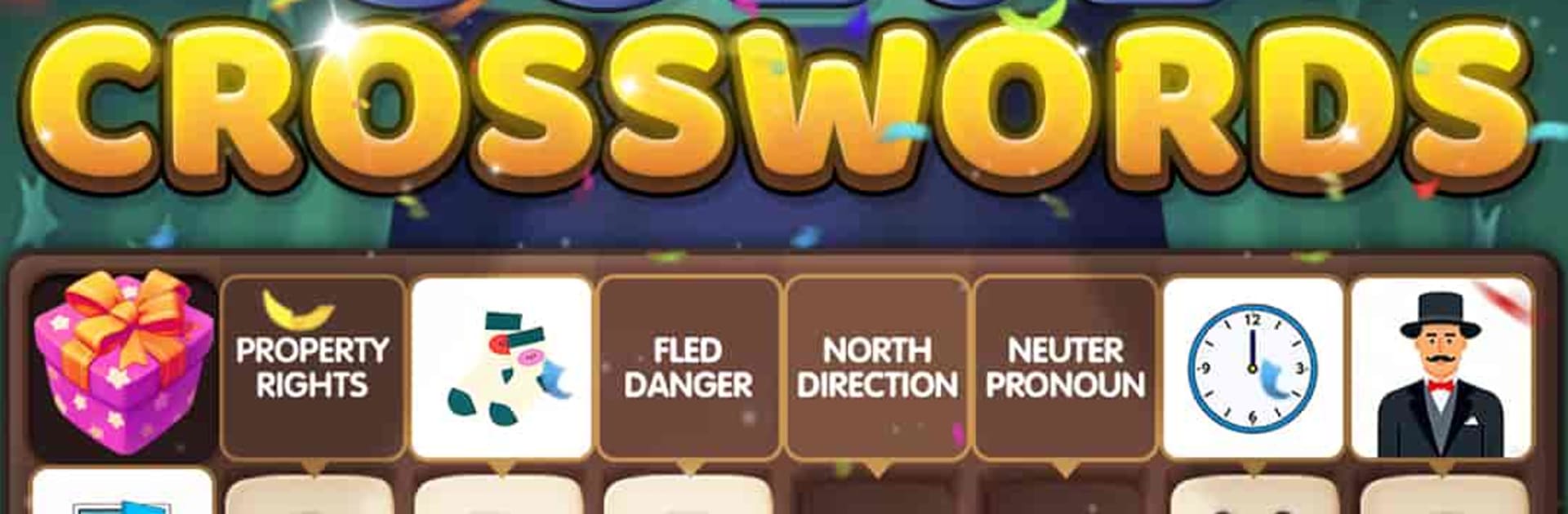
  • Picture + Text Clues: Decode fun image prompts alongside classic hints for a brain workout that hits both logic and language.
  • Letter Swap: Stuck with awkward letters? Swap them out and reshape your strategy on the fly.
  • Tactical Boosters: Use highlight hints to spot opportunities, double-point perks to swing momentum, and precision placement to fit tricky tiles.
  • Clean, Friendly Design: Simple rules and a tidy layout make it easy to start—and hard to put down.
  • Daily Brain Snacks: Fresh challenges pop in every day to keep your word skills sharp and your streak alive.
  • Strategic Depth: Outthink your rival with planned setups and clever overlaps; patience often beats pure speed.
  • Learn As You Play: Grow your vocabulary, tighten your spelling, and flex general knowledge without feeling like homework.
  • Endless Variety: A hefty word pool keeps matches feeling fresh, surprising, and a little competitive in the best way.

Get ready for a buttery smooth, high-performance gaming action only on BlueStacks.

Game Features

Enhancements

  • Macros
  • Multi Instance
  • Multi Instance Sync
  • Script
  • Enhancements
Macros

Macros

Automate the predictable in Crossword Party and transform your gameplay with Macros. Get access to inventive Macros in the BlueStacks Macro Community
Multi Instance

Multi Instance

Play Crossword Party on one window. And chat with your friend on the other. Press CTRL + Shift + 8 to open the Multi-Instance Manager. And start creating fresh instances or clone an existing one.
Multi Instance Sync

Multi Instance Sync

Play Crossword Party with the power of Multi-Instance Sync. Replicate what you are doing on the main instance on all other instances. Level up faster, play more.
Script

Script

Script your way to gaming glory in Crossword Party with BlueStacks Script. Write and run a set of commands to automate repeated tasks. Trigger the command by assigning it to any key.
Read More

How to Download and Play Crossword Party on PC or Mac

  • Download and install BlueStacks on your PC or Mac

  • Complete Google sign-in to access the Play Store, or do it later

  • Look for Crossword Party in the search bar at the top right corner

  • Click to install Crossword Party from the search results

  • Complete Google sign-in (if you skipped step 2) to install Crossword Party

  • Click the Crossword Party icon on the home screen to start playing

video
Watch Video

Minimum System Requirements

With BlueStacks 5, you can get started on a PC that fulfills the following requirements.

  • Operating System

    Microsoft Windows 7 or above, macOS 11 (Big Sur) or above

  • Processor

    Intel, AMD or Apple Silicon Processor

  • RAM

    at least 4GB

  • HDD

    10GB Free Disk Space

Note:

* You must be an Administrator on your PC. Up to date graphics drivers from Microsoft or the chipset vendor.

Crossword Party - FAQs

  • How to play Crossword Party on Windows PC & Mac?

    Play Crossword Party on your PC or Mac by following these simple steps.

    • Click on 'Play Crossword Party on PC’ to download BlueStacks
    • Install it and log-in to Google Play Store
    • Launch and play the game.
  • Why is BlueStacks the fastest and safest platform to play games on PC?

    BlueStacks respects your privacy and is always safe and secure to use. It does not carry any malware, spyware, or any sort of additional software that could harm your PC.

    It is engineered to optimize speed and performance for a seamless gaming experience.

  • What are Crossword Party PC requirements?

    Minimum requirement to run Crossword Party on your PC

    • OS: Microsoft Windows 7 or above MacOS 11 (Big Sur) or above
    • Processor: Intel, AMD or Apple Silicon Processor
    • RAM: Your PC must have at least 4GB of RAM. (Note that having 4GB or more disk space is not a substitute for RAM)
    • HDD: 10GB Free Disk Space.
    • You must be an Administrator on your PC.