How to Install and Play Block Blast! on PC with BlueStacks
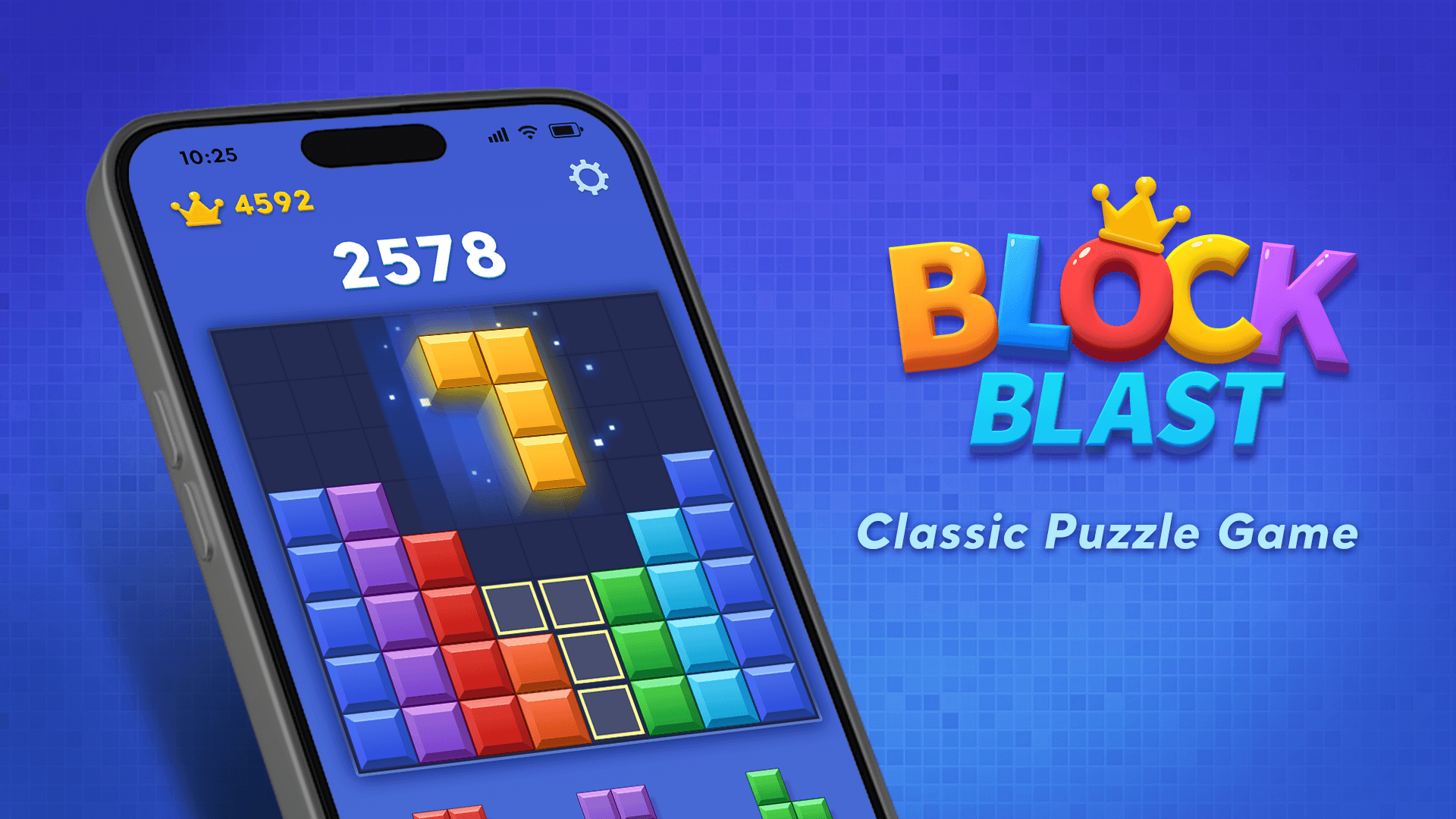

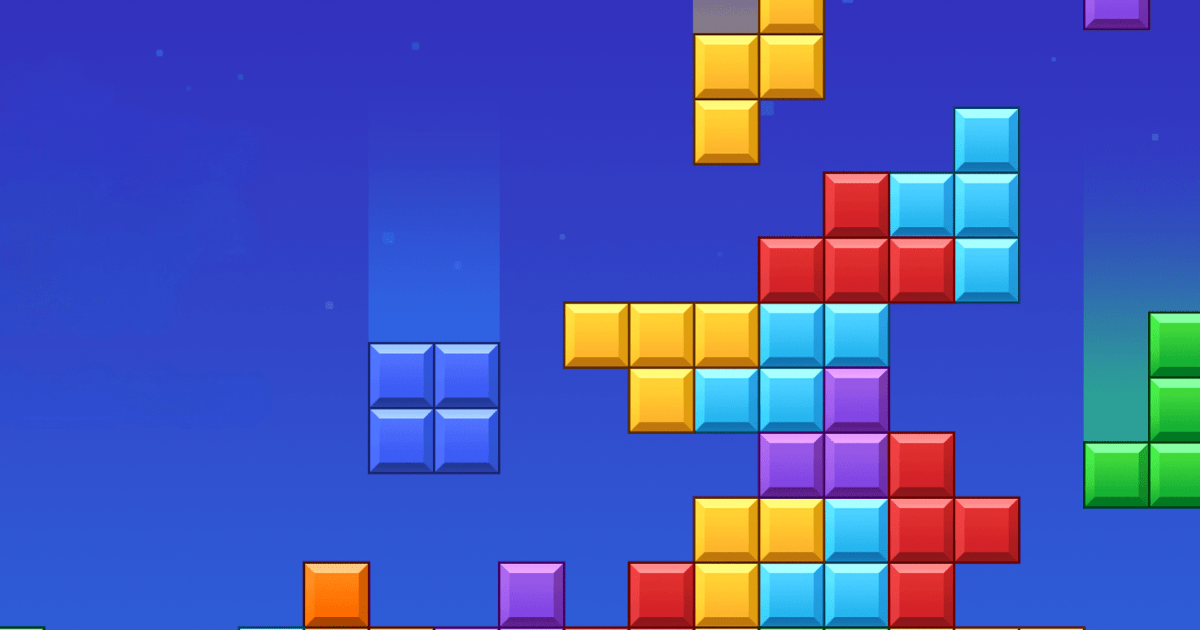
Block Blast! is a puzzle game from HungryStudio where you fit colorful shapes onto a board and complete rows or columns to clear them. Each placement matters because you need to leave enough room for the pieces still waiting to be played. Clearing several lines can help you build combos and push your score higher.
The rules are easy to pick up, but a crowded board soon gives you more to think about. You can play offline, work toward a new personal best, or try daily puzzle challenges. Bright blocks and satisfying clearing effects make each successful move feel rewarding.
How to Install Block Blast! on PC
- Head to the game’s page and click “Play Block Blast! on PC”.
- Open the downloaded installer through your browser’s downloads section.
- Complete the BlueStacks setup, then launch it on your PC.
- Sign in to the Google Play Store, install Block Blast!, and start your first puzzle.
How to Install Block Blast! on Mac with BlueStacks Air
- Download BlueStacks Air: Visit the game’s page and select “Play Block Blast! on Mac” to get the installer.
- Run the Setup: Double-click BlueStacksInstaller.pkg and follow the installation wizard.
- Open and Sign In: Launch BlueStacks Air through Applications or Launchpad, then sign in with your Google account.
- Find Block Blast!: Search for the game in the Play Store and install it.
- Begin Playing: Select the game icon once installation finishes and try your first round.
Already Using BlueStacks?
- Visit the game’s page and click the “Block Blast! on PC” button.
- Open BlueStacks on your PC or Mac.
- Download Block Blast! through the BlueStacks Store or Google Play Store.
- Launch Block Blast! and start placing your blocks.
Minimum System Requirements
Before you begin, check the requirements for BlueStacks 5 on Windows or BlueStacks Air on Mac:
- OS: Windows 7 or newer; macOS 11 Big Sur or newer.
- Processor: Intel or AMD on Windows; Apple Silicon M1–M4 on Mac.
- RAM: At least 4GB on Windows or 8GB on Mac.
- Storage: 5GB free on Windows or 12GB on Mac, plus space for the game.
- Permissions: Administrator access on Windows; permission to install software on Mac.
- Graphics Drivers: Current Windows drivers from Microsoft or your graphics hardware manufacturer.
Block Blast! is a good fit when you want a short puzzle break after homework or something to play during a quiet evening. Since you are chasing your own score, you can focus on improving one decision at a time. You could also take turns on a shared computer and see who can put together the strongest run.
Playing Block Blast! on PC or Mac with BlueStacks gives you a bigger screen to study the board before placing a piece. Mouse controls make dragging blocks feel familiar, while keyboard shortcuts can help you navigate the app. Settle into a comfortable setup and enjoy each puzzle at your own pace.