Cricket All Stars Beginners Guide - Everything you Need to Know About Krafton’s New Cricket Game

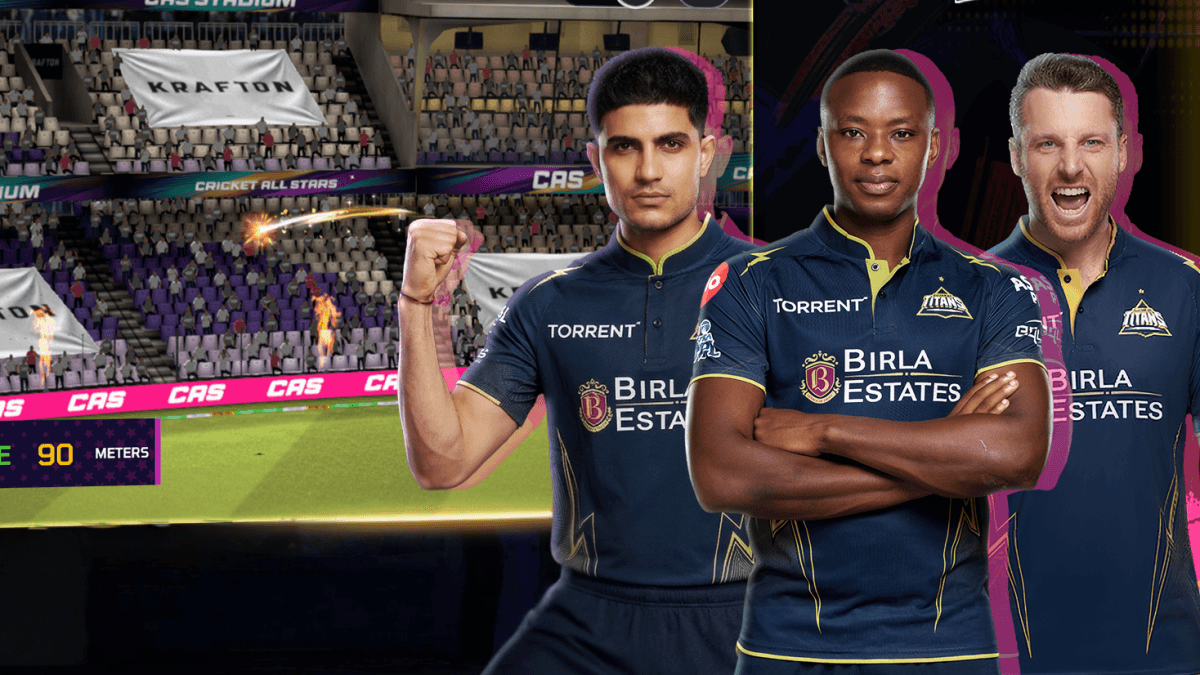
Welcome to the thrilling world of Cricket All Stars. No matter if it is your first time walking to the cricket field or you are a hard-core cricket fan returning to your favorite sport, this Cricket All Stars beginners guide will assist you in making the most of each ball. This game, designed by Krafton, delivers the exciting atmosphere of a stadium right to your palm. It features lifelike visuals coupled with seamless gameplay, making it an ideal pick for anyone who loves cricket. Follow us as we cover all you need to begin and master the game.

Getting Started with Installation
Before you can hit those winning shots, you need to get the game up and running on your device. Currently, the game is in an early access phase, which means it is primarily available on Android devices. To download it, simply head over to the Google Play Store on your mobile device, search for the title, and look for the version featuring cricket stars on the cover. Make sure you check for the Early Access tag on the page, click Download, and let the resources install.

If you prefer playing on a larger screen, you can also use BlueStacks to play on your PC or Mac. This is a great way to enjoy the game with a keyboard and mouse, which can make batting and bowling feel more precise than tapping on a phone screen. The system requirements are quite reasonable for most modern machines. You will need at least 4GB of RAM and about 10GB of free disk space. To get started on PC, visit the game page, download the installer, open it, and sign into your Google account to find the game in the store. Once you have it installed, you are ready for your first match.
Understanding the Game Modes in Cricket All Stars
One of the best parts of this game is the variety of ways you can play. Whether you only have five minutes for a quick break or you want to settle in for a long tournament, there is a mode for you. This Cricket All Stars guide helps you categorize them so you can choose the right one for your mood.
| Game Mode | Purpose | Who is it for? |
| Quick Match | Short and sweet gameplay | Casual players with little time |
| Friendly Match | Practice and casual play | Players testing new formations |
| Indian Pro T20 League | Full tournament progression | Players looking for a serious grind |
| 20 Over World Cup | International championship | Players aiming for national glory |
The Quick and Friendly matches are perfect for when you just want to experience the thrill of the game without worrying about league tables. These modes are low stakes and great for practicing your timing. On the other hand, the T20 League and the World Cup modes require more dedication. You will need to manage your team, make tactical decisions, and lead them through the brackets to claim the title. In the future, keep an eye out for more modes like the ODI World Cup and various international T20 leagues that will expand your experience further.
Master the Gameplay and Control Systems of Cricket All Stars
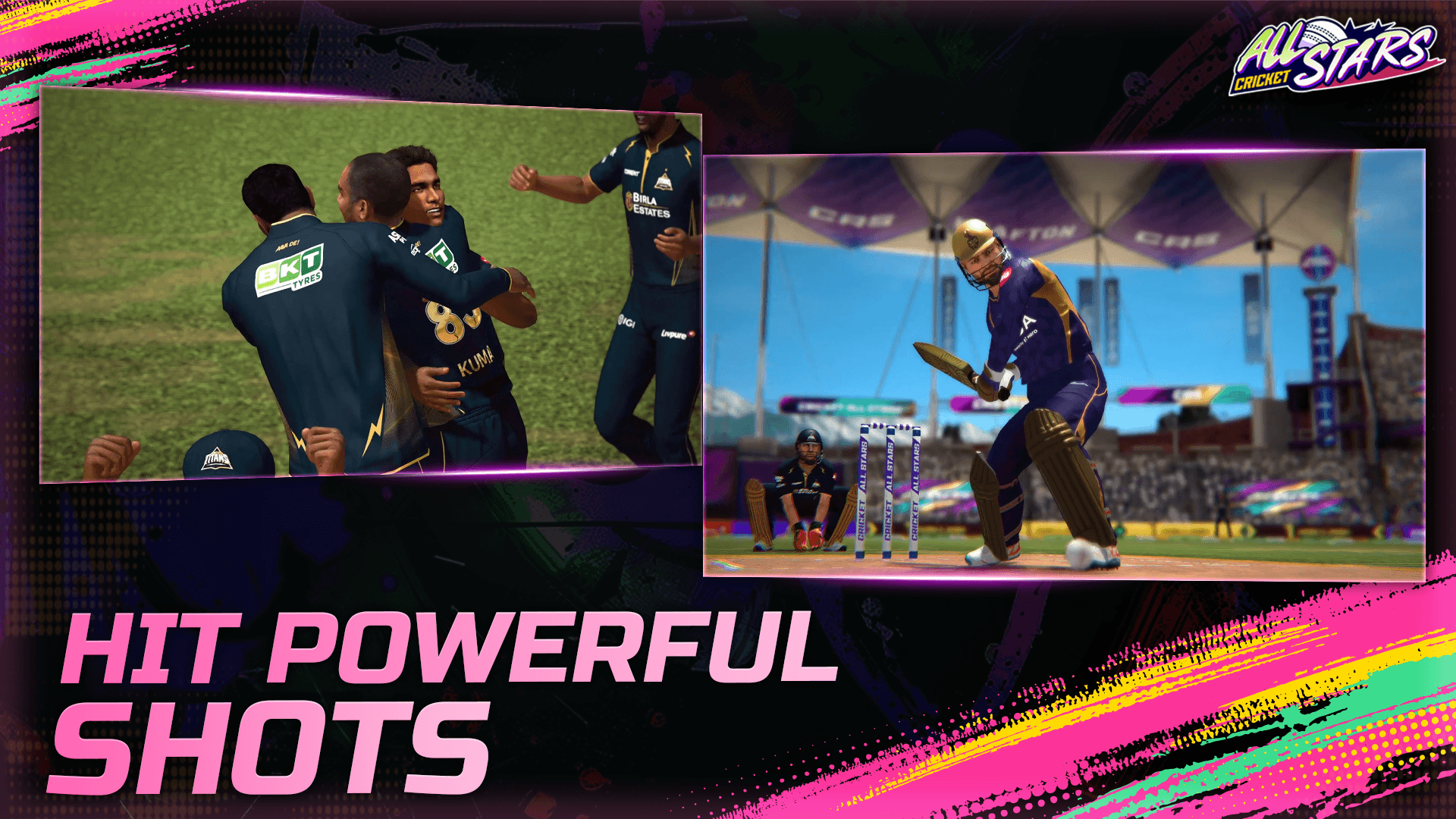
The gameplay is designed to feel like a live TV broadcast, which adds a lot of immersion. From the camera angles to the stadium lights and fireworks, everything is built to make you feel like you are in the middle of a big match.
When it comes to controlling the action, you have options. The game offers classic button controls that allow you to manually select the shot you want to play or the type of delivery you want to bowl. If you are new to the genre, the game provides guided batting feedback after every delivery. This is a crucial feature because it teaches you how to time your shots correctly and which deliveries are best for different types of bats.

For players who prefer a more relaxed experience, there is also an auto play feature. With this enabled, the AI takes control of the match, simulating the action live on screen. This can be a great way to watch how the game handles different situations or to simply sit back and enjoy the stadium atmosphere if you are busy. However, for those who want to be competitive, mastering the manual controls is the way to go. You will need to balance your risk and reward when choosing shots, especially when the bowling difficulty ramps up from Amateur to Legendary.
Building Your Dream Squad in Cricket All Stars
A big part of the fun in Cricket All Stars is the ability to build and customize your team. You have the option to build a Dream Squad from scratch. While you will start with some generic players, the process of scouting and signing talent is where the real strategy comes into play. You can compete with other players in real time, so having a balanced squad is vital.

Customization goes beyond just the players. You can modify your stadium to match your vibe. This includes changing the types of wickets, the flags flying in the stands, and even the fireworks display. It is these little touches that make your team feel unique to you. As you progress, you will unlock more items and match day gear to show off to your opponents.
Players can enjoy playing Cricket All Stars on a bigger screen of their PC or Laptop via BlueStacks along with your keyboard and mouse.