How to Install and Play Cricket All Stars on PC with BlueStacks


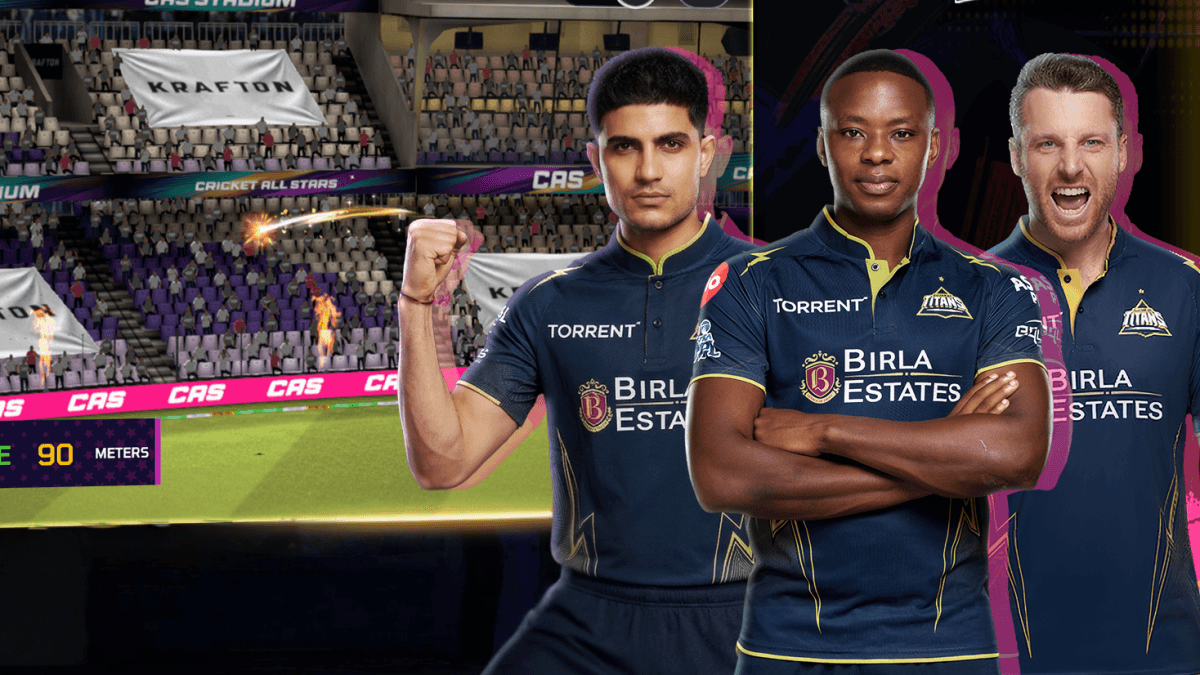
Cricket All Stars is a cricket game that puts you right in the middle of a lively stadium. Every ball, shot, and crowd cheer helps make each match feel exciting. This sports game has smooth visuals, simple controls, and different match types for both new players and cricket fans.
You can play quick matches, friendly matches, test matches, the Indian Pro T20 League, and the 20-Over World Cup. You can also play with licensed teams like Kolkata Knight Riders and Lucknow Super Giants, build your squad, earn rewards, and set up your stadium with different match-day items.
How to Install Cricket All Stars on PC
- Go to the game’s page and click on the “Play Cricket All Stars on PC” button.
- Find the downloaded file in your browser’s downloads section and open it.
- Install BlueStacks, then launch it on your PC or Mac.
- Sign in to the Google Play Store, install Cricket All Stars, and start playing.
How to Install Cricket All Stars on Mac with BlueSt acks Air
- Download BlueStacks Air: Go to the game’s page and click on the “Play Cricket All Stars on Mac” button to download the installer.
- Install BlueStacks Air: Open the BlueStacksInstaller.pkg file and follow the steps on your screen.
- Launch and Sign In: Open BlueStacks Air from Launchpad or the Applications folder, then sign in with your Google account.
- Install Cricket All Stars: Search for Cricket All Stars in the Play Store and install it.
- Enjoy Playing: Open the game and start your first match.
Already Have BlueStacks Installed?
- Go to the game’s page and click on the “Cricket All Stars on PC” button.
- Open BlueStacks on your PC or Mac.
- Install Cricket All Stars from the BlueStacks Store or Google Play Store.
- Start playing and take your team into the match.
Minimum System Requirements
BlueStacks runs games like Cricket All Stars well on many PCs and Macs with these simple system needs:
- OS: Microsoft Windows 7 and above, macOS 11 (Big Sur) or above
- Processor: Intel, AMD Processor, or Apple Silicon Processor (M1-M4)
- RAM: Your PC or Mac must have at least 4GB of RAM
- Storage: 10GB Free Disk Space
- Permissions: Administrator access on your PC or Mac
- Graphics drivers: Up-to-date graphics drivers from Microsoft or the chipset vendor
Cricket All Stars is a good pick for players who want fast cricket matches and easy controls. You can jump into a Quick Match when you only have a few minutes, or play longer modes if you want a more serious match. The game also gives feedback after deliveries, which helps you learn timing, shot choice, and control bit by bit.
Playing Cricket All Stars on PC or Mac with BlueStacks can make the game feel more comfortable, especially if you prefer a bigger screen. You can see the pitch, ball movement, and stadium action more clearly. And with keyboard and mouse controls, batting and match actions can feel easier than tapping on a small phone screen.