Free Fire The Unseen Guide – How to Capture All 22 Haunted Manor Photos
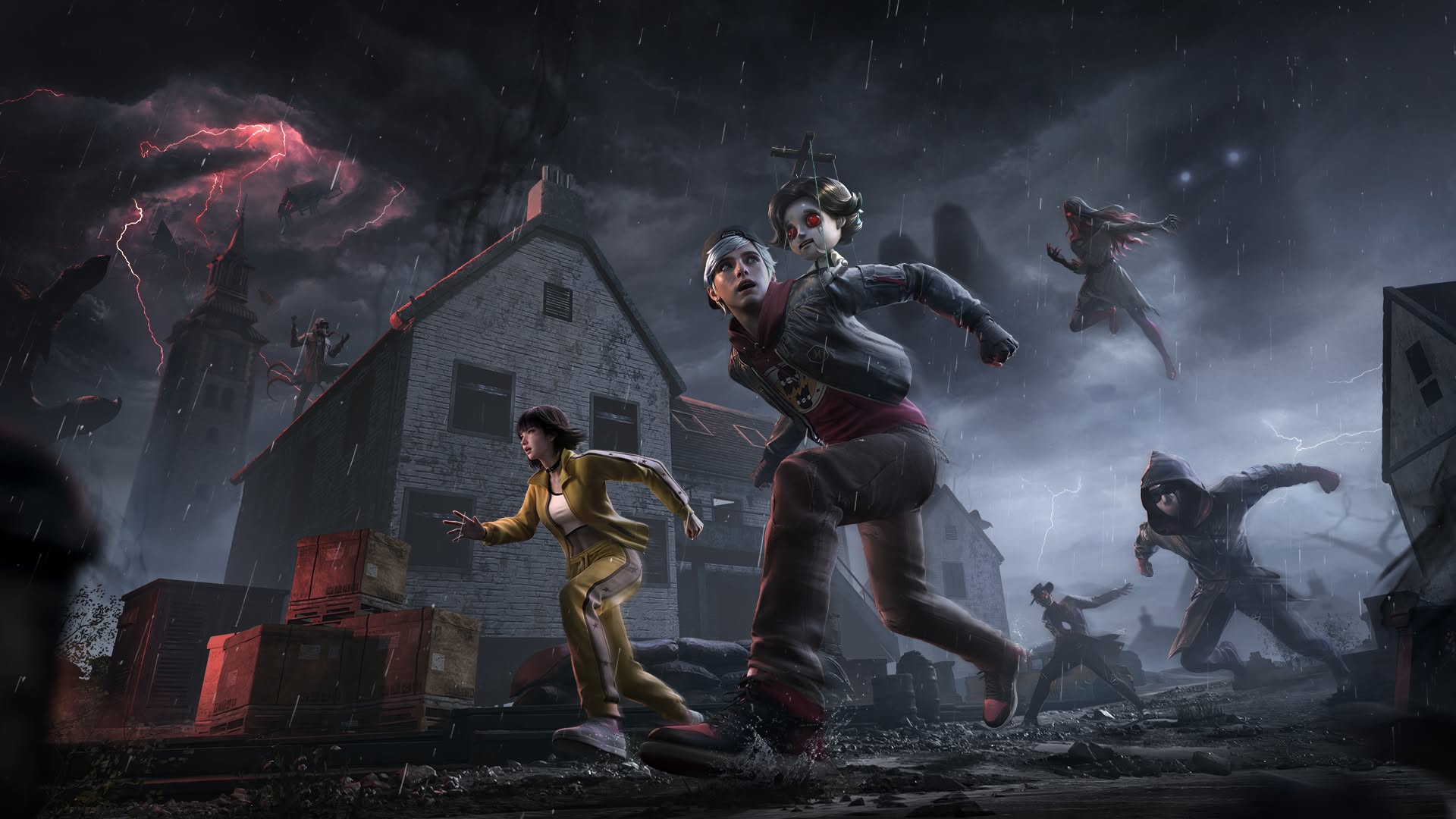

Free Fire’s Halloween celebration introduces The Unseen, an interactive event where players investigate a haunted manor, discover strange anomalies during matches, and collect photographs to complete a special album. The event features 22 photos in total, and collecting all of them rewards players with the exclusive IT KNOWS YOU title.
However, the event doesn’t immediately explain how to capture these photos. Some are hidden during regular matches, while others require players to progress through the Haunted Manor investigation. Fortunately, once you understand the two systems, completing the collection becomes much easier.
In this Free Fire The Unseen guide, we’ll explain how to use the Reveal Mask, find all 17 in-match anomalies, unlock the five Event Album photos, and complete your collection before the event ends.
How Does Free Fire The Unseen Event Work?
The Unseen combines regular gameplay missions with an interactive Haunted Manor investigation.
Players complete daily tasks to earn special Black Mask tokens. These missions include logging in, playing Battle Royale or Clash Squad ranked matches, and eliminating enemies.

After collecting tokens, players can return to The Unseen event page and spend them using the Observe button. Doing so increases their investigation progress, represented by the Panic meter.
Reaching certain Panic milestones unlocks rewards and special scenes inside the manor. The event also features a Gallery with two separate collections.
The Event Album contains five photos obtained through Haunted Manor investigations, while the In-Match Album contains 17 photos discovered during regular matches.
Completing both albums gives players all 22 entries needed to claim the IT KNOWS YOU title.
How to Capture the 17 In-Match Album Photos
The In-Match Album is the more active part of The Unseen event, requiring players to locate strange objects and supernatural anomalies while playing Free Fire.
The important thing to understand is that you don’t need to search every building manually. The game provides special indicators on the minimap that help you locate anomalies.
Here’s how the process works:
- Enter a Free Fire match and watch the minimap for grasping-hand icons associated with The Unseen event.
- Travel toward one of these icons until you reach the marked area.
- Look for an unusual mark or visual indicator near the anomaly.
- Activate the Reveal Mask tool to make the hidden anomaly visible.
- Approach the revealed object and enter its circular interaction area.
- Use the capture prompt to take its photograph and add it to your In-Match Album.


Successfully photographing an anomaly also provides a loot box containing useful match supplies, such as weapons.
You can discover several anomalies during a single match, so there’s no need to leave immediately after capturing your first photograph.
During our own testing on Bermuda, we were able to photograph multiple anomalies while continuing to play normally. The important part was checking the minimap regularly and investigating nearby icons.
All 17 Free Fire The Unseen Anomalies and Photo Locations
The In-Match Album contains 17 different entries. While some anomalies have been reported at particular locations, they can appear in different areas, so the following table should be treated as a reference rather than a list of guaranteed spawn points.
| Anomaly | Known or Reported Locations |
| Stroller | Peak, Keraton |
| Ball | Bhimasakti area |
| Strange Car | Peak/Bhimasakti area |
| Broken Puppet | Mill, Clock Tower |
| Music Box | Peak, Factory, Katulistiwa |
| Rocking Horse | Pochinok, Peak/Bhimasakti area |
| Shadow Gate | Mars Electric, Peak, Rim Nam Village |
| Faded Figure | Graveyard, Mill, Peak/Bhimasakti area |
| Dark Shadow | Peak, Pochinok |
| Red Handprint | Factory |
| Black Door | Clock Tower |
| Crying Woman Portrait | Keraton, Cape Town |
| Floating Furniture | Cape Town |
| Black Claw | Sentose, Peak/Bhimasakti area |
| Crying Mask | Location not yet confirmed |
| Mysterious Stone | Peak/Bhimasakti area |
| Glitching TV | Peak |
Several of these locations come from community-reported findings, while others were observed directly during our Bermuda matches. The table combines both types of information, so individual spawn points should not be considered exclusive or guaranteed.

For example, we encountered the Stroller, Strange Car, Dark Shadow, and Glitching TV during one match on Bermuda. In another match, we discovered the Ball, Rocking Horse, Faded Figure, Black Claw, and Mysterious Stone around the Peak and Bhimasakti areas.
These discoveries suggest that major named locations are good places to look for anomalies, but they also reinforce why relying on the minimap is more effective than following a fixed route.
If you’re missing a particular photo, continue visiting populated areas and checking the event icons. An anomaly may appear somewhere other than its previously reported location.
Best Way to Find Anomalies Quickly
The most practical strategy is to combine anomaly hunting with your regular Free Fire matches.
Bermuda is a useful map to explore because several anomalies have been observed around major locations such as Peak, Pochinok, Clock Tower, Factory, and the Bhimasakti area.
However, there’s no need to spend an entire match searching one building. Instead, move between important areas while keeping an eye on the minimap.
Whenever a grasping-hand icon appears nearby, head toward it and activate Reveal Mask to investigate.

You should also pay attention to your surroundings. The anomaly’s location may become easier to identify as you approach its marked area.
Since capturing an anomaly provides a loot box, investigating these locations can also help you collect equipment while working toward your album completion.
Most importantly, don’t assume that an anomaly has a single permanent spawn point. If you can’t find the object you’re looking for, continue playing and check other marked locations.
How to Unlock the Five Haunted Manor Event Album Photos
Unlike the In-Match Album, the five Event Album photos are unlocked through the Haunted Manor investigation system.
These photographs aren’t obtained by clicking random furniture in the manor’s main screen. Instead, players need to complete daily missions, collect Black Mask tokens, and spend them to increase their Panic progress.
The event interface displays five major milestones at 20, 50, 100, 200, and 300 progress.
During our testing, reaching the first milestone at 20 triggered a special camcorder sequence inside the manor.
The game instructed us to swipe across the screen to find strange sightings. By moving the camera toward the indicated area, we triggered a short horror scene and unlocked the first Event Album photograph.
Here’s the process:
- Complete daily tasks to collect Black Mask tokens.
- Open The Unseen event page and press Observe to spend your tokens.
- Continue increasing your Panic progress until you reach a major milestone.
- When the camcorder sequence begins, swipe across the manor to locate the strange sighting.
- Follow the directional indicators and trigger the scene before the countdown expires.
- Return to the Gallery to check your newly unlocked Event Album entry.


The first milestone at 20 progress has been confirmed to unlock an Event Album photo through this process.
The remaining four milestones appear to follow the same investigation system, although their individual photo unlocks have not all been verified.
The key takeaway is that the Event Album depends on investigation progress, while the In-Match Album depends on finding and photographing anomalies during gameplay.
How to Get the IT KNOWS YOU Title
The main collection reward in The Unseen is the exclusive IT KNOWS YOU title.
To earn it, players must collect all 22 Gallery entries, including the five Event Album photos and the 17 In-Match Album photos.
The Gallery tracks both categories separately and displays your total progress at the bottom of the screen.
For example, collecting nine in-match photos and one Event Album photo results in 10/22 overall progress.
Reaching Panic milestones also provides additional event rewards, but these are separate from the full album completion requirement.
If you’re aiming for the title, make sure you’re progressing through both parts of the event instead of focusing exclusively on matches or daily tasks.
Complete The Unseen Event Before It Ends
Free Fire The Unseen is easier to understand once you know how its two photo collections work.
For the 17 In-Match Album entries, play matches, watch for grasping-hand icons on the minimap, use Reveal Mask, and photograph the anomalies you discover. There’s no need to follow a strict route, especially since anomalies can appear around different locations.

For the five Event Album photos, complete daily tasks, spend your Black Mask tokens on Observe, and investigate the manor whenever you reach a major Panic milestone.
By progressing through both activities, you can work toward collecting all 22 photographs and unlocking the IT KNOWS YOU title.
If you prefer playing on PC, you can also enjoy Free Fire on BlueStacks, which provides keyboard and mouse controls and a larger screen for navigating the map, checking minimap indicators, and spotting anomalies during matches.