Free Fire MAX OB55 Advance Server - Release Date, Registration, Activation Code, APK and New Features
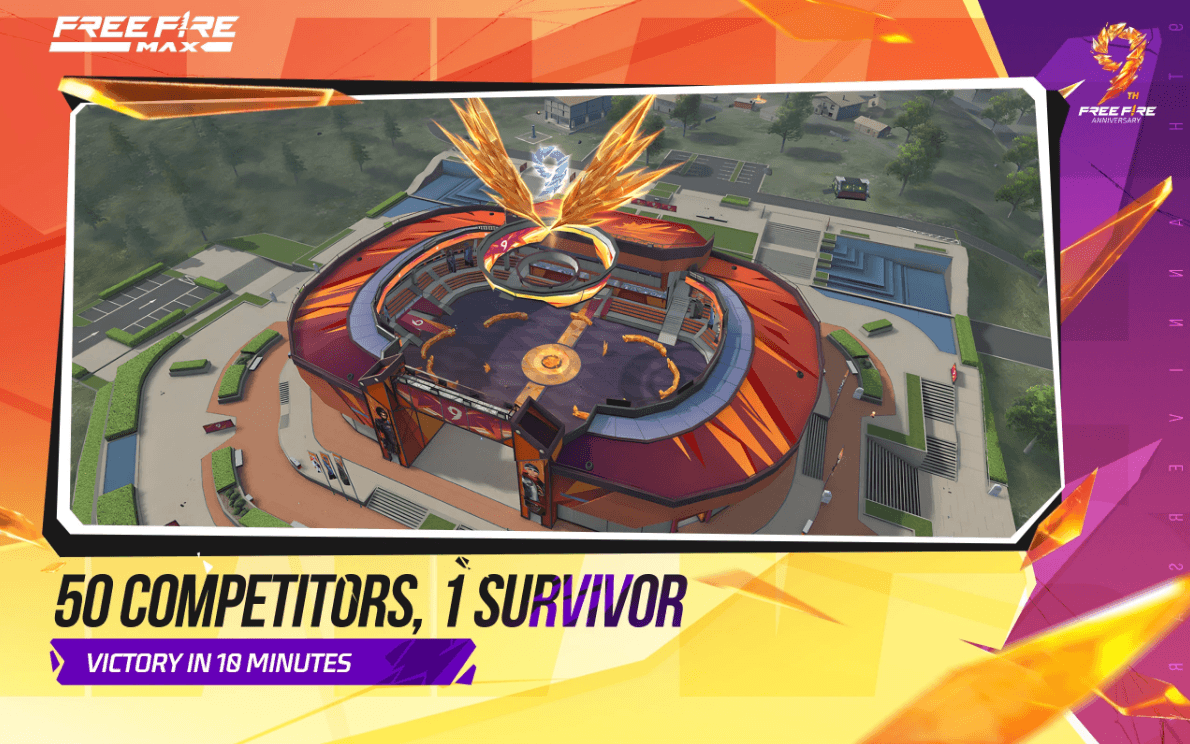
The test build for the next big update is live right now, and it is the only way to try the FO12 shotgun and the new social lobby before everyone else. This Free Fire MAX OB55 advance server guide covers the schedule, how registration and activation codes actually work, where to get the APK safely, and every feature currently being tested. Here is what you need to know.
What Is the Free Fire MAX OB55 Advance Server?
The Advance Server is Garena’s official test build, released before every major OB update. It gives a limited group of players early access to unreleased content so they can find bugs and send feedback before the update reaches everyone.
Access is deliberately restricted. Reports put the slot count somewhere in the range of 10,000 to 15,000 players, which is why registering does not guarantee entry. You need an activation code, and codes are handed out on a limited basis.

Two things worth understanding before you get invested. The Advance Server is Android only, so there is no iOS build. And nothing you see there is final. Garena regularly changes, rebalances, or removes test features before the global release, so treat everything as a preview rather than a promise.
Free Fire MAX OB55 Advance Server Release Date and Schedule
The OB55 Advance Server went live on August 21, 2026, and the APK download is currently available.
| EVENT | DATE |
| Advance Server launch | August 21, 2026 |
| Testing period ends | September 3 to September 9, 2026 |
| OB55 global update | Expected September 9 to September 16, 2026 |
The closing date is where coverage splits. Some sources report testing running through September 3, while others say the server stays open until September 9. Garena has not published a firm end date, so if you are still trying to get in, treat the earlier date as your deadline.

The main OB55 update follows roughly a week after testing wraps up. Garena typically confirms the exact global date only a few days in advance, and there will be a maintenance break on launch day.
How to Register for the Free Fire MAX OB55 Advance Server?
Registration happens through Garena’s official portal at ff-advance.ff.garena.com. The process is short:
- Open the official Advance Server website in your browser.
- Sign in using the Facebook or Google account linked to your Free Fire ID.
- Complete the registration form and provide an active email address.
- Wait for Garena to process your application.
- If selected, your activation code appears on the download page and is also sent to your email.

Save your code the moment you receive it, since you cannot enter the server without it. Note that slots fill quickly and access often works on a first come, first served basis, so signing up late in the cycle significantly lowers your chances.
Players in India can still register, though many use a VPN to reach the portal.
How to Get the Free Fire MAX OB55 Activation Code?
This is the part that frustrates most players. The activation code is a single use key tied to your account, and Garena releases only a limited number of them. Downloading the APK does not help if you do not have one.
Legitimate ways to get a code:
- Register through the official portal and check whether codes are still being issued.
- Ask a friend who received a code but is not using it.
- Watch for giveaways run by established Free Fire creators on YouTube or social channels.
What to avoid completely:
- Any website claiming to generate free activation codes.
- Anyone asking for payment in exchange for a code.
- Third party pages requesting your Free Fire login details.
Code generators do not exist. Sites offering them are either harvesting account credentials or distributing modified APK files, and using either can get your main account banned.

How to Download the Free Fire MAX OB55 Advance Server APK?
The Advance Server is distributed as a standalone Android APK rather than through the Play Store. It installs separately from your main game, so your regular Free Fire MAX account stays untouched.
- Sign in on the official Advance Server website.
- Select the Download APK option on the page.
- Allow installation from unknown sources in your Android settings if prompted.
- Install the downloaded file and open the app.
- Enter your activation code when the game requests it.
Only download from Garena’s official site. Mirror sites and APK aggregators frequently bundle modified files, and installing one risks both your device and your account.
New Features in the Free Fire MAX OB55 Advance Server
Here is what is currently being tested. All of it comes from the live Advance Server build and remains subject to change.
Interactive 3D Social Lobby
The biggest structural change in OB55. Instead of a static menu, players move freely around a shared 3D space, interact with other players, join Gladiator Arena battles, and use a new team recruitment system to form squads quickly.

New Weapons
The FO12 is the headline addition, a fully automatic shotgun built for close quarters. Unlike the M1887, which forces a burst fire rhythm, the FO12 fires continuously and carries a larger magazine, which makes pushing buildings and corridors far more forgiving. Expect it to compete hard for the best close range slot.
Also being tested are the M200, TEC-9, M7, and RPK, covering sniper, SMG, and light machine gun roles.
Character Re-balances
- Kenta receives one of the most significant reworks in the update.
- Wukong gets a noticeably shorter cooldown.
- Luna loses part of her fire rate advantage.
Bermuda changes through Craftland
The classic version of Bermuda returns using the Craftland system, bringing back the original Hangar and Factory layout without the Clock Tower. Vehicles can be spawned directly through the crouch menu.

Other Tested Additions
- A new age verification system and tighter account rules.
- New weapon reload and effect animations.
- A wrist mounted cosmetic weapon with a laser beam effect.
- Vault interface improvements.
- Event features adding new ways to move, scout, and fight.
Garena has also confirmed the Free Fire x Naruto Shippuden collaboration returns in September 2026, bringing back Chapter 1 content with new ninjutsu skills, Hidden Leaf Village locations, and Hinata Hyuga as a playable character. OB55 also lands alongside the game’s 9th Anniversary celebration.
Bug Hunter Program Rewards in Free Fire MAX OB55
Testing is not purely voluntary work. Garena runs a Bug Hunter Program alongside the Advance Server that rewards players with diamonds for reporting valid, previously unreported bugs.
Reports need to be specific and reproducible to qualify. Vague complaints about lag will not count, while a clearly documented issue with steps to reproduce it stands a real chance of earning a payout. Rewards scale with the severity of what you find.
Things to Know Before Joining the Free Fire MAX OB55 Advance Server
- Your Advance Server progress does not carry over to the main game. Everything resets when testing ends.
- The build is separate from Free Fire MAX, so installing it will not affect your main account.
- Features on the test server are not confirmed for global release.
- Expect bugs, since finding them is the entire point of the program.
- The server closes before the global update, so access is temporary.
Players can enjoy Free Fire MAX even more on a bigger screen of their PC or Laptop with keyboard and mouse via BlueStacks for an elevated gameplay experience.