GoreBox 27 Body Inspector Guide How to Diagnose Organ Failure and Concussions
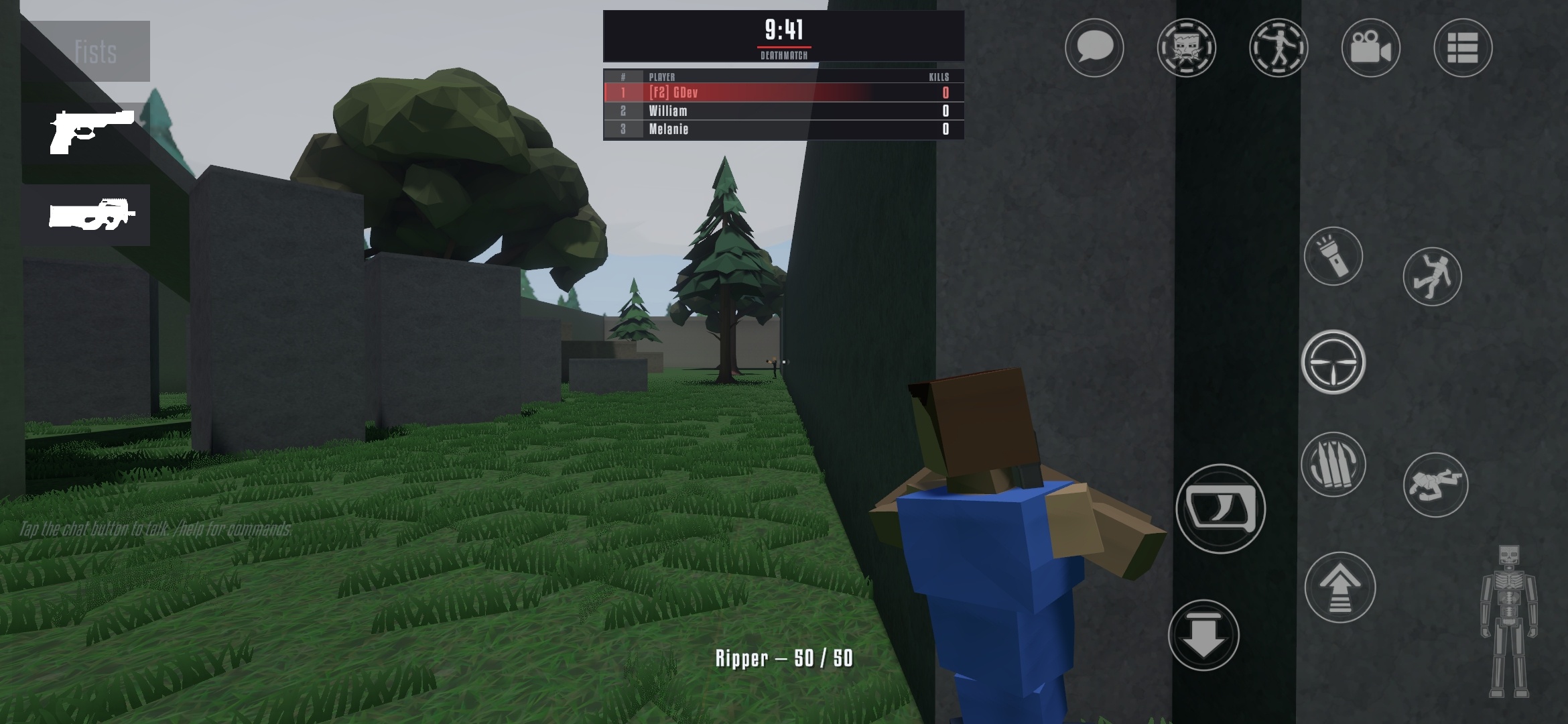
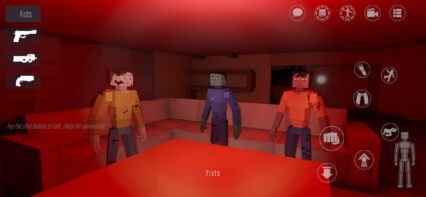
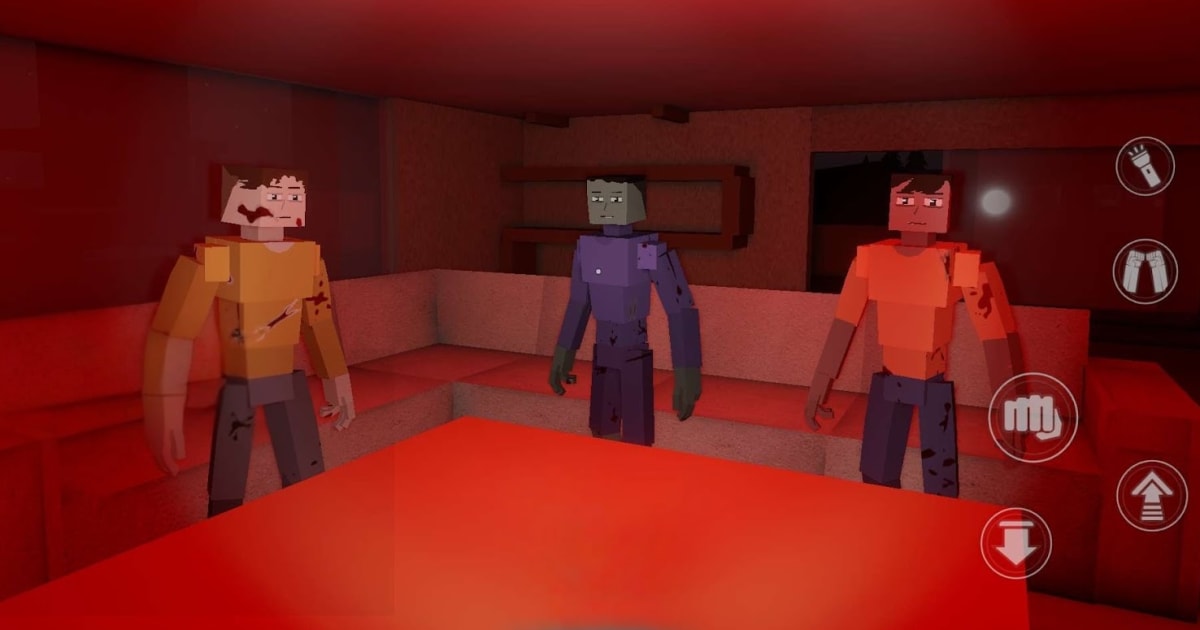
The GoreBox 27 Body Inspector is the medical chart for your character. Every body in this F²Games sandbox shooter has bones, organs and a blood supply, and damage lands exactly where the bullet, blade or fall hits. This guide explains how to read the inspector, how to catch organ failure and concussions early, and how to stop a bad wound from turning into a death screen.
What Is the Body Inspector in GoreBox 27?
The Body Inspector is a status screen that shows what is going on inside your character. GoreBox 27 skips the single health bar and tracks damage per limb, so a leg shot, a broken arm and a slow bleed all count as separate problems, gathered in one place. This is the biggest difference from lighter ragdoll games like Melon Sandbox, where bodies react to hits but rarely track what breaks inside.
The feature first arrived in the 0.5.0 Restricted Prototype on August 8, 2026. It was reworked soon after with most internal organs added and a new HUD icon. GoreBox 27 is still in Early Access and on its v0.16 builds at the time of writing, so the layout can change between patches. The readings below follow the rules the GoreBox Body Inspector has used across the series, so treat exact numbers as a guide rather than a fixed rule.

Here is what the GoreBox 27 Body Inspector shows:
- Body doll: Shows the condition of each limb, including broken and destroyed parts.
- Vitals: Tracks blood, air, pain and the other stats that decide if the character stays standing.
- Organ function: Shows the state of the internal organs, which got a big upgrade in GoreBox 27.
- Status warnings: Short alerts that flag bleeding, breathing trouble and other changes as they happen.
- Visible wounds: Bruises, cuts and torn clothing appear on your own character, matching what the chart says.
How to Open the Body Inspector in GoreBox 27
On PC, the GoreBox series has long used the Tab key to bring up the body view, so that is the first key to try. On mobile, tap the Body Inspector icon on the HUD. If the whole HUD has vanished on PC, press F9, since that key toggles the HUD on and off in GoreBox 27. Controls can move around during Early Access, so check the controls list in the settings if Tab does nothing in your build.
The panel reads your own character only. There is no confirmed way to open the chart of a bot or another player, so for everyone else, the body itself becomes the chart. That part is covered further below.
Players on BlueStacks can bind the inspector to any spare key with Game Controls, which makes quick checks between fights much faster.

GoreBox 27 Body Inspector Vitals Explained
Each vital tells a different part of the story. Learn what moves each bar and the chart becomes easy to read at a glance.
- Condition: Overall health. Low condition makes the character look hurt and stand weakly. Zero means death.
- Blood: How much blood is left. Condition can never sit higher than blood, so losing blood also lowers max health.
- Bloodloss: How fast blood is leaving the body, shown in millilitres. A high number means an open wound needs attention right now.
- Air: Oxygen in the body. Drowning and badly hurt lungs drain it, and empty air starts eating into health.
- Pain: Builds with every hit and fades with time. Too much pain makes the character pass out.
- Dizziness: Rises with damage and poison. High dizziness makes the screen drift, sounds echo and footing unstable.
- Adrenaline: Rises when taking or dealing damage. It speeds up punches and helps the body push through pain.
- Poison: Toxins in the body. Poison slowly drags condition down and pushes dizziness up.
How to Diagnose Internal Organ Failure in GoreBox 27
Organ failure rarely comes out of nowhere. A vital usually slides for a few seconds before the body gives up, and the inspector shows that slide clearly.

Heart Failure From Blood Loss
The heart is the organ players lose most often, and blood loss is almost always the reason. In the series, once blood drops below roughly 30 percent, the heart is very likely to fail. Low blood also starts draining air, even when the character is nowhere near water.
The warning signs usually show up together:
- The blood bar keeps sinking after the fight is over.
- Bloodloss stays high instead of settling down.
- Air starts dropping on dry land.
When all three appear, stop fighting and deal with the bleed first. In GoreBox Animosity, blood syringes, medkits and some food items refilled blood. Not every medical item from that game has made the jump to GoreBox 27 yet, so check the spawn menu in your current build before counting on one.
Lung Damage and Suffocation
Air is the vital that tracks the lungs. Chest wounds that hit the lungs drain it, and so does staying underwater too long, since GoreBox 27 lets characters swim, dive and drown. A character low on air starts breathing heavily and cannot punch or kick. If air hits zero, a red warning says the character is struggling to breathe, and health starts falling fast.
Get out of the water if drowning is the cause, or back off if the chest took the hits. Fixing a bad bleed also helps, because low blood drains air on its own.

Eye Damage and Blindness
Eye damage shows up as a red warning at the bottom of the screen. If the eyes are destroyed, the character goes blind. The moment that warning appears, pull back from the fight, because a second hit to the face ends any chance of seeing again.

Broken and Destroyed Limbs
GoreBox 27 makes limb damage obvious in play. A shot to the leg throws off balance, and a broken arm makes the character drop whatever it was holding. Broken bones can even stick out of the body. In the series, a limb breaks once its health falls low enough and gets destroyed if the damage keeps coming. A destroyed leg, or any destroyed body part other than the left arm, kills the character instantly. A destroyed left hand or broken left arm still allows light weapons in the right hand.
How to Spot a Concussion in GoreBox 27
GoreBox 27 lists knockouts, concussion and crawling as part of its damage model, and characters can either recover or bleed out. Knockouts were added in the 0.6.2 build on August 10, 2026. The game does not show a separate concussion meter in its official feature list, so the best way to spot one is through what causes it and how the character behaves after.
The main causes of a concussion or knockout:
- Head hits: Powerful blows to an unprotected head, especially headshots.
- Crashes and falls: Sudden crashes or falls from a big height.
- Small falls: Shorter drops usually only knock the character down without a blackout.
- Pain overload: Too much pain at once can also cause a blackout.
After a hard head hit, the signs look like this:
- The screen goes dark and the character ragdolls to the ground.
- On waking, the camera drifts and sounds start to echo.
- Running at full speed makes the character stumble and trip.
- The dizziness bar on the inspector sits high and slowly comes down.

A knockout is not a death, and the character can wake up and keep going. The catch is that bleeding does not stop while the character is out, so check blood loss the second the screen comes back. Move slowly until the dizziness fades, and avoid sprinting or jumping in that window. In GoreBox Animosity, an adrenaline shot could wake a knocked out character instantly and cut down pain and dizziness, which shows how closely these vitals are linked.
Players can enjoy playing GoreBox 27 on a bigger screen of their PC or Laptop via BlueStacks along with your keyboard and mouse.