How to Install and Play Guild Wars® Reforged on PC with BlueStacks
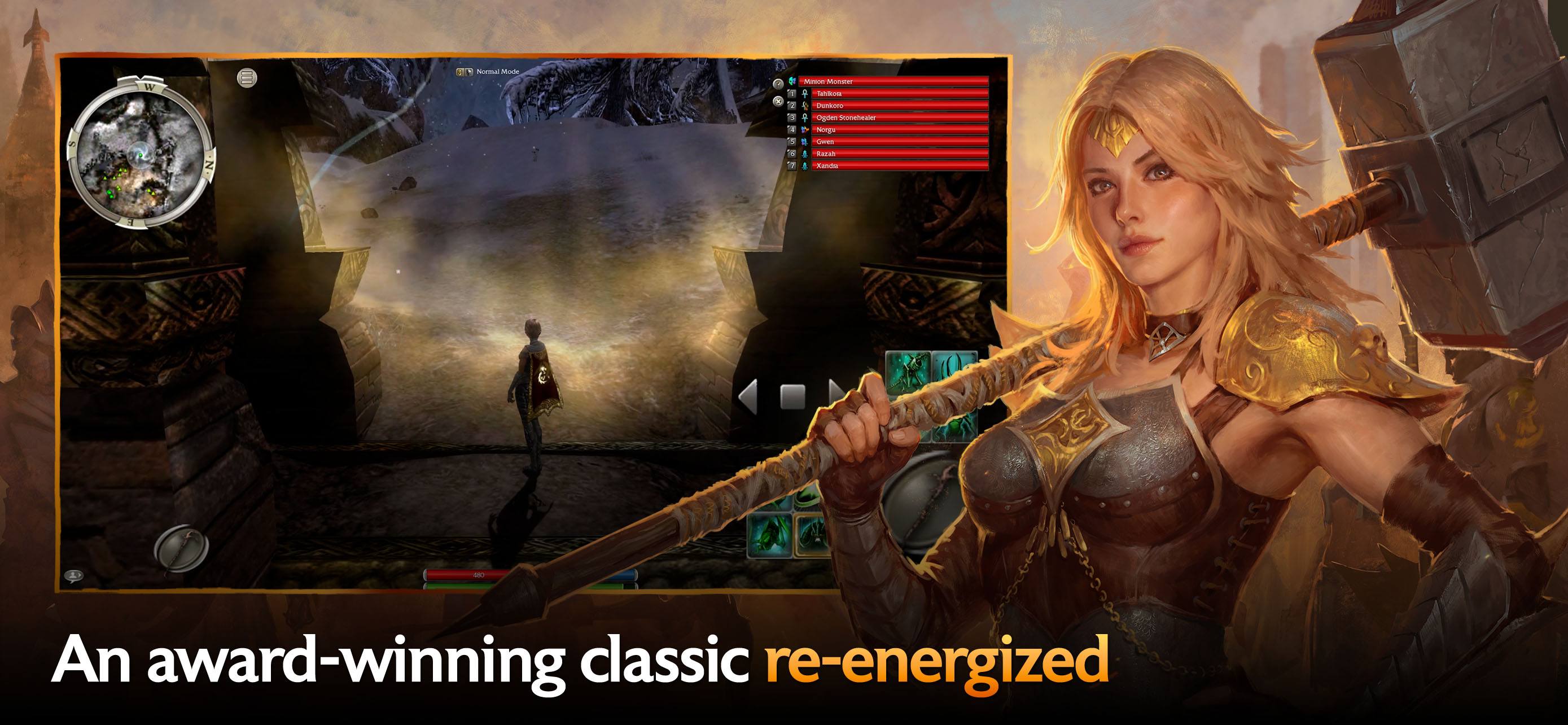

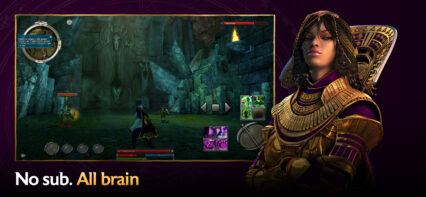
Guild Wars® Reforged is a fantasy MMORPG from ArenaNet that brings the full Tyria saga with a fresh, smoother feel. You can start your journey across three large campaigns, take on story missions, join holiday events, and build your hero from ten professions.
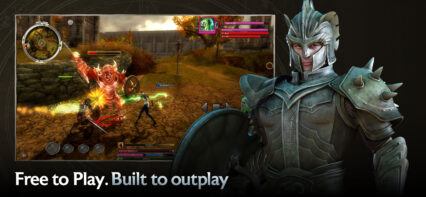
This role-playing game gives you freedom to choose how you play, from solo PvE missions with NPC allies to team battles with other players. You can also test your builds in PvP or take on harder versions of maps and missions once you want a bigger challenge.
How to Install Guild Wars® Reforged on PC
- Open the game’s page and click the “Play Guild Wars® Reforged on PC” button.
- Find the downloaded file in your browser’s downloads section and open it.
- Follow the setup steps to install BlueStacks, then launch it on your PC or Mac.
- Sign in to the Google Play Store, install Guild Wars® Reforged, and start playing.
How to Install Guild Wars® Reforged on Mac with BlueStacks Air
- Download BlueStacks Air: Visit the game’s page and click the “Play Guild Wars® Reforged on Mac” button to get the installer.
- Install BlueStacks Air: Open the BlueStacksInstaller.pkg file and follow the steps shown on your screen.
- Launch and Sign-In: Open BlueStacks Air from Launchpad or the Applications folder, then sign in with your Google account.
- Install Guild Wars® Reforged: Search for Guild Wars® Reforged in the Play Store and install it.
- Enjoy Playing: Open the game and begin your adventure in Tyria.
Already Have BlueStacks? Here’s What To Do
- Go to the game’s page and click the “Guild Wars® Reforged on PC” button.
- Open BlueStacks on your PC or Mac.
- Install the game from the BlueStacks Store or Google Play Store.
- Start playing Guild Wars® Reforged.
Minimum System Requirements
BlueStacks runs games like Guild Wars® Reforged well on many PCs and Macs, even if your setup is not high-end. Here are the basic system needs:
- OS: Microsoft Windows 7 and above, macOS 11 (Big Sur) or above
- Processor: Intel, AMD Processor, or Apple Silicon Processor (M1-M4)
- RAM: Your PC or Mac must have at least 4GB of RAM
- Storage: 10GB Free Disk Space
- Permissions: Administrator access on your PC or Mac
- Graphics drivers: Up-to-date graphics drivers from Microsoft or the chipset vendor
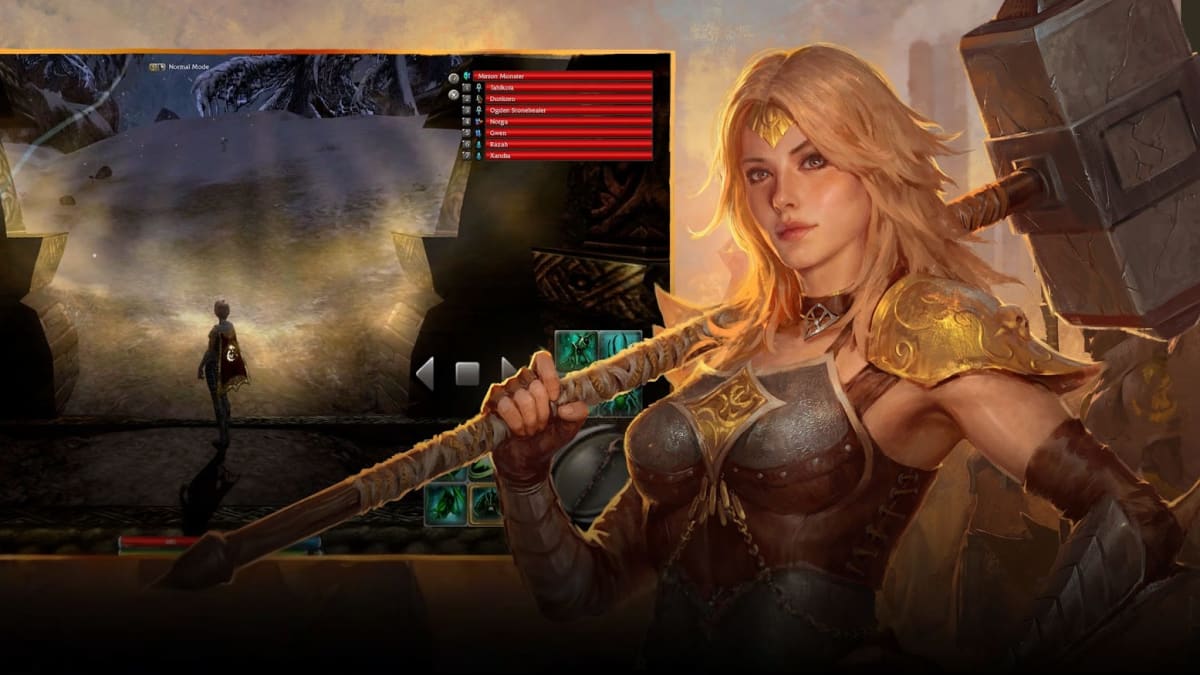
Guild Wars® Reforged is a great pick if you like fantasy games where your build matters. You can try different weapons, armor sets, and skills until your hero feels right for you. Some players may enjoy the story campaigns and quests, while others may spend more time testing builds in PvP. You can also team up with friends, bring NPC henchmen, or lead heroes into tactical battles when you need support.
Also, playing Guild Wars® Reforged on PC or Mac with BlueStacks gives you a bigger screen, keyboard and mouse controls, and a more comfortable way to play for longer sessions. This can help a lot during busy fights, party battles, and skill-heavy moments where every move matters.