How to Install and Play Hatch Dragons on PC with BlueStacks
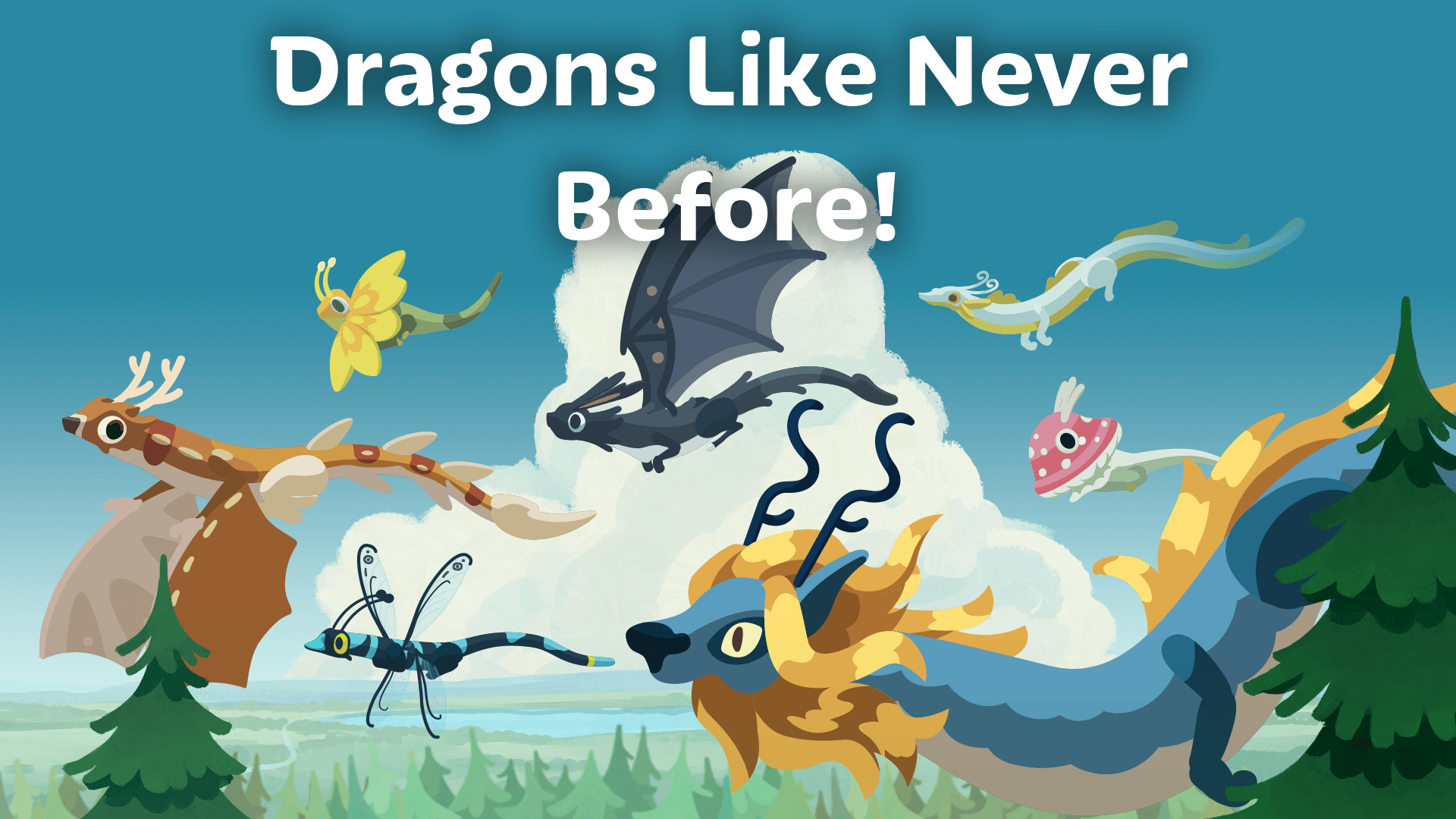
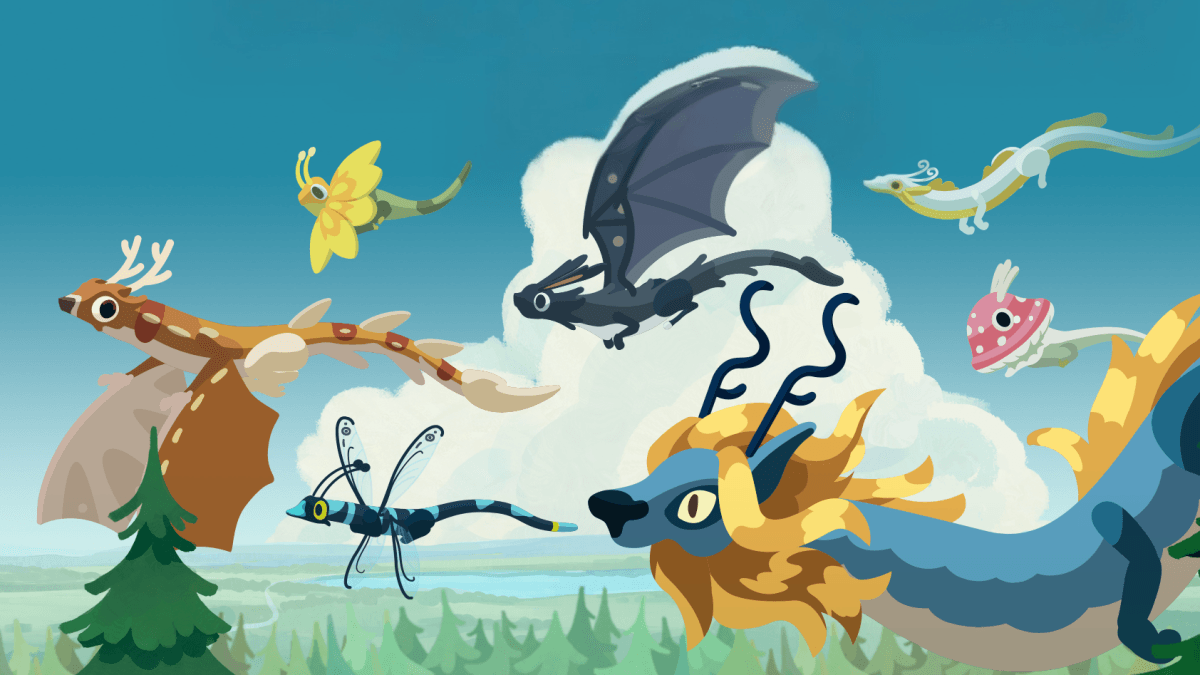
Hatch Dragons is a calm and cozy simulation game where you collect, raise, and care for magical dragons in a peaceful forest. You work with Liv the Elf to bring dragons back by hatching eggs and helping them grow. Each dragon looks different, with styles inspired by nature, such as flowers, animals, or glowing creatures
As you progress, the fog slowly fades, and your forest becomes full of life again. You can also decorate your space and take part in small quests. It’s a great pick if you like relaxing games where you collect creatures and watch them grow over time.
How to Install Hatch Dragons on PC
- Head to the game’s page and click on the “Play Hatch Dragons on PC” button.
- Once the file downloads, open it from your browser’s downloads tab.
- Run the installer to set up BlueStacks, then launch it after it finishes.
- Log in to the Google Play Store, install Hatch Dragons, and jump right in.
How to Install Hatch Dragons on Mac with BlueStacks Air
- Download BlueStacks Air: Visit the game’s page and press the “Play Hatch Dragons on Mac” button to get the installer file.
- Install BlueStacks Air: Open the BlueStacksInstaller.pkg file and follow the setup steps shown on your screen.
- Open and Sign In: Launch BlueStacks Air from your Applications folder and sign in using your Google account.
- Install Hatch Dragons: Search for Hatch Dragons in the Play Store and install it.
- Start Playing: Open Hatch Dragons and begin your dragon journey.
Already Using BlueStacks? Here’s What to Do
- Go to the game’s page and click on the “Hatch Dragons on PC” button.
- Open BlueStacks on your PC or Mac.
- Install the game through the BlueStacks Store or Google Play Store.
- Launch Hatch Dragons and start playing.
Minimum System Requirements
To run Hatch Dragons smoothly, your PC or Mac should meet these basic specs:
- Operating System: Windows 7 or newer, macOS 11 (Big Sur) or newer
- Processor: Intel, AMD, or Apple Silicon (M1–M4)
- RAM: At least 4GB
- Storage: 10GB of free space
- Permissions: Admin rights on your device
- Graphics: Updated drivers from Microsoft or your system provider
Hatch Dragons is perfect for players who enjoy calm and creative games. You can play at your own pace, whether you have a few minutes or a longer break. And the game feels even better when you start collecting more dragons and unlocking new parts of the forest. Each dragon has its own look and charm, so building your collection is always fun.
Plus, playing Hatch Dragons on PC or Mac with BlueStacks makes everything easier and more enjoyable. You get a bigger screen to see all your dragons clearly, and using a keyboard and mouse makes actions feel simple and smooth. So you can relax, grow your dragon family, and enjoy your forest without dealing with small screens or touch controls.