How to Install and Play Land of Arielia on PC with BlueStacks
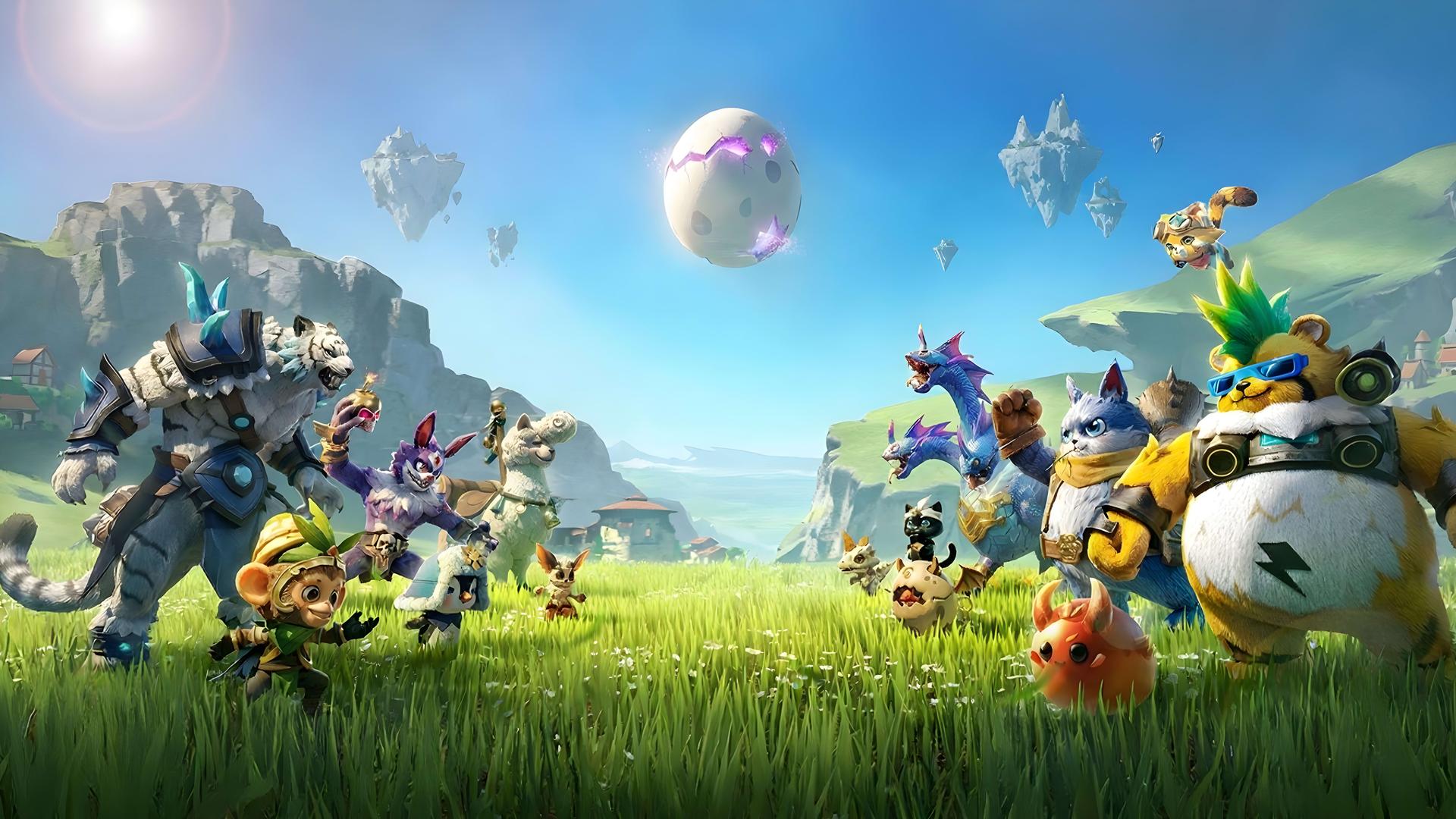

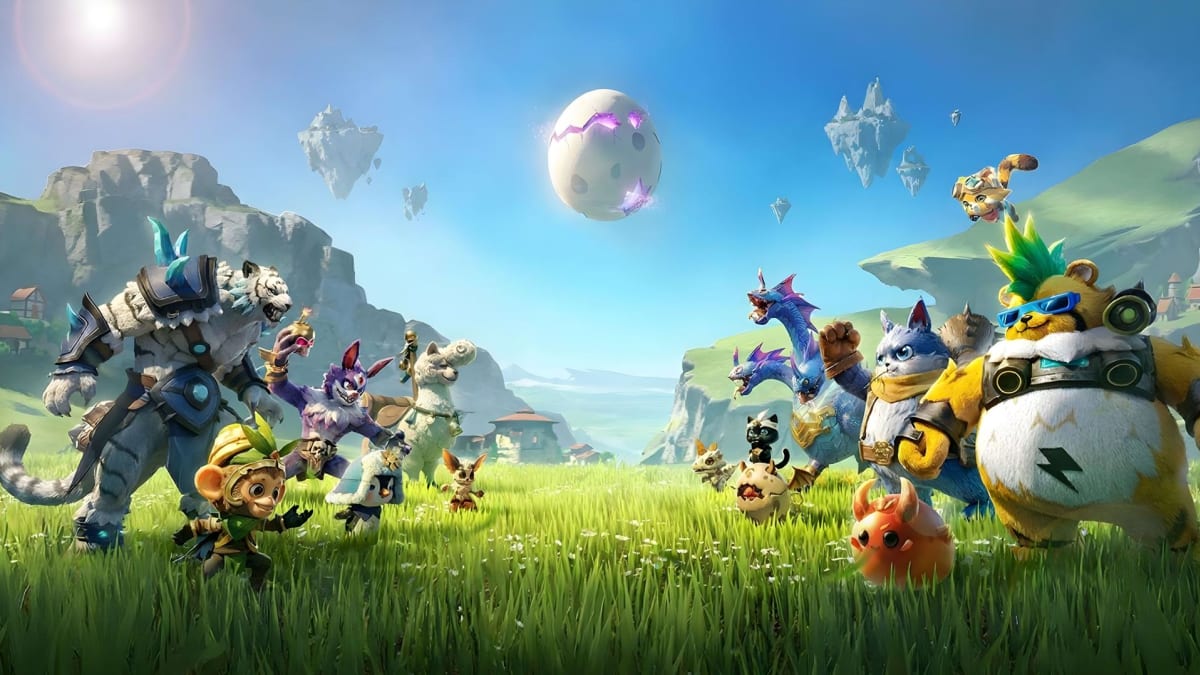
Land of Arielia is a fantasy role-playing game where you begin a journey across a magical continent shaped by ancient dragons. You play as an adventurer chasing the legend of the Dawn Saint Dragon, a powerful creature linked to wealth, glory, and the title of Adventure King.
The game lets you fly across the skies with mounts, hatch pet eggs, team up with over 100 pets, battle bosses, clear dungeons, and enjoy calmer activities like fishing. It also has automated farms and factories, so gathering resources and upgrading gear feels easier.
How to Install Land of Arielia on PC
- Visit the game’s page and click the “Play Land of Arielia on PC” button.
- Open the downloaded file from your browser’s downloads area.
- Follow the setup steps to install BlueStacks, then launch it on your PC or Mac.
- Sign in to the Google Play Store, install Land of Arielia, and start playing.
How to Install Land of Arielia on Mac with BlueStacks Air
- Download BlueStacks Air: Head to the game’s page and click the “Play Land of Arielia on Mac” button to download the installer.
- Install BlueStacks Air: Double-click the BlueStacksInstaller.pkg file and follow the on-screen setup wizard.
- Launch and Sign In: Open BlueStacks Air from Launchpad or the Applications folder, then sign in with your Google account.
- Install Land of Arielia: Search for Land of Arielia in the Play Store and install it.
- Enjoy Playing: Open the game and begin your adventure across Arielia.
Already Have BlueStacks Installed?
- Go to the game’s page and click the “Land of Arielia on PC” button.
- Open BlueStacks on your PC or Mac.
- Install Land of Arielia from the BlueStacks Store or the Google Play Store.
- Start playing and continue your journey as the Adventure King.
Minimum System Requirements
BlueStacks is made to run mobile games like Land of Arielia on PC or Mac with easy setup and smooth controls. Here are the basic requirements you need:
- Operating system: Microsoft Windows 7 and above, macOS 11 (Big Sur) or above
- Processor: Intel, AMD Processor, or Apple Silicon Processor (M1-M4)
- RAM: Your PC or Mac must have at least 4GB of RAM
- Storage: 10GB Free Disk Space
- Permissions: Administrator access on your PC or Mac.
- Graphics drivers: Up-to-date graphics drivers from Microsoft or the chipset vendor.
Land of Arielia is a good pick for players who enjoy fantasy worlds, cute companions, and a mix of action and relaxed gameplay. You can spend time building your pet team, fighting through dungeons, hunting for dragon secrets, or taking a slower break with fishing and open-world wandering.
Also, playing Land of Arielia on PC or Mac with BlueStacks gives you more space to enjoy the sky travel, colorful areas, and pet battles. A bigger screen makes it easier to follow the action, while keyboard and mouse controls can feel more comfortable during long sessions. It is a simple way to enjoy the mobile game with better control and a clearer view.