How to Install and Play Match Around on PC with BlueStacks
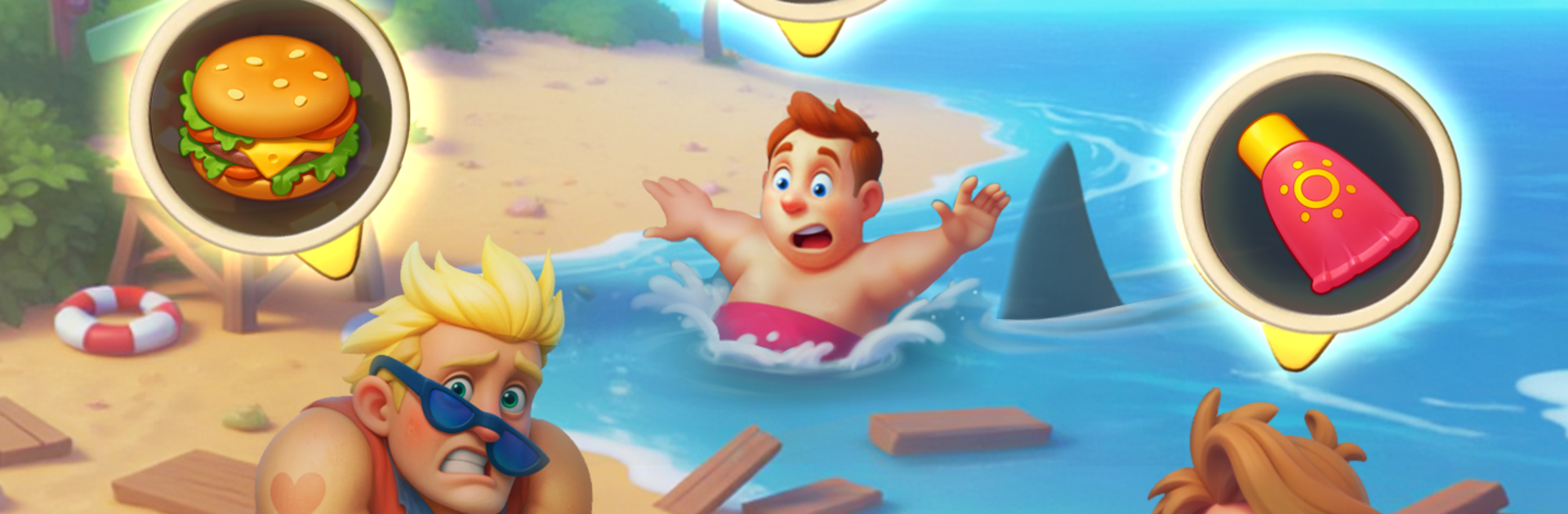
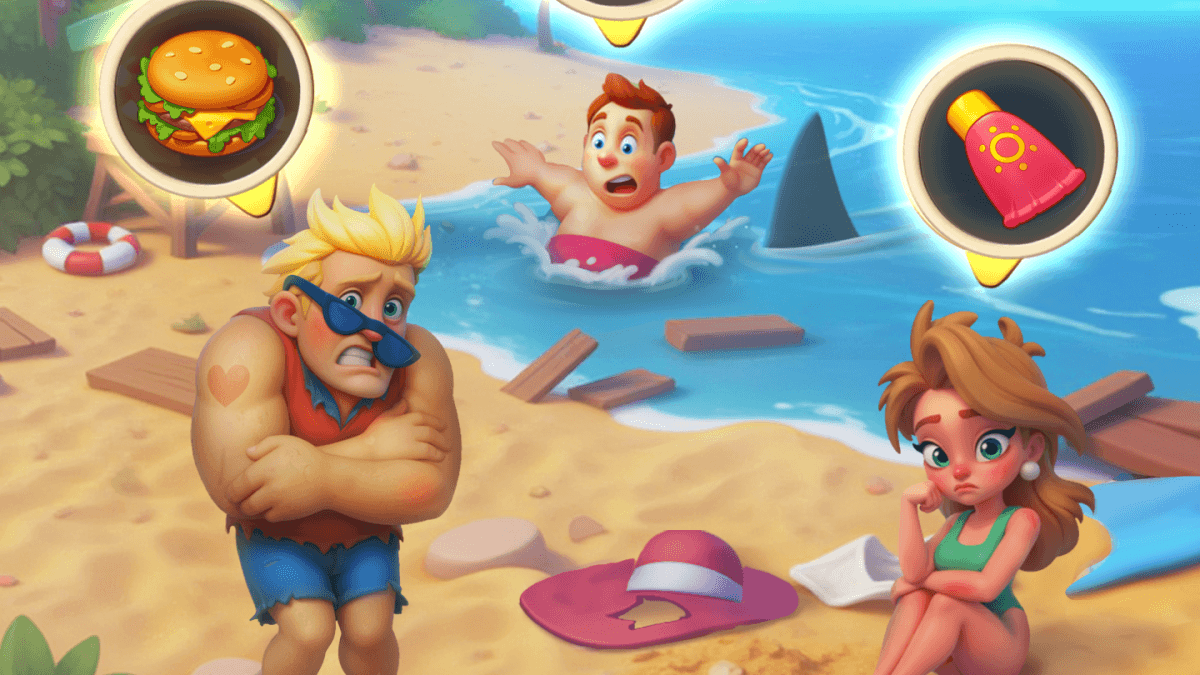
Match Around is a casual puzzle game that blends match-3 levels with simple item merging. Players move through different locations and time periods, and use energy to progress in the story and refill it by completing quick puzzle boards.
Clearing tile goals and combining matching items helps unlock new paths and tougher stages. Chapters stay fresh with new settings, while short levels and easy controls make the game great for both quick play breaks and longer sessions.
How to Install Match Around on PC
- Visit the game’s page and press the “Play Match Around on PC” button.
- Find the downloaded installer file in your browser downloads list and open it.
- Set up BlueStacks and launch it on your PC or Mac once installation finishes.
- Log in to the Google Play Store, download Match Around, and begin playing.
How to Install Match Around on Mac with BlueStacks Air
- Download BlueStacks Air: Head to the game’s page and select the “Play Match Around on Mac” button to get the installer.
- Install BlueStacks Air: Double-click the BlueStacksInstaller.pkg file and follow the setup steps on screen.
- Launch and Sign-In: Open BlueStacks Air from the Applications folder or Launchpad, then sign in with your Google account to reach the Play Store.
- Install Match Around: Search for Match Around in the Play Store and download it.
- Enjoy Playing!: Open the game and jump straight into the puzzles.
Already Have BlueStacks Installed
- Open the game’s page and click the “Match Around on PC” button.
- Start BlueStacks on your computer.
- Download the game from the BlueStacks Store or the Google Play Store.
- Launch the game and play.
Minimum System Requirements
BlueStacks runs smoothly on most home computers, so playing Match Around does not need high-end hardware. Here’s what you’ll need:
- OS: Microsoft Windows 7 or newer, macOS 11 (Big Sur) or newer
- Processor: Intel or AMD processor, or Apple Silicon (M1–M4)
- RAM: At least 4 GB of memory
- Storage: 10 GB of free disk space
- Permissions: Administrator access on your PC or Mac
- Graphics Drivers: Updated drivers from Microsoft or your chipset maker
Match Around is great for players who enjoy light puzzle sessions with a sense of progress. Friends can take turns solving stages, comparing high scores, or racing to finish chapters first. The mix of matching and merging gives players two ways to move forward, and the gameplay never feels repetitive. Younger gamers who like tidy goals, bright visuals, and short stages will feel right at home here.
Playing Match Around on PC or Mac through BlueStacks makes every board easier to manage. The larger screen shows more detail, while keyboard and mouse controls give extra precision for quick tile swaps and merging actions. It also stays comfortable for longer play times without dealing with small phone screens or touch controls.