How to Install and Play MLB® The Show™ Mobile Baseball on PC with BlueStacks
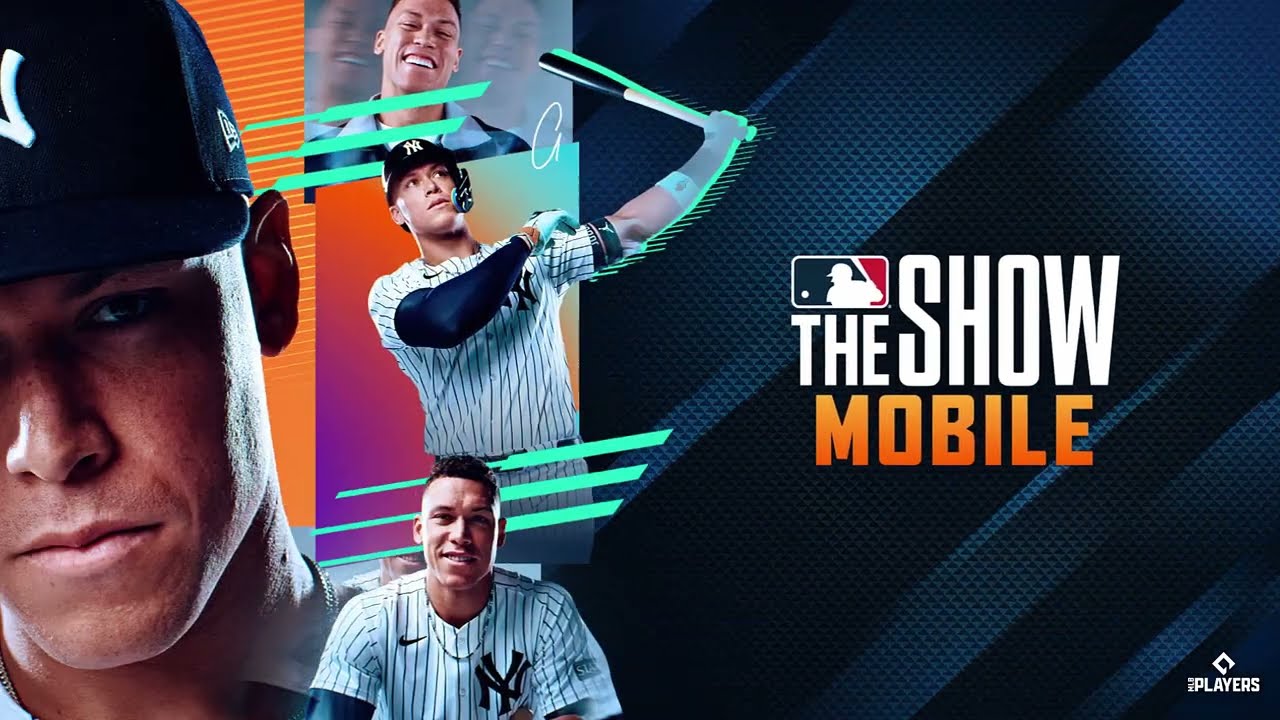

MLB® The Show™ Mobile Baseball is an officially licensed sports game that lets players build and manage their own dream team. Collect more than 900 player cards, assemble a roster of baseball stars, and put your skills to the test against other players. With fast-paced matches and skill-based controls, every game delivers an exciting and competitive experience.
In your adventures in MLB® The Show™ Mobile Baseball, BlueStacks will be your greatest ally: by playing this game on PC with BlueStacks, you can enjoy much higher quality visuals, better controls, and a more satisfying gameplay. Let’s take a look at how you can do it.
Do you have questions about the game, or our product? Join our Discord to chat and get support!
How to Install MLB® The Show™ Mobile Baseball on PC?
- Go to the game’s page, and click on the “Play MLB® The Show™ Mobile Baseball on PC” button.
- Open the downloaded file from your browser’s downloads section.
- Follow the setup steps to install BlueStacks, then open it on your PC or Mac.
- Sign in to the Google Play Store, install MLB® The Show™ Mobile Baseball, and start playing.
How to Install MLB® The Show™ Mobile Baseball on Mac with BlueStacks Air
- Download BlueStacks Air: Head to the game’s page and click on the “Play MLB® The Show™ Mobile Baseball on Mac” button to get the installer.
- Install BlueStacks Air: Double-click the BlueStacksInstaller.pkg file and follow the steps on your screen.
- Launch and Sign-In: Open BlueStacks Air from the Launchpad or Applications folder, then sign in with your Google account.
- Install MLB® The Show™ Mobile Baseball: Search for MLB® The Show™ Mobile Baseball in the Play Store and install it.
- Enjoy Playing! Open the game and begin your dark fantasy journey.
Already Have BlueStacks Installed?
- Go to the game’s page, and click on the “MLB® The Show™ Mobile Baseball on PC” button.
- Open BlueStacks on your PC or Mac.
- Install MLB® The Show™ Mobile Baseball from the BlueStacks Store or Google Play Store.
- Start Playing!
Minimum System Requirements
BlueStacks can run MLB® The Show™ Mobile Baseball on many PC and Mac setups, as long as your device meets these minimum requirements:
- OS: Microsoft Windows 7 and above, macOS 11 (Big Sur) or above
- Processor: Intel, AMD Processor, or Apple Silicon Processor (M1-M4)
- RAM: Your PC or Mac must have at least 4GB of RAM
- Storage: 10GB Free Disk Space
- Permissions: Administrator access on your PC or Mac.
- Graphics drivers: Up-to-date graphics drivers from Microsoft or the chipset vendor.
MLB® The Show™ Mobile Baseball lets you build a team filled with today’s stars and legends of the past. But it really stands out with its controls: the momentum system, precision hitting, and skill-based controls will make you feel like you’re actually hitting the ball and directing it however you like. You can trade the baseball players you collect in the marketplace and complete your collection!
Playing MLB® The Show™ Mobile Baseball on your PC or Mac with BlueStacks provides a smoother and more enjoyable experience. You can use your keyboard and mouse to control the game and navigate the interface. Smoother graphics enhance the gameplay, resulting in a much more satisfying experience.