How to Install and Play Sonic Rumble on PC with BlueStacks
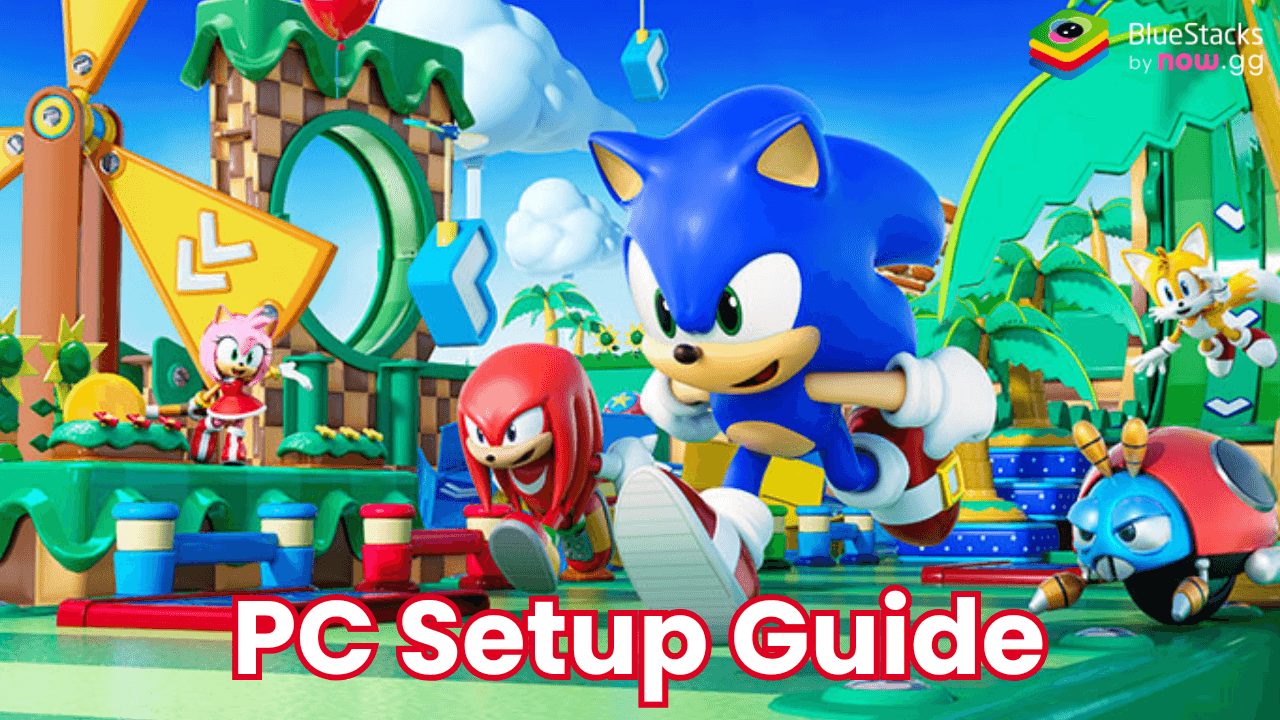
Sonic Rumble brings a chaotic and exciting action game to fans of the Sonic series. With thrilling battles for up to 32 players, iconic characters like Sonic, Knuckles, and Tails, and various game modes, this title delivers hours of fun for friends and family.
Players race, survive, and collect rings in action-packed stages with unique gameplay mechanics, all set in a toy world created by the mischievous Dr. Eggman. Here’s how you can enjoy Sonic Rumble on PC with BlueStacks, a platform that offers a bigger screen and better controls for an enhanced gaming experience!
How to Install Sonic Rumble on PC
- Go to the game’s page, and click on the “Play Sonic Rumble on PC” button.
- Open the file from your browser’s downloads section.
- Install BlueStacks and launch it on your PC or Mac.
- Sign in to the Google Play Store, install the game, and start playing.
How to Install Sonic Rumble on Mac with BlueStacks Air
- Download BlueStacks Air: Go to the game’s page and click on the “Play Sonic Rumble on Mac” button to get the installer.
- Install BlueStacks Air: Double-click the BlueStacksInstaller.pkg file. Follow the wizard to complete the installation.
- Launch and Sign-In: Open BlueStacks Air from the Launchpad or Applications folder. Sign in with your Google account to access the Play Store.
- Install Sonic Rumble: Search for Sonic Rumble in the Play Store and install it.
- Enjoy Playing! Launch the game and start playing!
For Those Who Already Have BlueStacks Installed
- Go to the game’s page, and click on the “Sonic Rumble on PC” button.
- Launch BlueStacks on your PC or Mac
- Install the game from the BlueStacks Store or Google Play Store.
- Start Playing!
Minimum System Requirements
BlueStacks offers the best performance and graphics for games like Sonic Rumble, boasting highly accessible PC or Mac requirements:
- OS: Microsoft Windows 7 and above, macOS 11 (Big Sur) or above
- Processor: Intel, AMD Processor or Apple Silicon Processor (M1-M4)
- RAM: Your PC or Mac must have at least 4GB of RAM
- Storage: 10GB Free Disk Space
- Permissions: Administrator access on your PC or Mac.
- Graphics drivers: Up-to-date graphics drivers from Microsoft or the chipset vendor.
Sonic Rumble takes the classic charm of the Sonic series and transforms it into a multiplayer party game. Here, you can race through vibrant stages, survive obstacle courses, and fight for rings in various game modes like Run, Survival, and Ring Battle.
With co-op battles, custom matches, and iconic Sonic characters, there’s no shortage of excitement. You and your friends can customize your favorite characters with skins, effects, and animations to make them your own.
Sonic Rumble is a high-energy game that truly shines when played on a larger screen with better controls. With BlueStacks, you can enjoy the game’s vibrant stages and thrilling gameplay using your keyboard and mouse for precision.
Team up with friends, explore exciting modes and customize your favorite Sonic characters for an unforgettable gaming experience. Whether racing for the top spot or battling Dr. Eggman’s wicked creations, playing Sonic Rumble on PC with BlueStacks offers a seamless and elevated way to enjoy this chaotic party game!