How to Install and Play Speed Boat Racing: Boat games on PC with BlueStacks
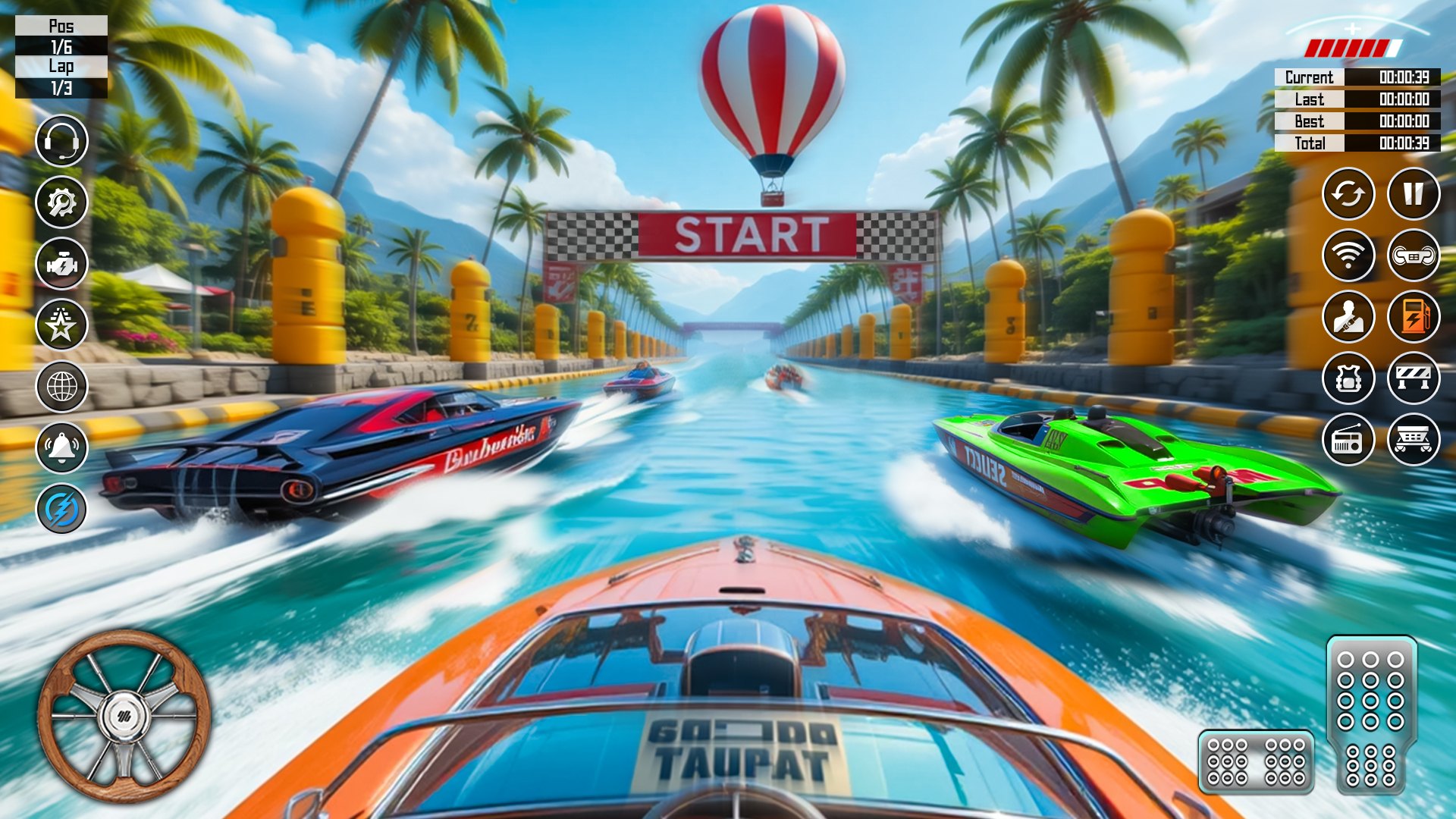
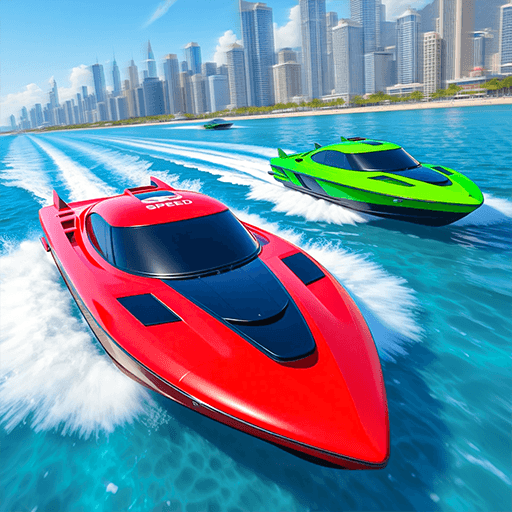
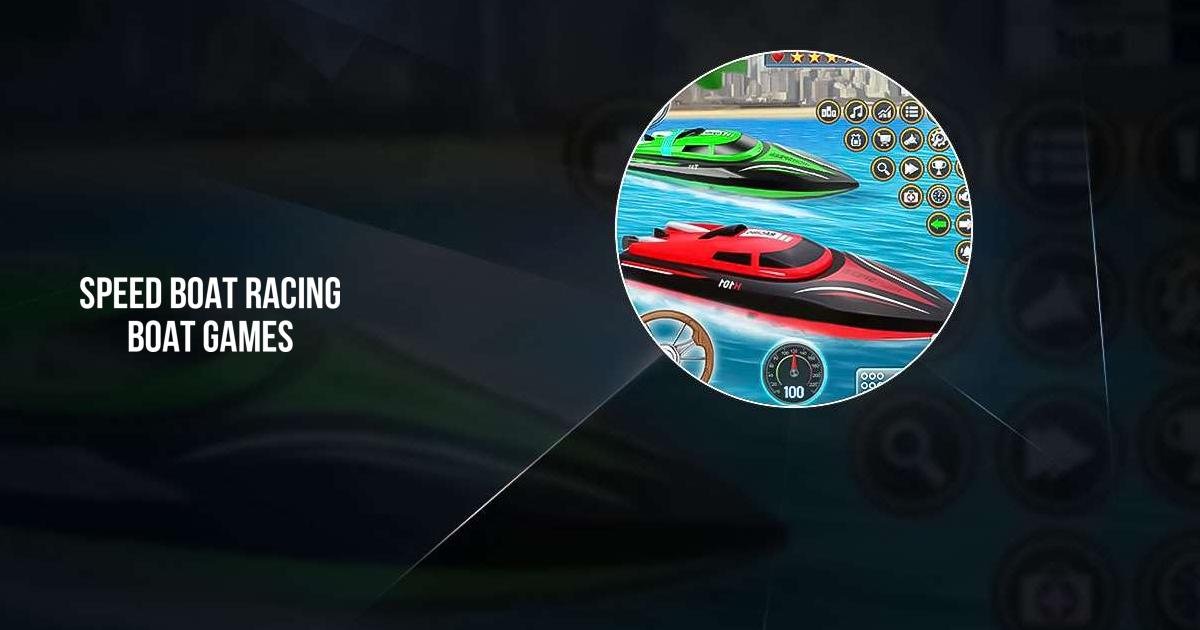
Speed Boat Racing: Boat games is an action racing game that drops you into fast water races filled with tight turns, ramps, and splashy jumps. You drive powerful speedboats across open water tracks while competing against other racers who want to cross the finish line first. Each race pushes your timing and steering skills as you boost across waves and dodge crashing into rivals.
You can upgrade parts of your boat over time to improve speed and handling. Each change helps your boat stay steady during wild races and handle corners better. With quick events and open water paths, the game is perfect for short play sessions or longer competitions when you want nonstop racing action.
How to Install Speed Boat Racing: Boat games on PC
- Visit the game’s page and press the “Play Speed Boat Racing: Boat games on PC” button.
- Open the installer file from your browser’s download list.
- Set up BlueStacks and run it on your PC or Mac.
- Log in to the Google Play Store, install the game, and start racing.
How to Install Speed Boat Racing: Boat games on Mac with BlueStacks Air
- Download BlueStacks Air: Go to the game’s page and select the “Play Speed Boat Racing: Boat games on Mac” button to get the setup file.
- Install BlueStacks Air: Double-click the BlueStacksInstaller.pkg file and follow the on-screen steps to finish setup.
- Launch and Sign-In: Open BlueStacks Air from Launchpad or the Applications folder and sign in with your Google account.
- Install Speed Boat Racing: Boat games: Find the game in the Play Store and install it.
- Enjoy Playing! Open the game and jump into your first race.
If You Already Have BlueStacks Installed
- Head to the game’s page and press the “Speed Boat Racing: Boat games on PC” button.
- Open BlueStacks on your PC or Mac.
- Download the game using the BlueStacks Store or Google Play Store.
- Start racing right away.
Minimum System Requirements
BlueStacks runs smoothly on many systems and supports great performance for games like Speed Boat Racing: Boat games with these basic needs:
- OS: Microsoft Windows 7 or higher, macOS 11 (Big Sur) or newer
- Processor: Intel, AMD, or Apple Silicon (M1–M4)
- RAM: At least 4GB
- Storage: 10GB of free disk space
- Permissions: Administrator access on your PC or Mac
- Graphics drivers: Latest drivers from Microsoft or your chipset brand
Speed Boat Racing: Boat games is a great pick for players who like fast races without long waits between matches. Friends can take turns on the same PC, cheer for high jumps, or race back-to-back to beat each other’s times. Easy steering makes it friendly for beginners, while speed upgrades keep things exciting for players who enjoy improving their ride.
Playing Speed Boat Racing: Boat games on PC or Mac with BlueStacks gives you a bigger screen to see waves, ramps, and rivals clearly. Keyboard and mouse controls provide better steering accuracy than touch screens. This helps you handle sharp turns and land big jumps more smoothly. This setup also keeps gameplay steady for long racing sessions.