How to Install and Play Star Sailors on PC with BlueStacks

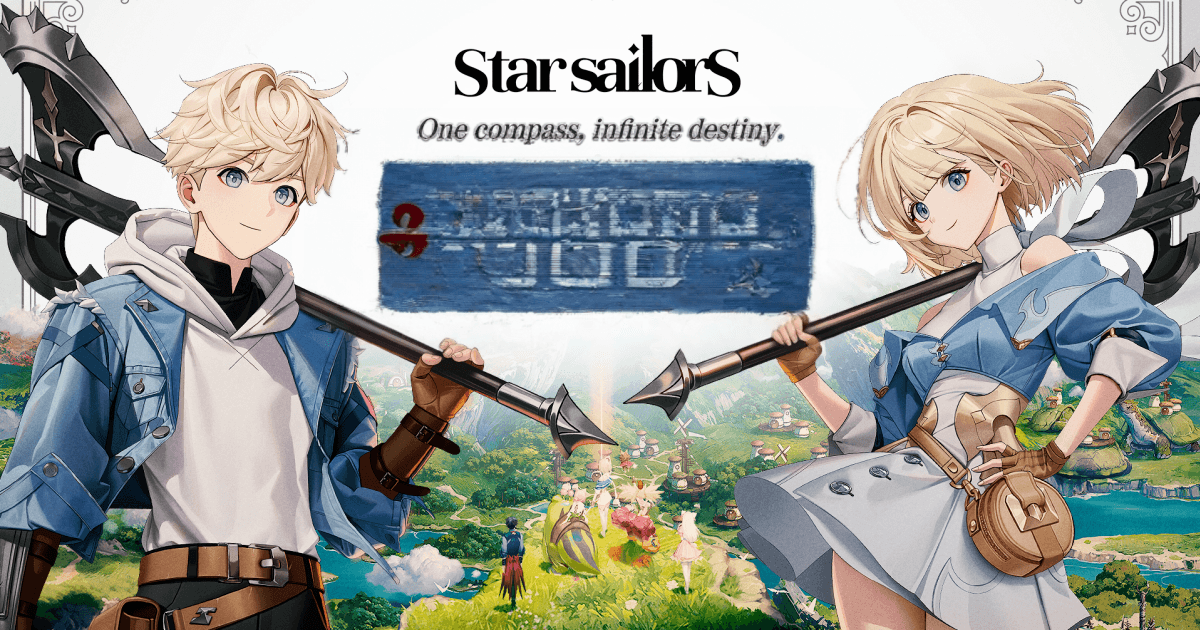
Star Sailors is a collectible turn-based RPG from Com2uS Holdings. The story begins after a sudden magic blast breaks the land apart, leaving the Human Kingdom in need of help. Your mission is to follow a legendary compass, find lost Heirlooms, and rebuild what was damaged.
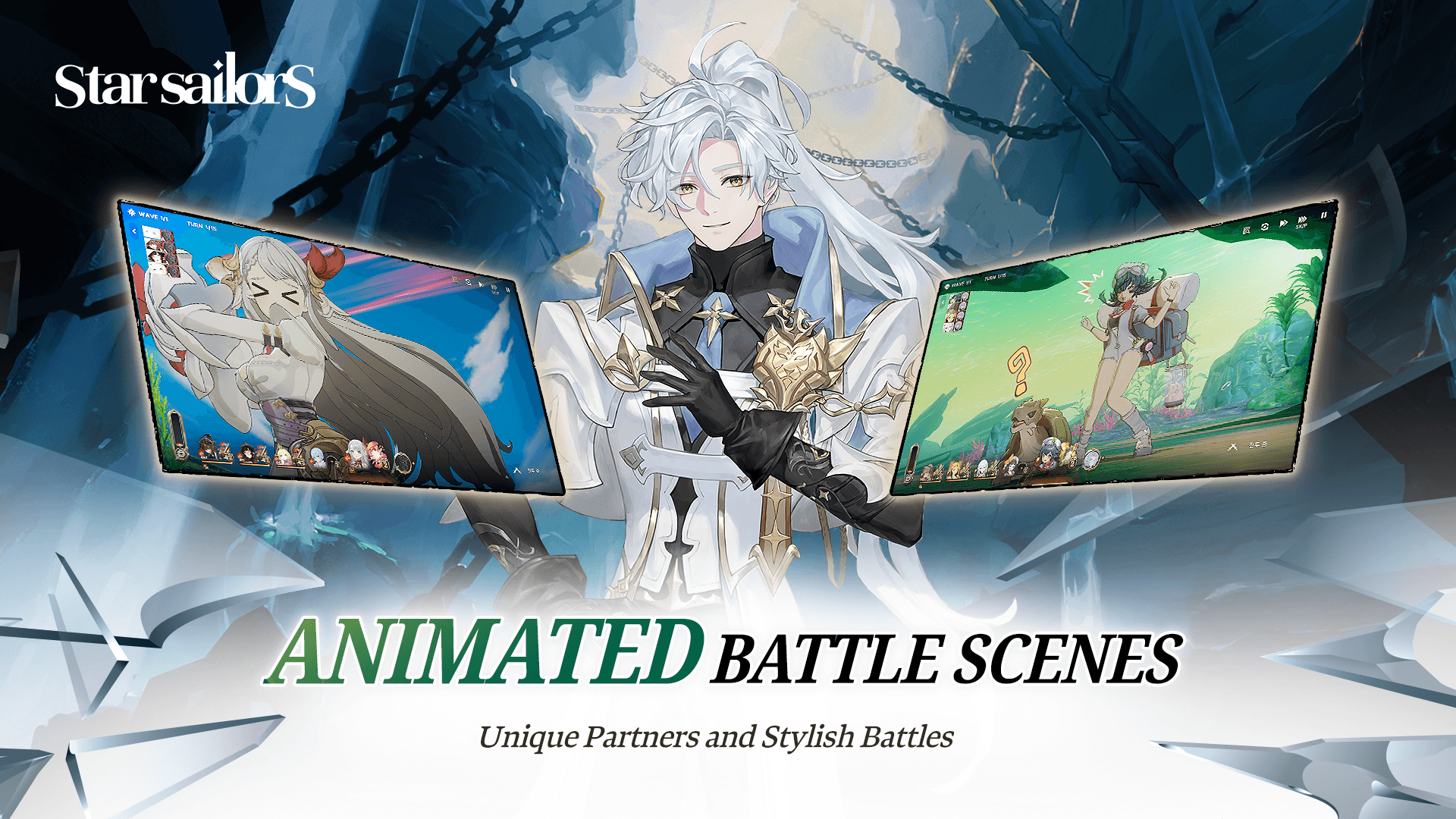
Along the way, you collect Partners with their own looks, stories, and personalities. The game mixes storybook-style art, anime-inspired skill effects, team-based battles, and quick Burst Chance moments that add more action to each fight. If you enjoy classic JRPGs, fantasy stories, and smart team setups, Star Sailors gives you plenty to play through.
How to Install Star Sailors on PC
- Go to the game’s page, and click on the “Play Star Sailors on PC” button.
- Open the downloaded file from your browser’s downloads area.
- Follow the setup steps to install BlueStacks, then open it on your PC or Mac.
- Sign in to the Google Play Store, install Star Sailors, and start playing.
How to Install Star Sailors on Mac with BlueStacks Air
- Download BlueStacks Air: Go to the game’s page and click on the “Play Star Sailors on Mac” button to get the installer.
- Install BlueStacks Air: Double-click the BlueStacksInstaller.pkg file and follow the setup steps on your screen.
- Launch and Sign-In: Open BlueStacks Air from the Launchpad or Applications folder, then sign in with your Google account.
- Install Star Sailors: Search for Star Sailors in the Play Store and install it.
- Enjoy Playing: Open the game and begin your fantasy voyage.
Already Have BlueStacks Installed?
- Go to the game’s page, and click on the “Star Sailors on PC” button.
- Open BlueStacks on your PC or Mac.
- Install Star Sailors from the BlueStacks Store or Google Play Store.
- Start Playing!
Minimum System Requirements
BlueStacks can help games like Star Sailors run well on PC or Mac with simple system needs:
- OS: Microsoft Windows 7 and above, macOS 11 (Big Sur) or above
- Processor: Intel, AMD Processor, or Apple Silicon Processor (M1-M4)
- RAM: Your PC or Mac must have at least 4GB of RAM
- Storage: 10GB Free Disk Space
- Permissions: Administrator access on your PC or Mac.
- Graphics drivers: Up-to-date graphics drivers from Microsoft or the chipset vendor.
Star Sailors is a great pick for players who like building teams and thinking through each move. Battles are turn-based, but they still feel active because you can chain skills, use different Elements and Roles, and trigger Burst Chance QTE moments at the right time.
Playing Star Sailors on PC or Mac with BlueStacks makes the game easier to enjoy for longer sessions. You can see the colorful art, skill effects, and battle details on a bigger screen, while keyboard and mouse controls help you play with more comfort. It is also a good option if your phone storage is full or you simply want a smoother way to enjoy mobile RPG battles at home.