How to Install and Play Truckers of Europe 3 on PC with BlueStacks
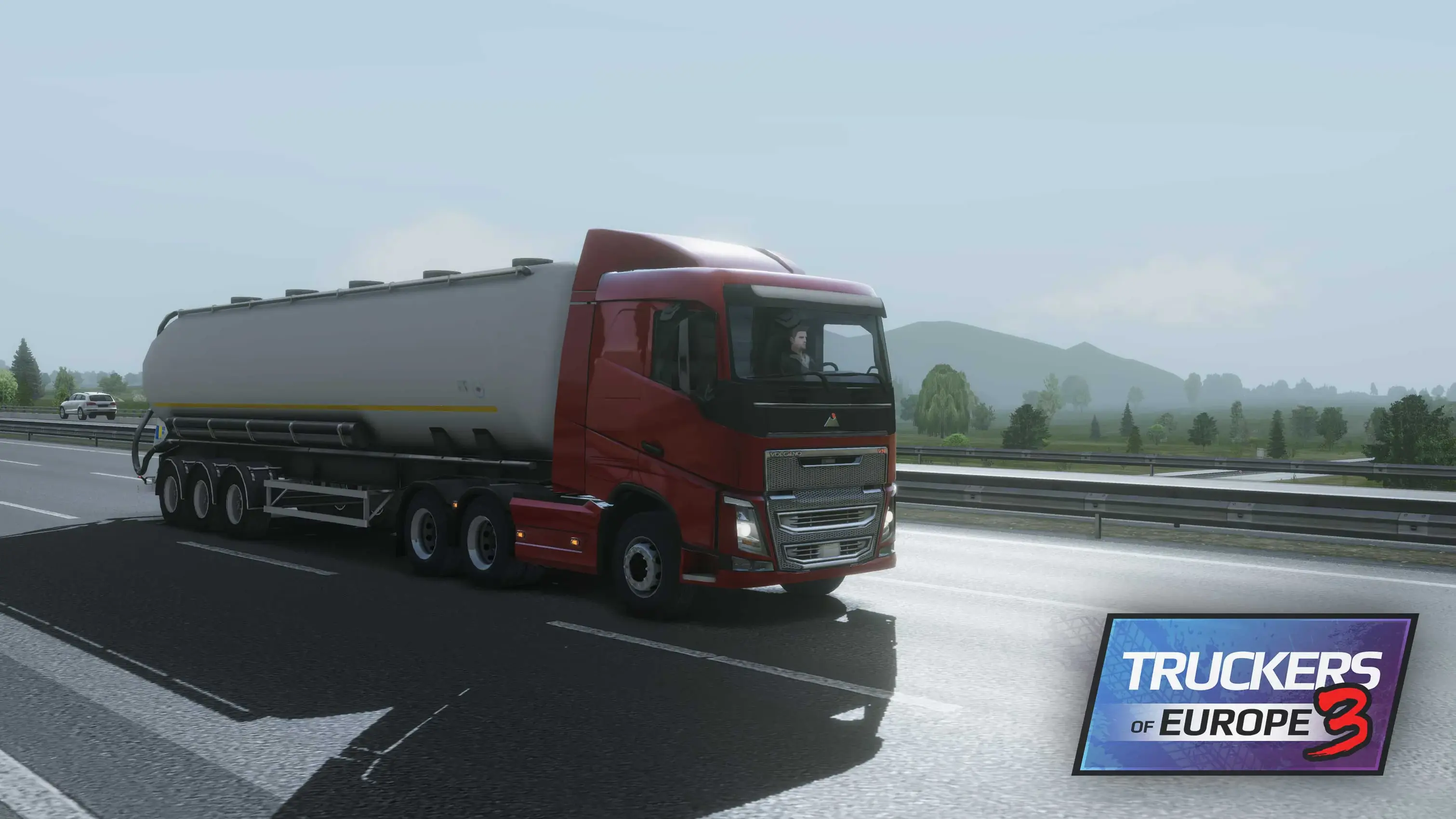
Truckers of Europe 3 is a truck driving simulation game from Wanda Software where you can take the wheel and build your life on the road. You pick jobs, drive across European cities, deliver cargo, and earn money to buy new trucks and trailers.
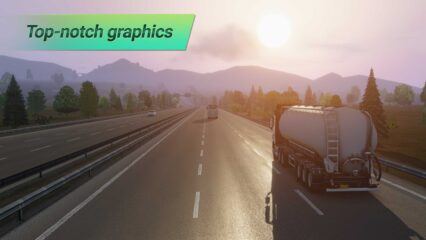
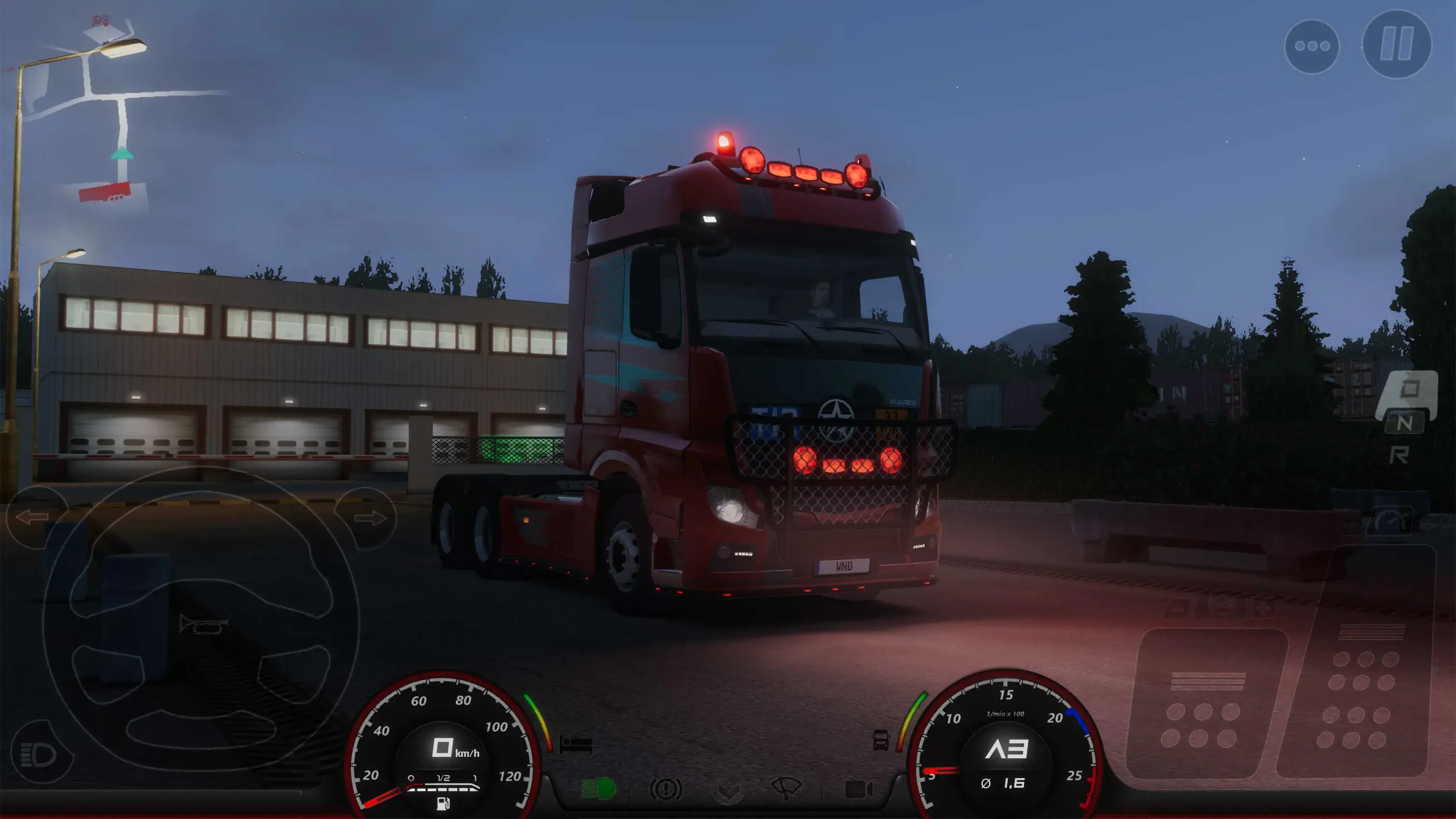
The game includes realistic truck physics, engine sounds, detailed interiors, smart traffic, weather, fuel use, damage, and a day and night cycle. You can also try different trucks, trailer types, heavy loads, and chassis setups. If you enjoy long drives, careful parking, and steady progress, this game gives you plenty to do.
How to Install Truckers of Europe 3 on PC
- Go to the game’s page, and click on the “Play Truckers of Europe 3 on PC” button.
- Open the downloaded file from your browser’s downloads folder.
- Follow the setup steps to install BlueStacks, then open it on your PC or Mac.
- Sign in to the Google Play Store, install Truckers of Europe 3, and start driving.
How to Install Truckers of Europe 3 on Mac with BlueStacks Air
- Download BlueStacks Air: Go to the game’s page and click on the “Play Truckers of Europe 3 on Mac” button to download the installer.
- Install BlueStacks Air: Open the BlueStacksInstaller.pkg file and follow the steps on your screen.
- Launch and Sign In: Open BlueStacks Air from Launchpad or the Applications folder, then sign in with your Google account.
- Install Truckers of Europe 3: Search for Truckers of Europe 3 in the Play Store and install it.
- Start Your Drive: Open the game and begin your first route.
Already Have BlueStacks Installed?
- Go to the game’s page, and click on the “Truckers of Europe 3 on PC” button.
- Open BlueStacks on your PC or Mac.
- Install Truckers of Europe 3 from the BlueStacks Store or Google Play Store.
- Launch the game and start playing.
Minimum System Requirements
BlueStacks can run games like Truckers of Europe 3 on many PCs and Macs, so you do not need a high-end setup to get started:
- OS: Microsoft Windows 7 and above, macOS 11 (Big Sur) or above
- Processor: Intel, AMD Processor, or Apple Silicon Processor (M1-M4)
- RAM: Your PC or Mac must have at least 4GB of RAM
- Storage: 10GB Free Disk Space
- Permissions: Administrator access on your PC or Mac
- Graphics drivers: Up-to-date graphics drivers from Microsoft or the chipset vendor
Truckers of Europe 3 is a good pick for players who like slow, steady gameplay with a clear goal. You are not just driving from point A to point B. You need to choose the right job, watch your fuel, avoid damage, handle traffic, and make clean deliveries. The game also lets you buy better trucks and trailers over time, so each trip helps you grow your trucking career.
Also, playing Truckers of Europe 3 on PC or Mac with BlueStacks makes the driving feel more comfortable. The bigger screen helps you see the road, traffic, mirrors, and turns more clearly. Keyboard and mouse controls can also make steering, braking, and camera movement easier than tapping on a phone screen. It is a great way to enjoy the game if you want more space, better control, and a smoother truck driving setup.