Truckers of Europe 3 Beginner's Guide – Get a Head Start on Your Logistics Career
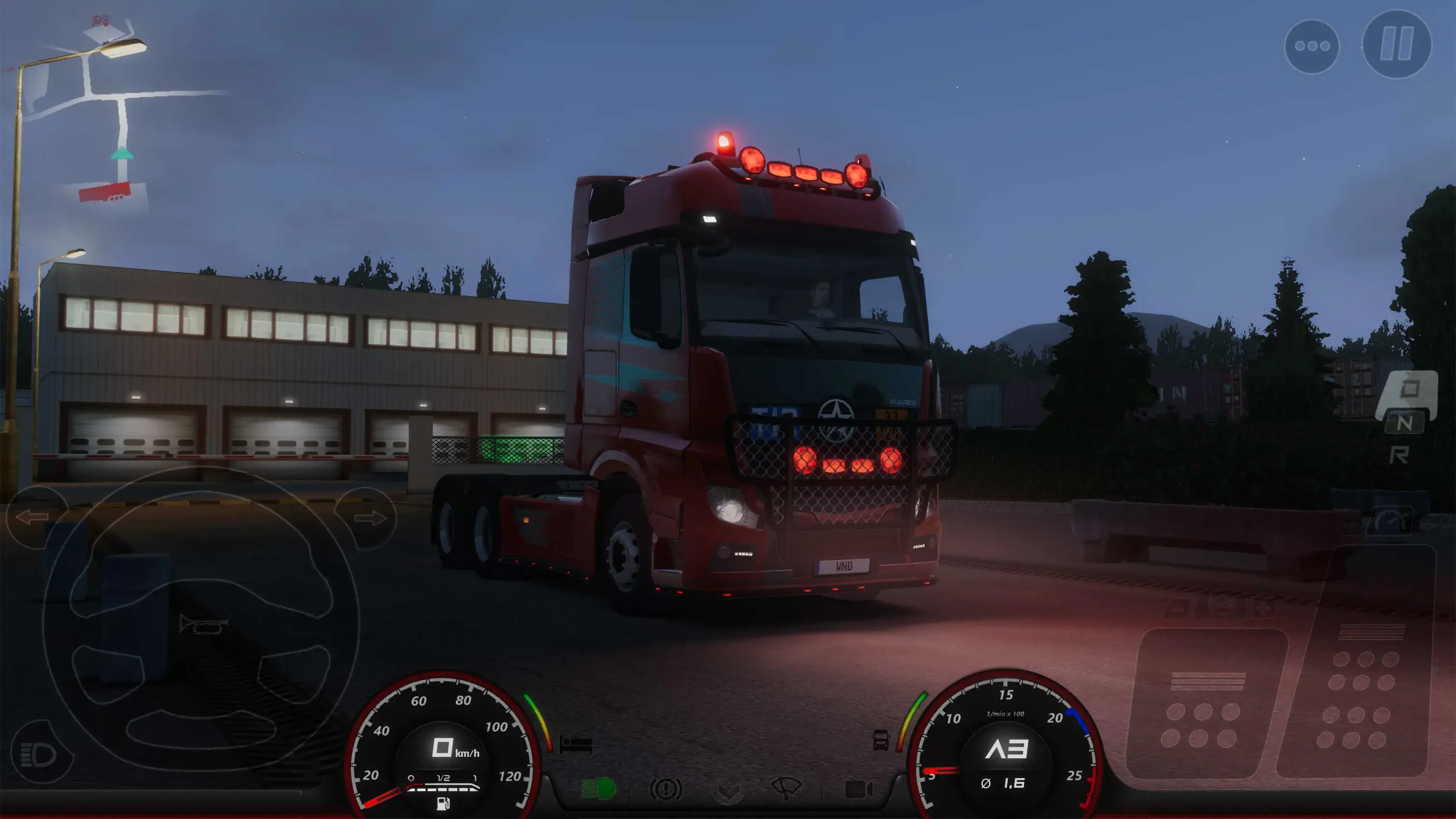
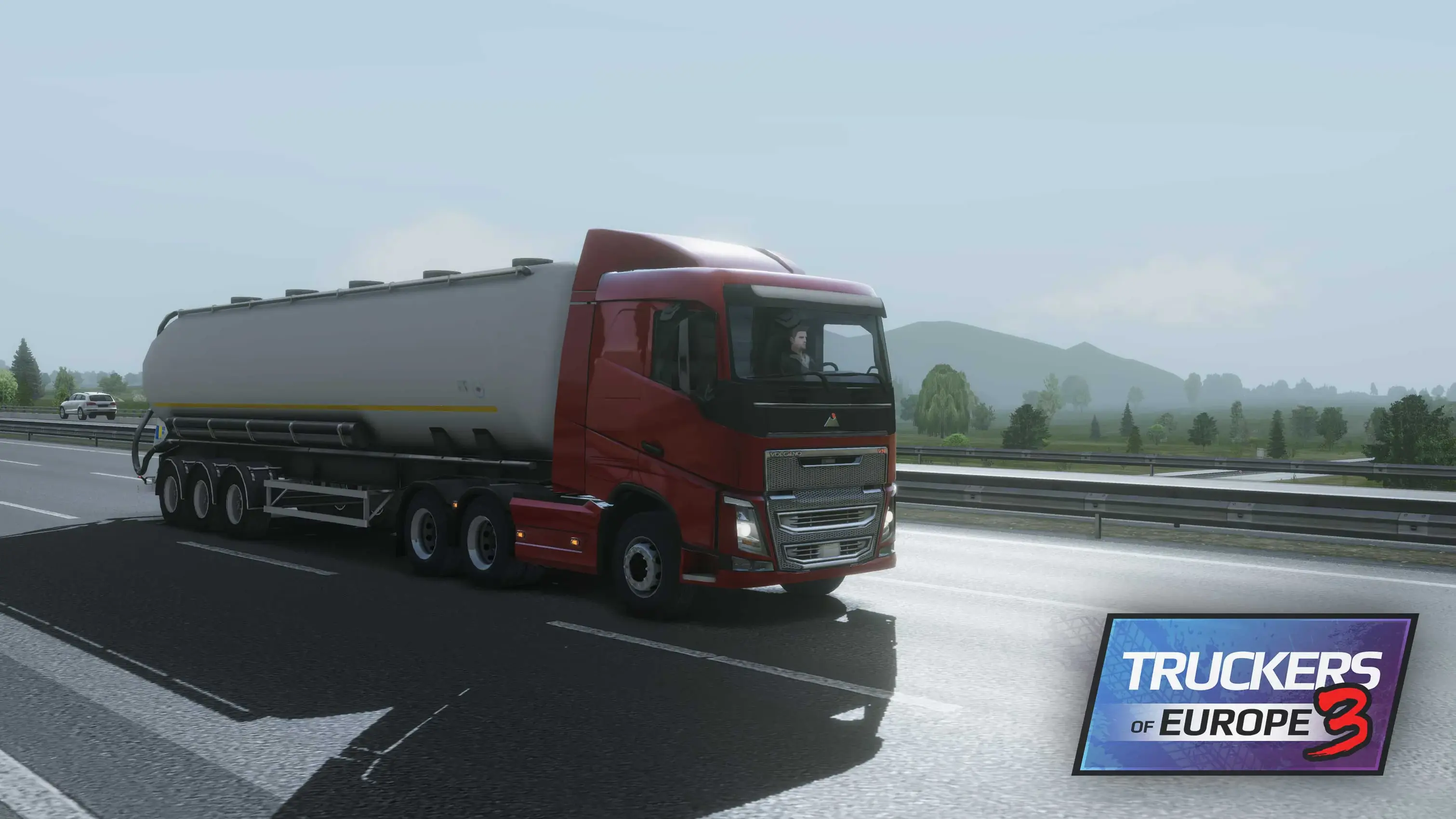
Do you dream of getting behind the wheel of a massive truck and touring all over Europe? If so, Truckers of Europe 3, developed by Wanda Software, might be exactly the mobile simulation game you’re looking for. Inspired by the famous Euro Truck Simulator series on PC, this game offers almost the same mechanics (and the same exciting gameplay).
However, if you’re new to trucking, you might need a little help. That’s why we’ve prepared this guide: below is everything you need to know to get started playing Truckers of Europe 3 quickly and efficiently.
Start by Creating Your Driver
Truckers of Europe 3 is a very straightforward game: it starts directly on the character creation screen without wasting time with cutscenes or a story. Simply put, you need to choose a profile picture for your driver and enter a company name. After doing that, you can buy your first truck.

| TIP | If you’ve played Truckers of Europe 3 on PC, you can transfer your save file to the mobile version using the “cloud save” option on the home screen. |
There are many trucks you can buy and use in the game, but your initial budget is only 10,000 EUR, and you can only buy one truck with that: the Moon THA. This white vehicle has a 4×2 chassis, a 310 HP engine, and 1,550 Nm of torque.

Like all other trucks, you can customize this one too. Let’s take a closer look at how you can do that.
Customizing Your Truck
Go to your garage, select the truck you want to change, and click the “customize” button. On the next screen that opens, you will see what all your options are. With a few exceptions, you can customize the following elements of all trucks in the game:
- Chassis, Cabin, Engine, Gearbox, Extras, Accessories, Wheels, Color & Skin
For changes that truly impact gameplay, focus on the engine and gearbox categories. Others certainly offer a certain performance boost, but you’ll see the biggest difference from these two categories. In each category, you’ll see a list of things you can change. For example, in the Extras option, you can change the color and material of the skirts.

As you can imagine, each modification has a certain cost, and the greater the impact, the higher the cost. You can see in real-time on this screen how the changes will affect the performance or appearance of the truck.
It’s impossible to get the necessary budget for customizations without playing the game for a certain amount of time, so let’s start by accepting our first contract. If you complete the first one, you’ll easily complete the others as nothing changes regarding what you need to do other than your route.
Your First Contract, Your First Delivery
Immediately after purchasing your truck, you will be teleported inside it. This is a very short tutorial section: you need to start your truck, drive it to a specific point, and finally attach a trailer to the back. After doing that, you can accept your first contract and hit the road.
- Start by turning the ignition key from the menu in the upper right corner.
- You will use the pedal icon in the lower right corner to move the truck. In the default control scheme, this corresponds to the Space key.
- Truckers of Europe supports 3 different control schemes and gamepads, so you can switch to a more comfortable scheme from the settings screen. Based on our experience, we can say that playing with a gamepad is much more comfortable.

| TIP | If you have trouble doing anything (for example, attaching a trailer to the back of your truck), the game will offer you the option to do it automatically in exchange for watching a full-screen ad. The choice is yours, but if you’re really struggling, you can watch the ad, which lasts about 45 seconds, and progress faster. |
After completing the tutorial, you can see a list of available contracts in the menu in the upper right corner and accept any of them. Once you’ve done that, all that’s left is to get going: you’ll see the route you need to follow. After completing the delivery, you can accept a new contract from the same screen and repeat this process as many times as you like.

This cycle also forms the basis of the gameplay. As mentioned above, Truckers of Europe 3 is a very straightforward game: accept a contract, deliver it, and customize your main truck with the money you earn. These three mechanics make up everything you need to know.

As always, don’t forget that you can play Truckers of Europe 3 on your PC with BlueStacks this way, you can enjoy a more comfortable gameplay experience and the advantage of using a controller.