How to Install and Play UnGodly on PC with BlueStacks
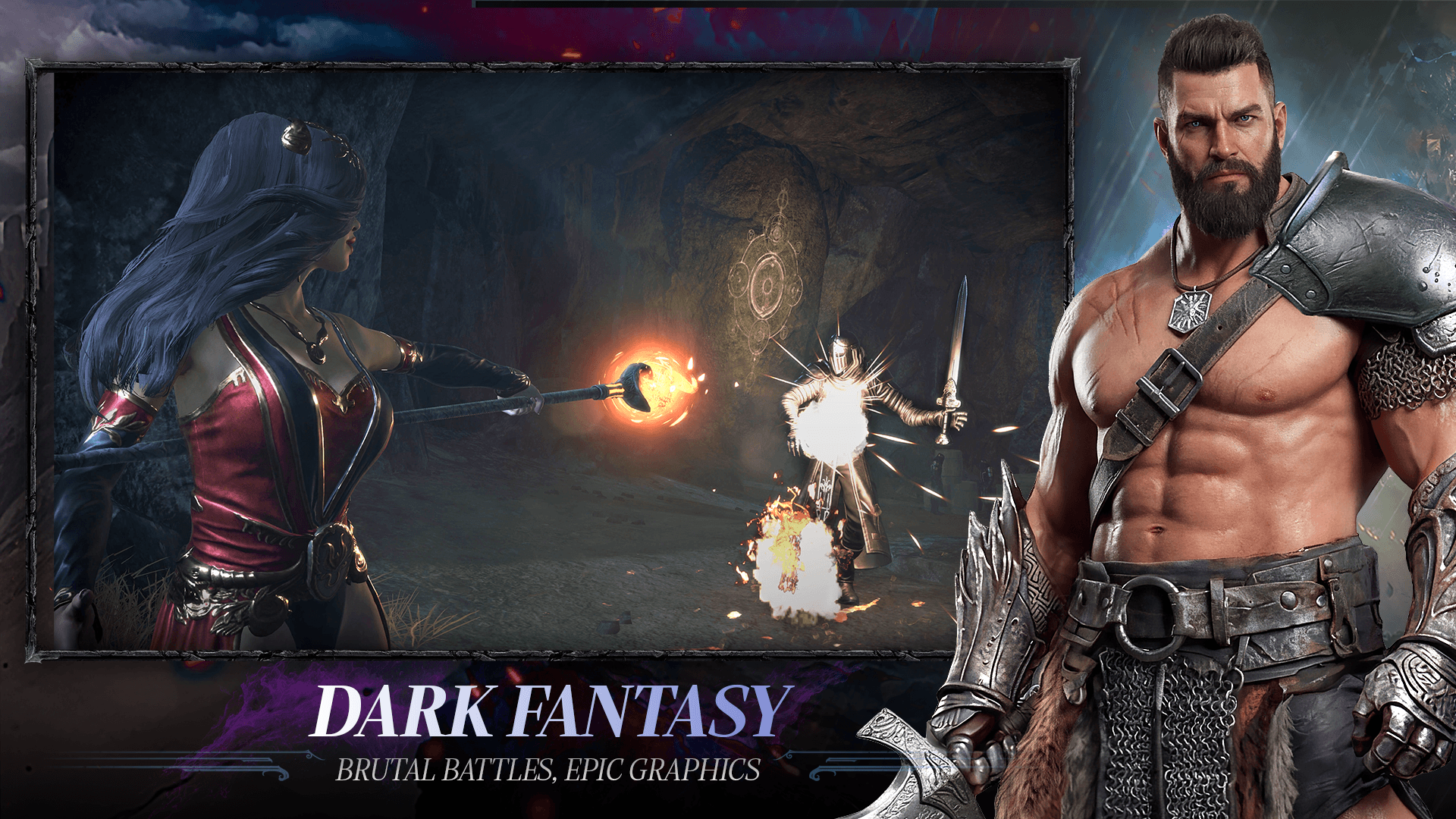
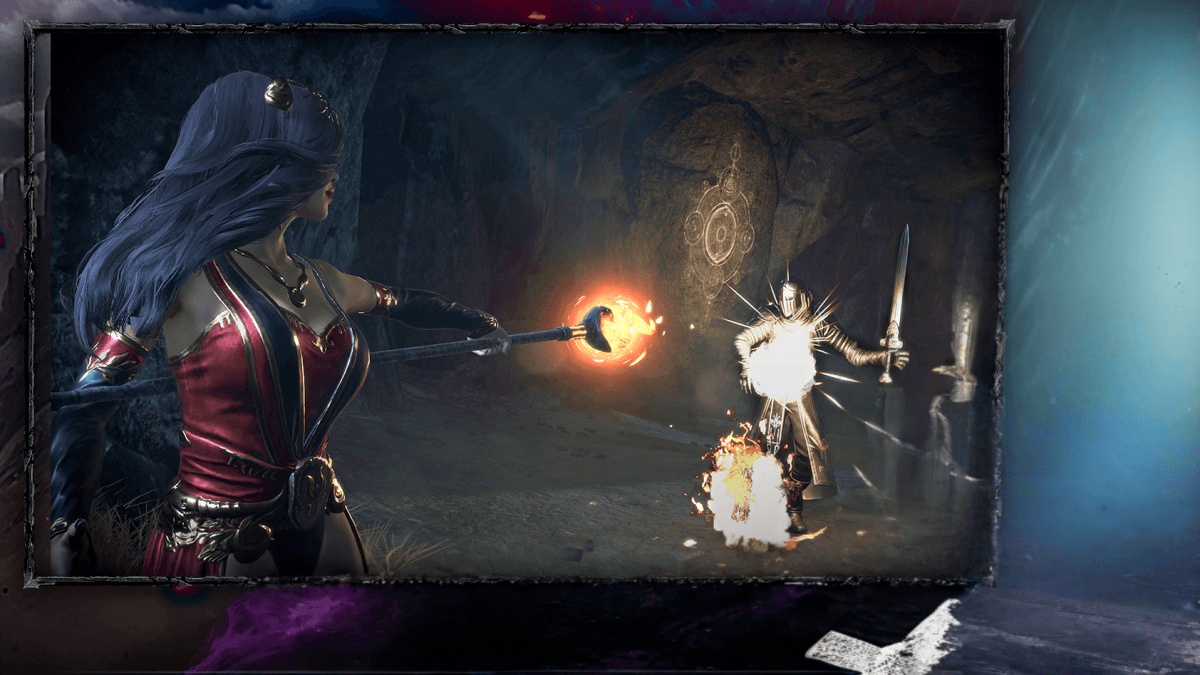
UnGodly is a dark fantasy action role-playing game from Azra Games where you fight to save a broken world called Dunmiir. The Devouring is destroying what remains, and powerful warriors called Primals are the ones standing against it.
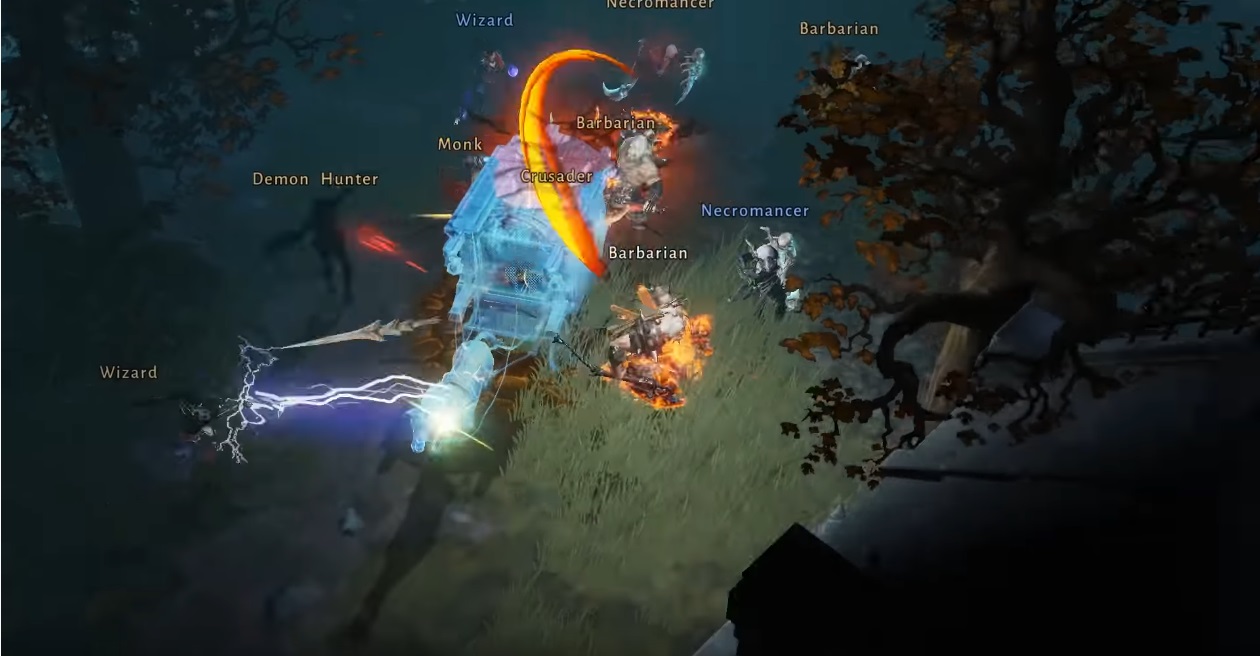
This is a hands-on RPG, so you control the action yourself during battles. You dodge attacks, use skills, swap heroes, and make quick choices in real time. The game also includes hero collecting, gear, awakenings, skill upgrades, cinematic missions, side quests, and elemental power combos.
How to Install UnGodly on PC
- Open the UnGodly game page and click on the “Play UnGodly on PC” button.
- Go to your browser’s downloads section and open the installer file.
- Complete the BlueStacks setup, then launch it on your PC or Mac.
- Sign in to the Google Play Store, install UnGodly, and begin playing.
How to Install UnGodly on Mac with BlueStacks Air
- Download BlueStacks Air: Visit the game’s page and click on the “Play UnGodly on Mac” button to get the installer.
- Install BlueStacks Air: Open the BlueStacksInstaller.pkg file and follow the setup steps on your screen.
- Launch and Sign-In: Open BlueStacks Air from Launchpad or the Applications folder, then sign in with your Google account.
- Install UnGodly: Search for UnGodly in the Play Store and install it.
- Enjoy Playing! Open UnGodly and step into your first battle in Dunmiir.
If BlueStacks Is Already on Your Device
- Visit the UnGodly page and click on the “UnGodly on PC” button.
- Launch BlueStacks on your PC or Mac.
- Install UnGodly through the BlueStacks Store or the Google Play Store.
- Start Playing!
Minimum System Requirements
BlueStacks makes it simple to play games like UnGodly on a computer, even if you are setting it up for the first time:
- OS: Microsoft Windows 7 and above, macOS 11 (Big Sur) or above
- Processor: Intel, AMD Processor, or Apple Silicon Processor (M1-M4)
- RAM: Your PC or Mac must have at least 4GB of RAM
- Storage: 10GB Free Disk Space
- Permissions: Administrator access on your PC or Mac.
- Graphics drivers: Up-to-date graphics drivers from Microsoft or the chipset vendor.
UnGodly is made for players who like RPGs with real action instead of idle battles. Each fight asks you to pay attention because dodging, positioning, and timing can change the result. You can build a squad of Primals, try different roles, improve their gear, and create teams that fit your style. Some players may focus on powerful attacks, while others may prefer defense, support, or elemental combos.
Playing UnGodly on PC or Mac with BlueStacks gives you a more comfortable way to handle fast battles. The bigger screen helps you see enemies, effects, and mission details more clearly. Keyboard and mouse controls can also make movement, skill use, and hero swapping feel easier, especially during tougher fights where quick reactions matter.