How to Install and Play WWE Champions Wrestling RPG on PC with BlueStacks


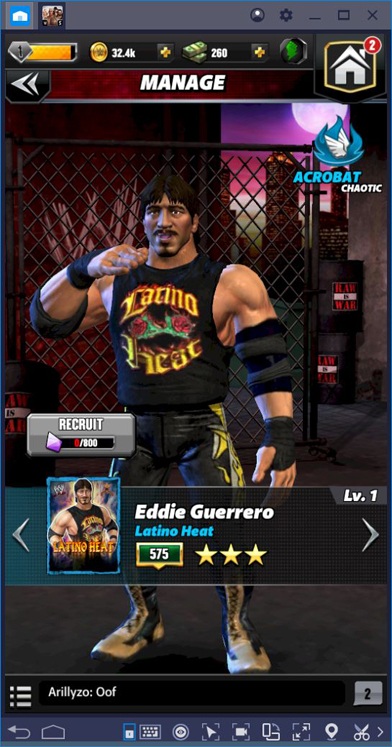
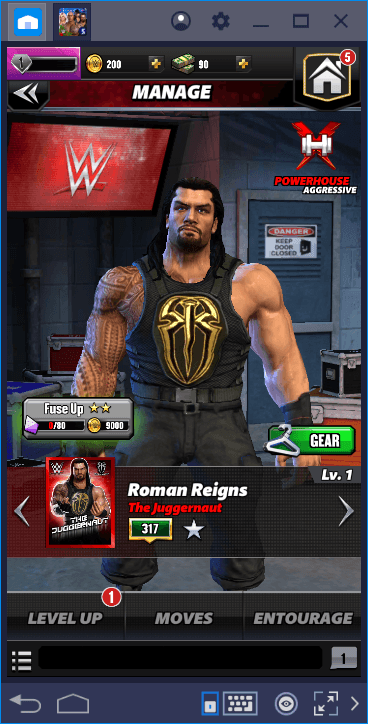
WWE Champions: Wrestling RPG is a puzzle role-playing game from Scopely that mixes match-3 battles with WWE action. You can collect over 600 WWE Superstars and Legends, including names like The Rock, Roman Reigns, Becky Lynch, John Cena, and more.
Matches are played through gem-based puzzle combat, where your choices help charge moves and set up powerful attacks. The game also includes events based on RAW, SmackDown, NXT, and other WWE themes. You can play solo, join factions, fight in Boss Mode, take part in Showdowns, and grow your roster through upgrades, XP, and better move sets.
How to Install WWE Champions: Wrestling RPG on PC
- Visit the game’s page and click on the “Play WWE Champions: Wrestling RPG on PC” button.
- Find the downloaded file in your browser’s downloads section and open it.
- Complete the BlueStacks setup, then launch it on your PC or Mac.
- Sign in to the Google Play Store, install WWE Champions: Wrestling RPG, and start playing.
How to Install WWE Champions: Wrestling RPG on Mac with BlueStacks Air
- Download BlueStacks Air: Go to the game’s page and click on the “Play WWE Champions: Wrestling RPG on Mac” button to get the installer.
- Install BlueStacks Air: Open the BlueStacksInstaller.pkg file and follow the steps shown on your screen.
- Launch and Sign In: Start BlueStacks Air from the Launchpad or Applications folder. Then sign in with your Google account.
- Install WWE Champions: Wrestling RPG: Search for WWE Champions: Wrestling RPG in the Play Store and install it.
- Enjoy Playing: Open the game and start building your WWE roster.
Already Have BlueStacks? Here’s What to Do
- Go to the game’s page and click on the “WWE Champions: Wrestling RPG on PC” button.
- Open BlueStacks on your PC or Mac.
- Install WWE Champions: Wrestling RPG from the BlueStacks Store or Google Play Store.
- Start playing once the game is ready.
Minimum System Requirements
BlueStacks runs well on many PCs and Macs, so you do not need a high-end setup to play WWE Champions: Wrestling RPG.
- Operating System: Microsoft Windows 7 and above, macOS 11 (Big Sur) or above
- Processor: Intel, AMD Processor, or Apple Silicon Processor (M1-M4)
- RAM: Your PC or Mac must have at least 4GB of RAM
- Storage: 10GB Free Disk Space
- Permissions: Administrator access on your PC or Mac
- Graphics Drivers: Up-to-date graphics drivers from Microsoft or the chipset vendor
WWE Champions: Wrestling RPG is a fun pick for players who like wrestling, team building, and puzzle fights. Each match asks you to think about gem matches, Superstar classes, move timing, and team setup. You can collect modern WWE Superstars, classic Legends, and Attitude Era icons, then train them so they hit harder in harder matches.
Playing WWE Champions: Wrestling RPG on PC or Mac with BlueStacks makes the game feel more comfortable, especially during longer sessions. The bigger screen helps you see the puzzle board, roster, and match details more clearly. Keyboard and mouse controls also make it easier to move through menus, pick matches, and manage your team without holding your phone the whole time.