Star Wars™ Galaxy of Heroes - All Active Redeem Codes for September 2026
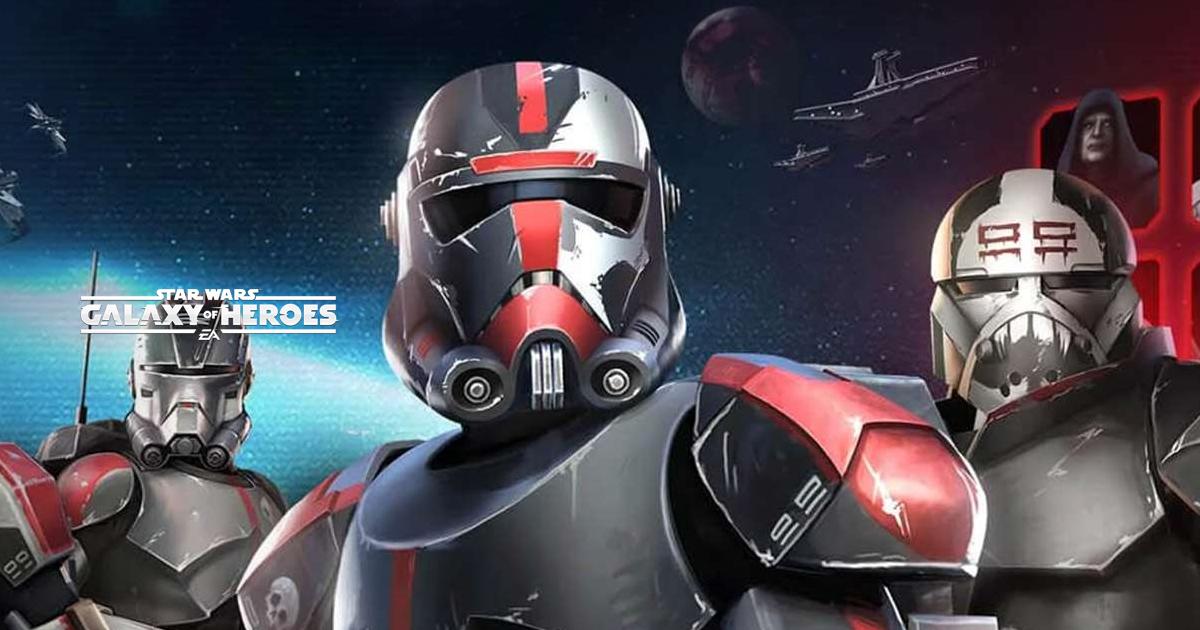
Star Wars™: Galaxy of Heroes is a turn-based role-playing game where you collect and upgrade famous characters from across the Star Wars timeline.
Your squad can include Jedi, Sith, bounty hunters, and heroes such as Luke Skywalker, Darth Vader, Ahsoka Tano, Han Solo, Yoda, and The Mandalorian. You can battle in PvE and PvP modes, command ships in Fleet Arena, join Guild raids, and compete in the Coliseum.
Got questions about squads, starship battles, or playing Star Wars™: Galaxy of Heroes on PC? Join our Discord channel for gaming discussions and support!
Active Redeem Codes in Star Wars™: Galaxy of Heroes
The following active codes can be redeemed for character rewards:
- REBEL – Rebel Squad reward
- DINDJARIN – The Mandalorian reward
- OLDBEN – Obi-Wan Kenobi (Old Ben) reward
- MAUL – Brings Darth Maul to five stars if he is below that star rank
The rewards may give you little or no extra progress if your character already meets the offer’s star requirement. Each code can also be used once per account, so claim them while they remain available.
How to Redeem Codes in Star Wars™: Galaxy of Heroes
Galaxy of Heroes codes are claimed through EA’s official Webstore. First, you need to connect your game profile to an EA account.
- Open Star Wars™: Galaxy of Heroes.
- Tap the Settings button on the Cantina screen.
- Select the green Connect button.
- Choose EA Connect and enter your email address.
- Complete the account-linking process.
- Visit the official Galaxy of Heroes redemption page.
- Sign in with the connected EA account.
- Enter a code and select Redeem.
- Reopen the game and check for a reward pop-up or inbox message.
Your game session may expire if the app was open while you used the Webstore. Simply reopen the game and sign back in to load the reward.
Why Redeem Codes Might Not Work in Star Wars™: Galaxy of Heroes
Several account and promotion rules can stop a code from working. Here are the most common reasons:
- Your EA account has not been connected to your game profile.
- The code was already used on your account or has expired.
- You entered the code incorrectly or signed into a different EA account.
- Your character already meets the star rank provided by the offer.
Regional or age restrictions may also apply. Contact EA Help if a supported code still fails after checking your account connection.
These Galaxy of Heroes codes can help newer players add or improve several familiar characters. Codes may change without much warning, so check the official Webstore and game announcements for future offers.
You can also play Star Wars™: Galaxy of Heroes on a PC or Mac with BlueStacks. A larger screen gives you a clearer view of battles, character abilities, and your growing roster.