Battle Bounce
Battle Bounce

Battle Bounce

Action

| Andriy Pidvirnyy

Play on PC with BlueStacks or from our cloud

  • Overview
  • Game Features
  • How to Play

Page Modified On: October 12, 2026

Play Battle Bounce on PC or Mac

Battle Bounce brings the Action genre to life, and throws up exciting challenges for gamers. Developed by Andriy Pidvirnyy, this Android game is best experienced on BlueStacks, the World’s #1 app player for PC and Mac users.

About the Game

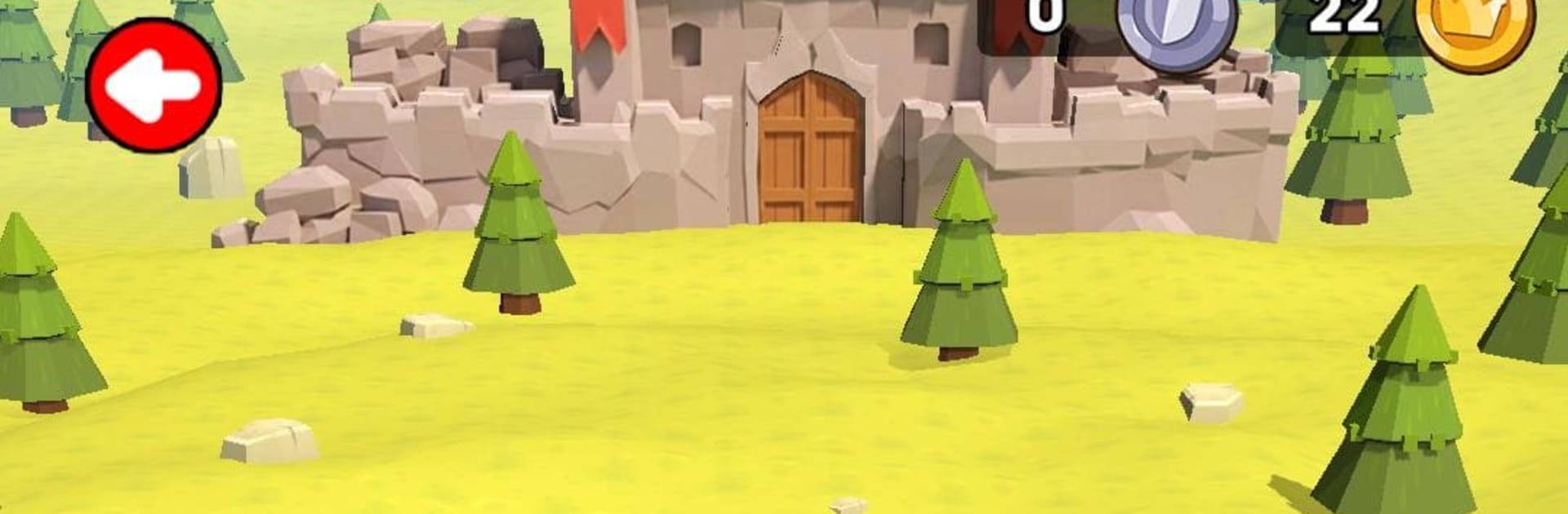
Battle Bounce is an Action strategy mash-up where you line up shots and launch entire squads like pool balls. Each turn asks you to read the arena, pick the right formation, and smash through enemy lines with glorious ragdoll mayhem. It also feels great on a bigger screen with BlueStacks if that’s your thing.

Game Features

  • Billiard-Style Launching: Pull back, set your angle, and sling entire squads that ricochet off walls and foes.
  • Turn-Based Precision: Take your time each round to plan the shot that flips the board in your favor.
  • Chaotic Ragdoll Physics: Watch units tumble, bounce, and chain into satisfying collisions that can wipe a flank.
  • Formations That Matter: Arrange tanks, disruptors, and damage dealers so your first hit starts a winning cascade.
  • Troops With Clear Roles: Infantry hold space, cavalry punch through, ranged pick targets, and siege breaks bunkers—each with counters.
  • Meaningful Targeting: Snipe key threats, bank off terrain, or thread a tight angle to crack a formation.
  • Hazard-Heavy Arenas: Turn obstacles into weapons—or misjudge them and pay for it on the rebound.
  • Unlocks and Upgrades: Earn new units, then bolster stats and abilities to sharpen your favorite strategies.
  • Build Your Battle Deck: Curate a roster for each map, swapping in specialists to exploit enemy weaknesses.
  • Score-Chasing Combat: Clean hits, smart combos, and formation breaks rack up points and bragging rights.

Start your journey now. Download the game on BlueStacks, invite your friends, and march on a new adventure.


Game Features

Enhancements

  • Macros
  • Multi Instance
  • Multi Instance Sync
  • Eco Mode
  • Enhancements
Macros

Macros

Skip the boring parts of a game. Play Battle Bounce with Macros and get the edge. Simply record a sequence of commands and execute them at any moment.
Multi Instance

Multi Instance

Why limit to one game on your phone when you can play many on your PC? Open multiple instances of Battle Bounce at once with Multi-Instance. Leverage the power of different accounts by doing more.
Multi Instance Sync

Multi Instance Sync

Get the best out of Battle Bounce with Multi-Instance Sync. Play the game from different accounts and build your own empire. Use Multi-instance sync to repeat the action in the main BlueStacks instance on all other instances.
Eco Mode

Eco Mode

Find the rarest heroes by making multiple summons in Battle Bounce. And while you are at it, reduce your PC’s resource consumption with the Eco Mode. Farm efficiently. Get the best results.
Read More

How to Download and Play Battle Bounce on PC or Mac

  • Download and install BlueStacks on your PC or Mac

  • Complete Google sign-in to access the Play Store, or do it later

  • Look for Battle Bounce in the search bar at the top right corner

  • Click to install Battle Bounce from the search results

  • Complete Google sign-in (if you skipped step 2) to install Battle Bounce

  • Click the Battle Bounce icon on the home screen to start playing

video
Watch Video

Minimum System Requirements

With BlueStacks 5, you can get started on a PC that fulfills the following requirements.

  • Operating System

    Microsoft Windows 7 or above, macOS 11 (Big Sur) or above

  • Processor

    Intel, AMD or Apple Silicon Processor

  • RAM

    at least 4GB

  • HDD

    10GB Free Disk Space

Note:

* You must be an Administrator on your PC. Up to date graphics drivers from Microsoft or the chipset vendor.

Battle Bounce - FAQs

  • How to play Battle Bounce on Windows PC & Mac?

    Play Battle Bounce on your PC or Mac by following these simple steps.

    • Click on 'Play Battle Bounce on PC’ to download BlueStacks
    • Install it and log-in to Google Play Store
    • Launch and play the game.
  • Why is BlueStacks the fastest and safest platform to play games on PC?

    BlueStacks respects your privacy and is always safe and secure to use. It does not carry any malware, spyware, or any sort of additional software that could harm your PC.

    It is engineered to optimize speed and performance for a seamless gaming experience.

  • What are Battle Bounce PC requirements?

    Minimum requirement to run Battle Bounce on your PC

    • OS: Microsoft Windows 7 or above MacOS 11 (Big Sur) or above
    • Processor: Intel, AMD or Apple Silicon Processor
    • RAM: Your PC must have at least 4GB of RAM. (Note that having 4GB or more disk space is not a substitute for RAM)
    • HDD: 10GB Free Disk Space.
    • You must be an Administrator on your PC.