Rebellious
Rebellious

Rebellious

Action

| Simplicial Software, LLC

Play on PC with BlueStacks or from our cloud

  • Overview
  • Game Features
  • How to Play

Page Modified On: January 09, 2026

Play Rebellious on PC or Mac

Rebellious brings the Action genre to life, and throws up exciting challenges for gamers. Developed by Simplicial Software, LLC, this Android game is best experienced on BlueStacks, the World’s #1 app player for PC and Mac users.

About the Game

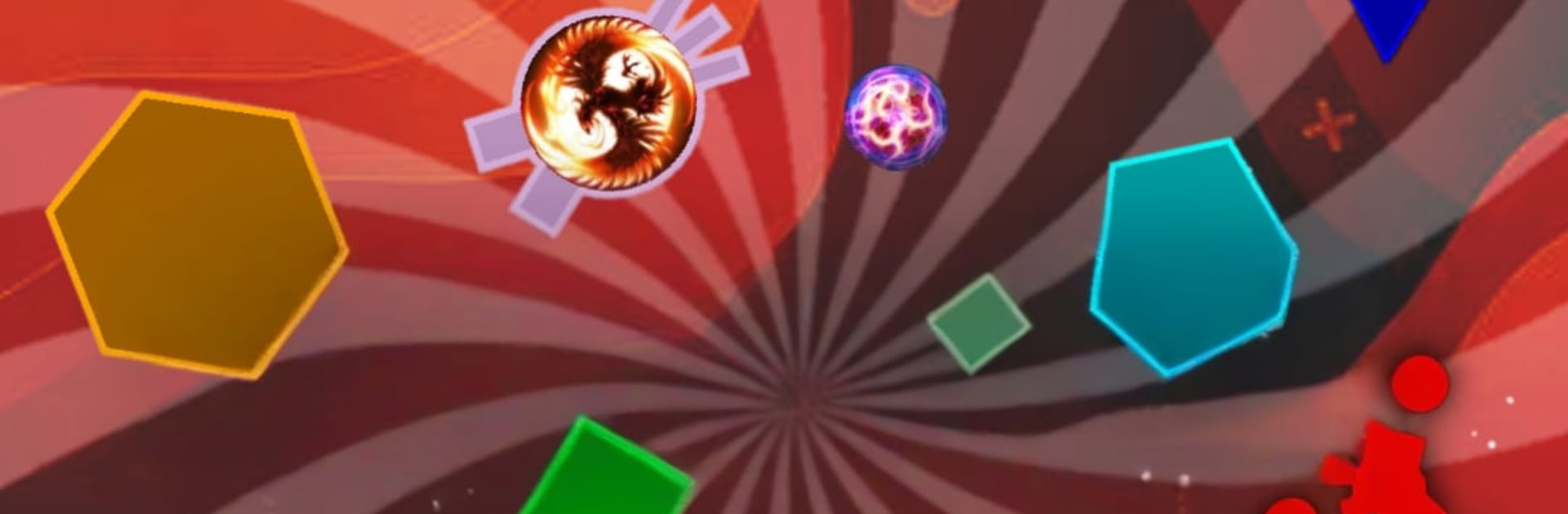
Rebellious is a fast, top‑down tank brawler where blasts, upgrades, and clever positioning decide who stays on the map. You’ll shred shapes to power up, outplay rivals, and tweak your build on the fly as matches heat up. It’s an Action game from Simplicial Software, LLC that works for quick solo runs or scrappy 32‑player showdowns. Prefer a bigger screen and tighter controls? You can also play it on BlueStacks.

Game Features

  • Upgrade-Driven Combat: Blast geometric shapes and enemy tanks to earn upgrades, then pivot your build mid-match to suit the chaos around you.
  • Online or Solo: Jump into servers with up to 32 players or practice offline to test new strategies and tank types without pressure.
  • Modes for Every Mood: FFA, Timed FFA, FFA Classic, Teams, Timed Teams, Capture the Flag, Survival, Soccer, and Domination—plus a wild Mayhem Mode on the way.
  • Competitive Arenas: Want a higher-stakes grind? Enter Arenas for focused, skill-forward matches that reward sharp aim and smart positioning.
  • Clans and Friends: Find groups, team up with friends, join a clan, and take part in Clan Wars for bragging rights.
  • 350+ Skins: Dress your tank with a massive collection of skins, each with its own way to unlock—collectors, this one’s a rabbit hole.
  • XP, Achievements, and Stats: Track your growth, chase milestones, and stack your personal bests on server leaderboards.
  • Black Hole Tactics: Black holes spit out new shapes and can be nudged by your shots—bundle them up to farm faster, or weaponize the chaos.
  • Flexible Controls: Dual-stick touch setup for smooth movement and firing, an eject button in special modes, and basic controller support if that’s your thing.
  • Pick Your Look: Switch between Space or Grid themes to match your vibe.
  • Better Connections: Choose the nearest server and a solid Wi‑Fi or data connection for smoother matches.

Get ready for a buttery smooth, high-performance gaming action only on BlueStacks.

Game Features

Enhancements

  • Macros
  • Multi Instance
  • Multi Instance Sync
  • Eco Mode
  • Enhancements
Macros

Macros

Skip the boring parts of a game. Play Rebellious with Macros and get the edge. Simply record a sequence of commands and execute them at any moment.
Multi Instance

Multi Instance

Why limit to one game on your phone when you can play many on your PC? Open multiple instances of Rebellious at once with Multi-Instance. Leverage the power of different accounts by doing more.
Multi Instance Sync

Multi Instance Sync

Get the best out of Rebellious with Multi-Instance Sync. Play the game from different accounts and build your own empire. Use Multi-instance sync to repeat the action in the main BlueStacks instance on all other instances.
Eco Mode

Eco Mode

Find the rarest heroes by making multiple summons in Rebellious. And while you are at it, reduce your PC’s resource consumption with the Eco Mode. Farm efficiently. Get the best results.
Read More

How to Download and Play Rebellious on PC or Mac

  • Download and install BlueStacks on your PC or Mac

  • Complete Google sign-in to access the Play Store, or do it later

  • Look for Rebellious in the search bar at the top right corner

  • Click to install Rebellious from the search results

  • Complete Google sign-in (if you skipped step 2) to install Rebellious

  • Click the Rebellious icon on the home screen to start playing

video
Watch Video

Minimum System Requirements

With BlueStacks 5, you can get started on a PC that fulfills the following requirements.

  • Operating System

    Microsoft Windows 7 or above, macOS 11 (Big Sur) or above

  • Processor

    Intel, AMD or Apple Silicon Processor

  • RAM

    at least 4GB

  • HDD

    10GB Free Disk Space

Note:

* You must be an Administrator on your PC. Up to date graphics drivers from Microsoft or the chipset vendor.

Rebellious - FAQs

  • How to play Rebellious on Windows PC & Mac?

    Play Rebellious on your PC or Mac by following these simple steps.

    • Click on 'Play Rebellious on PC’ to download BlueStacks
    • Install it and log-in to Google Play Store
    • Launch and play the game.
  • Why is BlueStacks the fastest and safest platform to play games on PC?

    BlueStacks respects your privacy and is always safe and secure to use. It does not carry any malware, spyware, or any sort of additional software that could harm your PC.

    It is engineered to optimize speed and performance for a seamless gaming experience.

  • What are Rebellious PC requirements?

    Minimum requirement to run Rebellious on your PC

    • OS: Microsoft Windows 7 or above MacOS 11 (Big Sur) or above
    • Processor: Intel, AMD or Apple Silicon Processor
    • RAM: Your PC must have at least 4GB of RAM. (Note that having 4GB or more disk space is not a substitute for RAM)
    • HDD: 10GB Free Disk Space.
    • You must be an Administrator on your PC.