Dead Ahead: Roadside

Dead Ahead: Roadside

Adventure

| Mobirate

Play on PC with BlueStacks or from our cloud

  • Overview
  • Game Features
  • How to Play

Page Modified On: April 21, 2026

Play Dead Ahead: Roadside on PC or Mac

Bring your A-game to Dead Ahead: Roadside, the Adventure game sensation from Mobirate. Give your gameplay the much-needed boost with precise game controls, high FPS graphics, and top-tier features on your PC or Mac with BlueStacks.

About the Game

Dead Ahead: Roadside is a gritty, story-first zombie RPG where every choice feels personal. You’re guiding a battered convoy down broken highways, making tough calls that shape your crew’s fate, personality, and relationships as much as their odds of surviving the next horde. Prefer playing on a bigger screen? It runs smoothly on BlueStacks without getting in the way of the mood. Genre: Adventure by Mobirate.

Game Features

  • Your choices, your consequences
    Decide who to trust, when to risk it, and how far your morals will stretch. Dialog and decisions branch into different outcomes that stick with your group.

  • Build a squad that feels human
    Recruit survivors with distinct traits, grow their skills, and manage relationships that can save runs—or ruin them—when things get messy.

  • Road-trip exploration with real stakes
    Pick routes through abandoned towns and long, haunted highways. Encounters are unpredictable, and big zombie surges force quick, tactical thinking.

  • Tactics in clean pixel style
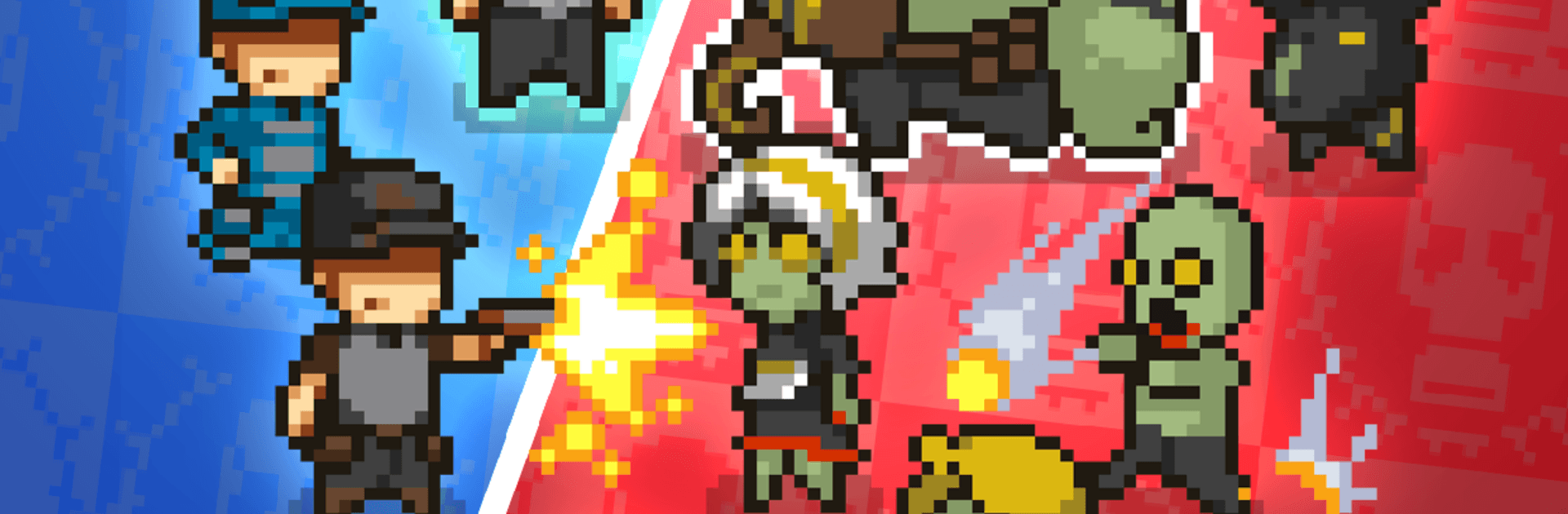
    Crisp pixel art keeps fights readable while you focus on positioning, timing, and keeping everyone on their feet amid the chaos.

  • Survival management that bites back
    Ammunition, food, injuries, and morale all matter. Scarcity pushes hard decisions: patch up now, or press on and hope?

  • Progress that carries weight
    Long-term growth systems let your party develop between story missions, with light idle-style upgrades supporting deeper RPG progression.

  • Replayable campaigns with teeth
    Runs play out differently thanks to risk, randomness, and evolving character arcs—so your convoy’s story never feels the same twice.

Get ready for a buttery smooth, high-performance gaming action only on BlueStacks.

Game Features

Enhancements

  • Macros
  • Multi Instance
  • Multi Instance Sync
  • Script
  • Enhancements
Macros

Macros

Automate the predictable in Dead Ahead: Roadside and transform your gameplay with Macros. Get access to inventive Macros in the BlueStacks Macro Community
Multi Instance

Multi Instance

Play Dead Ahead: Roadside on one window. And chat with your friend on the other. Press CTRL + Shift + 8 to open the Multi-Instance Manager. And start creating fresh instances or clone an existing one.
Multi Instance Sync

Multi Instance Sync

Play Dead Ahead: Roadside with the power of Multi-Instance Sync. Replicate what you are doing on the main instance on all other instances. Level up faster, play more.
Script

Script

Script your way to gaming glory in Dead Ahead: Roadside with BlueStacks Script. Write and run a set of commands to automate repeated tasks. Trigger the command by assigning it to any key.
Read More

How to Download and Play Dead Ahead: Roadside on PC or Mac

  • Download and install BlueStacks on your PC or Mac

  • Complete Google sign-in to access the Play Store, or do it later

  • Look for Dead Ahead: Roadside in the search bar at the top right corner

  • Click to install Dead Ahead: Roadside from the search results

  • Complete Google sign-in (if you skipped step 2) to install Dead Ahead: Roadside

  • Click the Dead Ahead: Roadside icon on the home screen to start playing

video
Watch Video

Minimum System Requirements

With BlueStacks 5, you can get started on a PC that fulfills the following requirements.

  • Operating System

    Microsoft Windows 7 or above, macOS 11 (Big Sur) or above

  • Processor

    Intel, AMD or Apple Silicon Processor

  • RAM

    at least 4GB

  • HDD

    10GB Free Disk Space

Note:

* You must be an Administrator on your PC. Up to date graphics drivers from Microsoft or the chipset vendor.

Dead Ahead: Roadside - FAQs

  • How to play Dead Ahead: Roadside on Windows PC & Mac?

    Play Dead Ahead: Roadside on your PC or Mac by following these simple steps.

    • Click on 'Play Dead Ahead: Roadside on PC’ to download BlueStacks
    • Install it and log-in to Google Play Store
    • Launch and play the game.
  • Why is BlueStacks the fastest and safest platform to play games on PC?

    BlueStacks respects your privacy and is always safe and secure to use. It does not carry any malware, spyware, or any sort of additional software that could harm your PC.

    It is engineered to optimize speed and performance for a seamless gaming experience.

  • What are Dead Ahead: Roadside PC requirements?

    Minimum requirement to run Dead Ahead: Roadside on your PC

    • OS: Microsoft Windows 7 or above MacOS 11 (Big Sur) or above
    • Processor: Intel, AMD or Apple Silicon Processor
    • RAM: Your PC must have at least 4GB of RAM. (Note that having 4GB or more disk space is not a substitute for RAM)
    • HDD: 10GB Free Disk Space.
    • You must be an Administrator on your PC.