Goat Simulator
Goat Simulator

Goat Simulator

Adventure

| Play Street

Play on PC with BlueStacks or from our cloud

  • Overview
  • Game Features
  • How to Play

Page Modified On: September 18, 2026

Play Goat Simulator on PC or Mac

Bring your A-game to I Am Fish, the Adventure game sensation from Play Street. Give your gameplay the much-needed boost with precise game controls, high FPS graphics, and top-tier features on your PC or Mac with BlueStacks.

About the Game

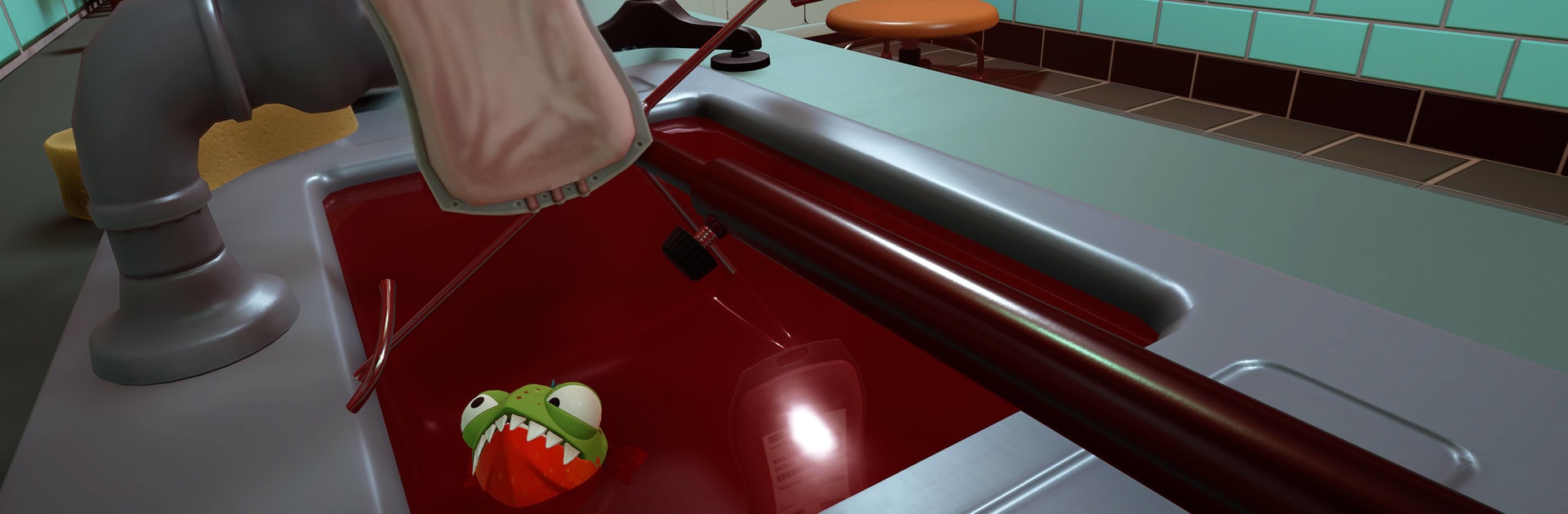
I Am Fish is a quirky Adventure where four unlikely heroes—yep, fish—pull off a daring escape from tiny tanks and try to reach the open sea. Expect a physics-driven trek full of wobbly containers, close calls, and oddball routes through kitchens, rooftops, roads, and rivers. Prefer a comfy setup? It also plays nicely on BlueStacks if you want a bigger view and steady controls.

Game Features

  • Four fish, four playstyles: Swap between a speedy Goldfish, a Puffer that inflates and rolls, a chompy Piranha that bites through obstacles, and a Flying Fish that glides to far-off ledges.
  • Physics you can feel: Water sloshes, bowls tip, jars roll, and momentum matters. One hard bump and—crack—so you’ll need smooth turns and gentle landings.
  • Creative escapes: Ride trucks, slip through pipes, skim along gutters, and surf river currents. Everyday objects become improvised rides.
  • Simple to pick up, tough to nail: Controls are straightforward, but keeping a fishbowl upright while bombing down a hill? Whole different story.
  • Set-piece mayhem: Traffic, fans, moving platforms, and other hazards turn small hops into nail-biting moments.
  • Find your route: Scout safer paths, take gutsy shortcuts, or return to perfect a tricky section once you’ve got the feel for it.
  • Works offline: Handy for quick sessions when you’ve got a few spare minutes.
  • Personality and laughs: Cheery visuals, slapstick mishaps, and plenty of “wait, that worked?” moments keep things light.

Start playing I Am Fish on BlueStacks and get a smoother, more comfortable PC or Mac setup.

Game Features

Enhancements

  • Macros
  • Multi Instance
  • Multi Instance Sync
  • Script
  • Enhancements
Macros

Macros

Automate the predictable in Goat Simulator and transform your gameplay with Macros. Get access to inventive Macros in the BlueStacks Macro Community
Multi Instance

Multi Instance

Play Goat Simulator on one window. And chat with your friend on the other. Press CTRL + Shift + 8 to open the Multi-Instance Manager. And start creating fresh instances or clone an existing one.
Multi Instance Sync

Multi Instance Sync

Play Goat Simulator with the power of Multi-Instance Sync. Replicate what you are doing on the main instance on all other instances. Level up faster, play more.
Script

Script

Script your way to gaming glory in Goat Simulator with BlueStacks Script. Write and run a set of commands to automate repeated tasks. Trigger the command by assigning it to any key.
Read More

How to Download and Play Goat Simulator on PC or Mac

  • Download and install BlueStacks on your PC or Mac

  • Complete Google sign-in to access the Play Store, or do it later

  • Look for Goat Simulator in the search bar at the top right corner

  • Click to install Goat Simulator from the search results

  • Complete Google sign-in (if you skipped step 2) to install Goat Simulator

  • Click the Goat Simulator icon on the home screen to start playing

video
Watch Video

Minimum System Requirements

With BlueStacks 5, you can get started on a PC that fulfills the following requirements.

  • Operating System

    Microsoft Windows 7 or above, macOS 11 (Big Sur) or above

  • Processor

    Intel, AMD or Apple Silicon Processor

  • RAM

    at least 4GB

  • HDD

    10GB Free Disk Space

Note:

* You must be an Administrator on your PC. Up to date graphics drivers from Microsoft or the chipset vendor.

Goat Simulator - FAQs

  • How to play Goat Simulator on Windows PC & Mac?

    Play Goat Simulator on your PC or Mac by following these simple steps.

    • Click on 'Play Goat Simulator on PC’ to download BlueStacks
    • Install it and log-in to Google Play Store
    • Launch and play the game.
  • Why is BlueStacks the fastest and safest platform to play games on PC?

    BlueStacks respects your privacy and is always safe and secure to use. It does not carry any malware, spyware, or any sort of additional software that could harm your PC.

    It is engineered to optimize speed and performance for a seamless gaming experience.

  • What are Goat Simulator PC requirements?

    Minimum requirement to run Goat Simulator on your PC

    • OS: Microsoft Windows 7 or above MacOS 11 (Big Sur) or above
    • Processor: Intel, AMD or Apple Silicon Processor
    • RAM: Your PC must have at least 4GB of RAM. (Note that having 4GB or more disk space is not a substitute for RAM)
    • HDD: 10GB Free Disk Space.
    • You must be an Administrator on your PC.