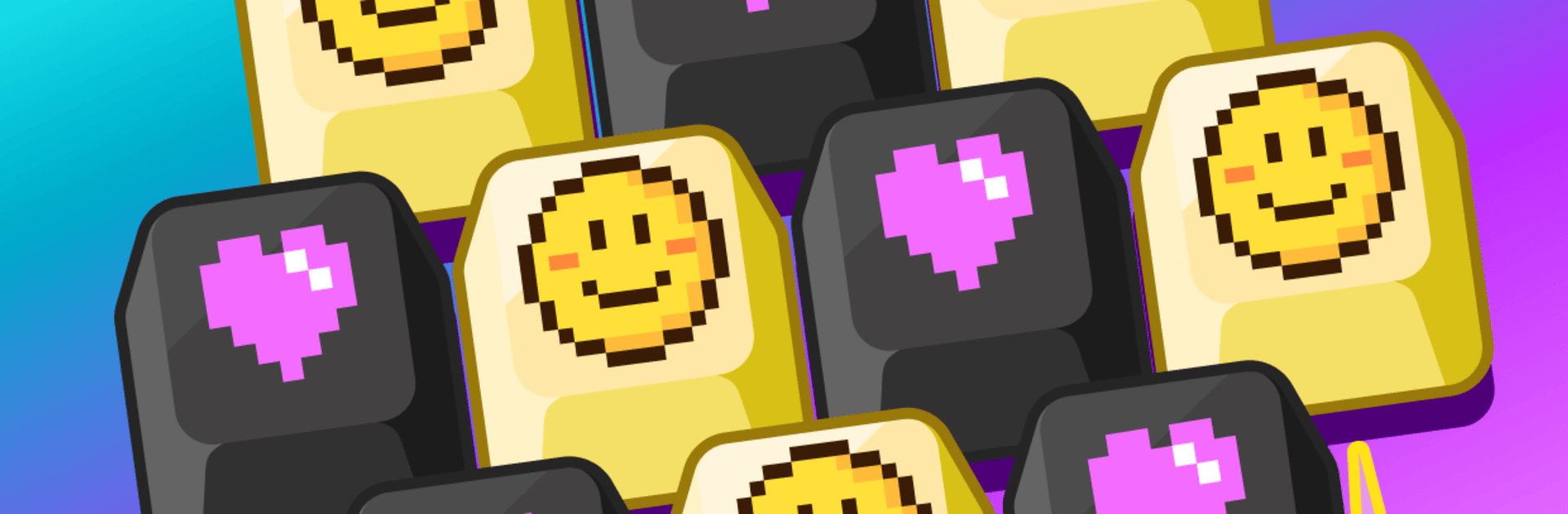
Clicker Rush - Keycap ASMR

Clicker Rush - Keycap ASMR

Arcade

| Supa Inc.

Play on PC with BlueStacks or from our cloud

  • Overview
  • Game Features
  • How to Play

Page Modified On: August 20, 2026

Play Clicker Rush - Keycap ASMR on PC or Mac

Step into the World of Clicker Rush – Keycap ASMR, a thrilling Arcade game from the house of Supa Inc.. Play this Android game on BlueStacks App Player and experience immersive gaming on PC or Mac.

About the Game

Clicker Rush – Keycap ASMR is a fast, tap-happy Arcade experience where your fingers and focus do all the talking. Targets pop up across a board of ten keys, and your job is to hit them before they vanish while keeping your energy alive and your score climbing. It’s easy to pick up, surprisingly tense when the pace kicks up, and oddly satisfying—especially with those crisp key sounds. Prefer playing on a bigger screen? It runs smoothly on BlueStacks, too.

Game Features

  • Snap-Tap Precision: Tap keys only when a target lights up. Clean hits boost your score and restore energy, while misses or empty presses drain it. Bombs? Touch one and you’ll really feel the penalty.
  • Growing Pressure: Start with a single target, then handle more appearing at once as the speed ramps up. Hit score checkpoints, catch a short breather, and brace for an even faster round.
  • Endless Survival: Clear all stages to unlock an Endless Mode where the only rule is “last as long as you can.”
  • Pixel Keycap Maker: Draw your own keycaps in an 8×8 pixel editor. Pick shapes, colors, and even the switch type for a different click feel and sound.
  • Custom Board Setup: Arrange your favorite keycaps across all ten slots, choose a frame style and target effects, then save presets so you can swap looks in seconds.
  • Collect and Remix: Save every design you make and mix them into new boards whenever inspiration hits—fresh sounds, colors, and combos are always an option.
  • Retro Vibes, Clicky Feels: Bright pixel art, punchy visual effects, and super-responsive taps deliver that sweet keycap ASMR and quick, satisfying sessions.

Get ready for a buttery smooth, high-performance gaming action only on BlueStacks.

Game Features

Enhancements

  • Macros
  • Multi Instance
  • Multi Instance Sync
  • Script
  • Enhancements
Macros

Macros

Automate the predictable in Clicker Rush - Keycap ASMR and transform your gameplay with Macros. Get access to inventive Macros in the BlueStacks Macro Community
Multi Instance

Multi Instance

Play Clicker Rush - Keycap ASMR on one window. And chat with your friend on the other. Press CTRL + Shift + 8 to open the Multi-Instance Manager. And start creating fresh instances or clone an existing one.
Multi Instance Sync

Multi Instance Sync

Play Clicker Rush - Keycap ASMR with the power of Multi-Instance Sync. Replicate what you are doing on the main instance on all other instances. Level up faster, play more.
Script

Script

Script your way to gaming glory in Clicker Rush - Keycap ASMR with BlueStacks Script. Write and run a set of commands to automate repeated tasks. Trigger the command by assigning it to any key.
Read More

How to Download and Play Clicker Rush - Keycap ASMR on PC or Mac

  • Download and install BlueStacks on your PC or Mac

  • Complete Google sign-in to access the Play Store, or do it later

  • Look for Clicker Rush - Keycap ASMR in the search bar at the top right corner

  • Click to install Clicker Rush - Keycap ASMR from the search results

  • Complete Google sign-in (if you skipped step 2) to install Clicker Rush - Keycap ASMR

  • Click the Clicker Rush - Keycap ASMR icon on the home screen to start playing

video
Watch Video

Minimum System Requirements

With BlueStacks 5, you can get started on a PC that fulfills the following requirements.

  • Operating System

    Microsoft Windows 7 or above, macOS 11 (Big Sur) or above

  • Processor

    Intel, AMD or Apple Silicon Processor

  • RAM

    at least 4GB

  • HDD

    10GB Free Disk Space

Note:

* You must be an Administrator on your PC. Up to date graphics drivers from Microsoft or the chipset vendor.

Clicker Rush - Keycap ASMR - FAQs

  • How to play Clicker Rush - Keycap ASMR on Windows PC & Mac?

    Play Clicker Rush - Keycap ASMR on your PC or Mac by following these simple steps.

    • Click on 'Play Clicker Rush - Keycap ASMR on PC’ to download BlueStacks
    • Install it and log-in to Google Play Store
    • Launch and play the game.
  • Why is BlueStacks the fastest and safest platform to play games on PC?

    BlueStacks respects your privacy and is always safe and secure to use. It does not carry any malware, spyware, or any sort of additional software that could harm your PC.

    It is engineered to optimize speed and performance for a seamless gaming experience.

  • What are Clicker Rush - Keycap ASMR PC requirements?

    Minimum requirement to run Clicker Rush - Keycap ASMR on your PC

    • OS: Microsoft Windows 7 or above MacOS 11 (Big Sur) or above
    • Processor: Intel, AMD or Apple Silicon Processor
    • RAM: Your PC must have at least 4GB of RAM. (Note that having 4GB or more disk space is not a substitute for RAM)
    • HDD: 10GB Free Disk Space.
    • You must be an Administrator on your PC.