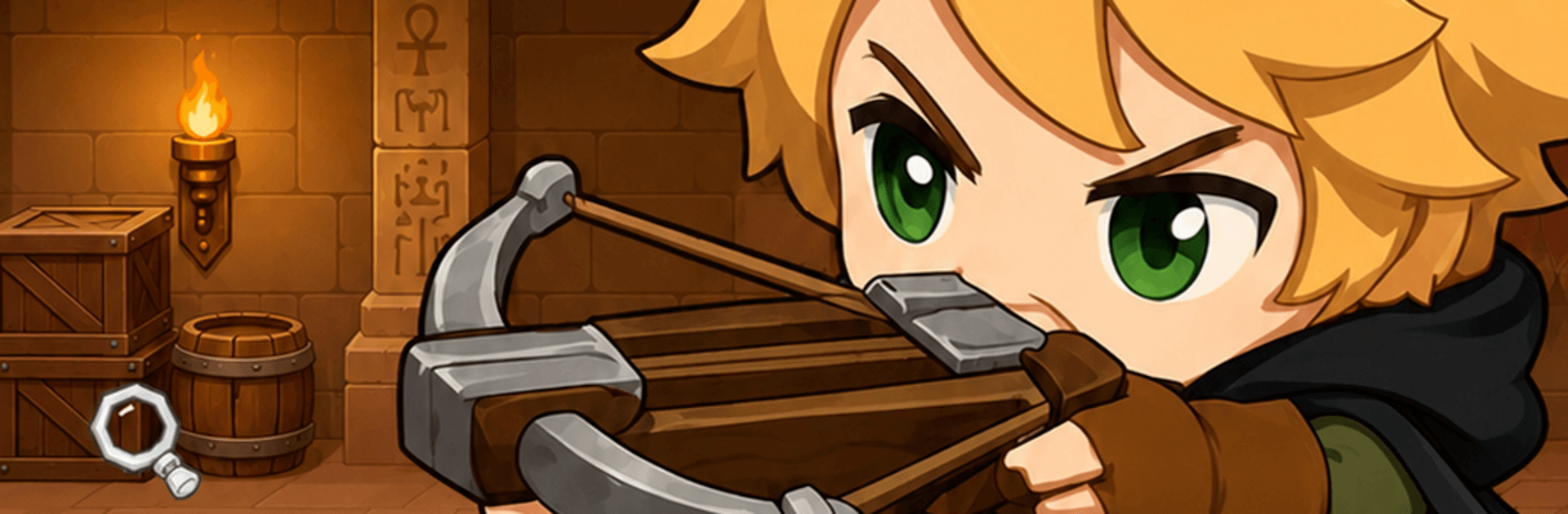
Lootmare Hunt
Lootmare Hunt

Lootmare Hunt

Arcade

| Payge Limited

Play on PC with BlueStacks or from our cloud

  • Overview
  • Game Features
  • How to Play

Page Modified On: October 21, 2026

Play Lootmare Hunt on PC or Mac

Lootmare Hunt by Payge Limited has plenty to keep you busy. BlueStacks lets you play it on PC or Mac with more screen space, better control, and fewer mobile limits.

About the Game

Lootmare Hunt is a fast, nerve-tingling Arcade run where you raid cursed ruins, scrap with demon swarms, and bolt for the portal before the rift snaps shut. Each run is a gamble: scoop up relics, test new weapons and spells, and figure out when greed turns lethal. It’s easy to jump into, tense from the first room, and surprisingly tactical—especially on BlueStacks if you like playing with a keyboard and mouse.

Game Features

  • Ruined realms to raid: Stalk through corrupted cathedrals, demon-crammed dungeons, and crumbling wizard towers packed with hidden stashes and sudden ambushes.
  • Scavenge-or-perish looting: Snag legendary weapons, enchanted armor, clutch-saving health potions, and forbidden artifacts that reshape your loadout on the fly.
  • Brutal mix-and-match combat: Chain heavy melee combos with precise ranged shots and quick-cast arcane blasts to carve through howling packs.
  • Power or purity choice: Absorb dark energy from fallen fiends for risky boosts, or burn it away to stay clean—every drop forces a decision.
  • High-stakes extraction: Drag your haul to the ancient portal before the dimensional rift seals; wait too long and you’re leaving with nothing.
  • Greed-versus-guts pacing: Push deeper for bigger prizes or bail early to bank your spoils—your nerve decides your payday.
  • Tension that scales with depth: The farther you press in, the meaner the encounters and the thinner your margin for error.

Start your journey now. Download the game on BlueStacks, invite your friends, and march on a new adventure.


Game Features

Enhancements

  • Macros
  • Multi Instance
  • Multi Instance Sync
  • Script
  • Enhancements
Macros

Macros

Automate the predictable in Lootmare Hunt and transform your gameplay with Macros. Get access to inventive Macros in the BlueStacks Macro Community
Multi Instance

Multi Instance

Play Lootmare Hunt on one window. And chat with your friend on the other. Press CTRL + Shift + 8 to open the Multi-Instance Manager. And start creating fresh instances or clone an existing one.
Multi Instance Sync

Multi Instance Sync

Play Lootmare Hunt with the power of Multi-Instance Sync. Replicate what you are doing on the main instance on all other instances. Level up faster, play more.
Script

Script

Script your way to gaming glory in Lootmare Hunt with BlueStacks Script. Write and run a set of commands to automate repeated tasks. Trigger the command by assigning it to any key.
Read More

How to Download and Play Lootmare Hunt on PC or Mac

  • Download and install BlueStacks on your PC or Mac

  • Complete Google sign-in to access the Play Store, or do it later

  • Look for Lootmare Hunt in the search bar at the top right corner

  • Click to install Lootmare Hunt from the search results

  • Complete Google sign-in (if you skipped step 2) to install Lootmare Hunt

  • Click the Lootmare Hunt icon on the home screen to start playing

video
Watch Video

Minimum System Requirements

With BlueStacks 5, you can get started on a PC that fulfills the following requirements.

  • Operating System

    Microsoft Windows 7 or above, macOS 11 (Big Sur) or above

  • Processor

    Intel, AMD or Apple Silicon Processor

  • RAM

    at least 4GB

  • HDD

    10GB Free Disk Space

Note:

* You must be an Administrator on your PC. Up to date graphics drivers from Microsoft or the chipset vendor.

Lootmare Hunt - FAQs

  • How to play Lootmare Hunt on Windows PC & Mac?

    Play Lootmare Hunt on your PC or Mac by following these simple steps.

    • Click on 'Play Lootmare Hunt on PC’ to download BlueStacks
    • Install it and log-in to Google Play Store
    • Launch and play the game.
  • Why is BlueStacks the fastest and safest platform to play games on PC?

    BlueStacks respects your privacy and is always safe and secure to use. It does not carry any malware, spyware, or any sort of additional software that could harm your PC.

    It is engineered to optimize speed and performance for a seamless gaming experience.

  • What are Lootmare Hunt PC requirements?

    Minimum requirement to run Lootmare Hunt on your PC

    • OS: Microsoft Windows 7 or above MacOS 11 (Big Sur) or above
    • Processor: Intel, AMD or Apple Silicon Processor
    • RAM: Your PC must have at least 4GB of RAM. (Note that having 4GB or more disk space is not a substitute for RAM)
    • HDD: 10GB Free Disk Space.
    • You must be an Administrator on your PC.