Goobie Garden
Goobie Garden

Goobie Garden

Casual

| Athenian Rhapsody

Play on PC with BlueStacks or from our cloud

Click here to Pre-Register for Goobie Garden
  • Overview
  • Features
  • How to Play

Page Modified On: April 02, 2026

Play Goobie Garden on PC or Mac

Goobie Garden brings the Casual genre to life, and throws up exciting challenges for gamers. Developed by Athenian Rhapsody, this Android game is best experienced on BlueStacks, the World’s #1 app player for PC and Mac users.

About the Game

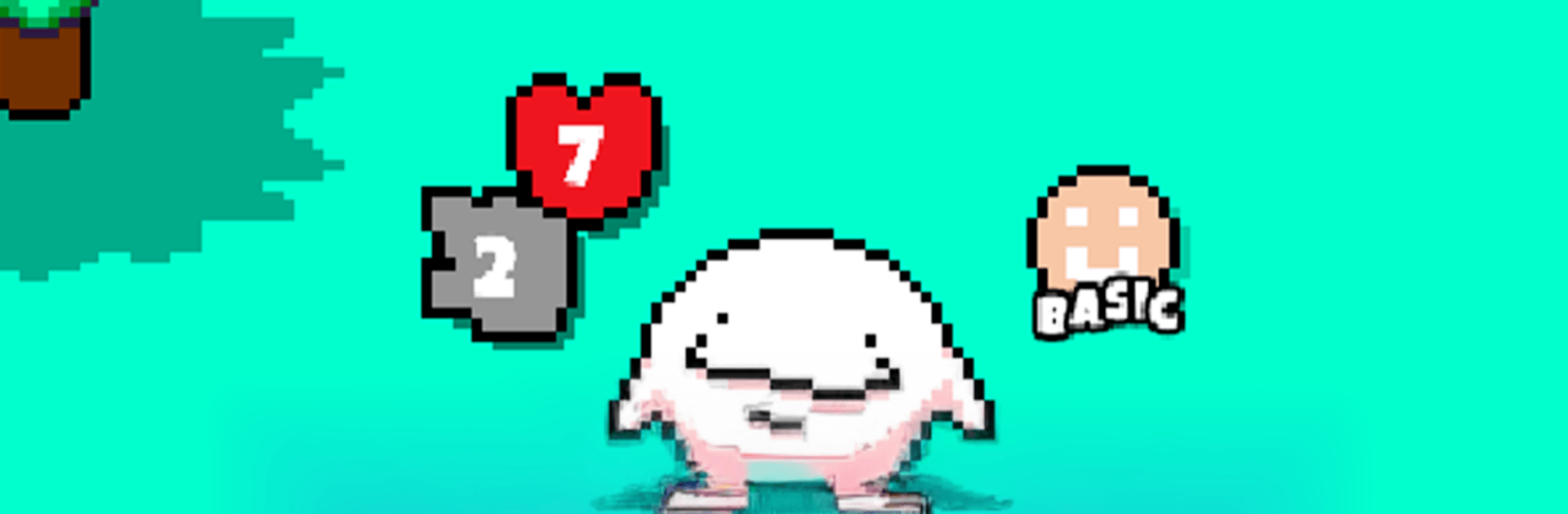
Goobie Garden is a delightfully odd creature-collector where your tiny, squishy pals are always up to something. Hatch mysterious eggs, raise weird little personalities, and watch them grow into unexpected forms. It’s a Casual game from Athenian Rhapsody that’s easy to relax with, yet packed with smart choices and plenty of surprises.

Game Features

  • Hatch, raise, evolve: Start with eggs and guide your Goobies along branching growth paths. Different care leads to different outcomes—quirks, skills, and looks included.
  • Build your Goobiedex: Track every discovery, chase rare types, and uncover secret variants you won’t spot at first glance.
  • Strategy-led auto-battles: Assemble a squad with complementary elements and abilities, lock in your plan, and let the auto-battle handle the action. Smart setups win fights.
  • Friendly PVP face-offs: Test your lineup against friends or rivals, climb the rankings, and tweak your team to counter what everyone else is running.
  • Play a minute or an hour: Grab quick rewards on a coffee break or settle in for a longer session. Progress keeps humming even when you’re offline.
  • Boss fights and team tweaks: Tackle chunky boss encounters, adjust formations, and experiment with skill synergies to punch above your weight.
  • Merge and experiment: Fuse Goobies to nudge new evolutions, squeeze out better stats, and hunt for oddball combos the garden’s hiding.
  • Make the room yours: Decorate your cozy hub, show off favorites, and keep things lively while eggs crack and timers tick.
  • Daily goals and seasonal drops: Knock out daily and weekly quests, chase seasonal and LEGENDARY Goobies, and enjoy monthly rotations with fresh cosmetics, rewards, and themed battles.
  • Plays great on PC too: Prefer a bigger screen? Goobie Garden feels right at home on BlueStacks, handy for sorting squads and hatching sprees.

Ready to top the leaderboard? We bet you do. Let precise controls and sharp visuals optimized on BlueStacks lead you to victory.


Features

  • Macros

    Automate the predictable in Goobie Garden and transform your gameplay with Macros. Get access to inventive Macros in the BlueStacks Macro Community

  • Multi Instance

    Play Goobie Garden on one window. And chat with your friend on the other. Press CTRL + Shift + 8 to open the Multi-Instance Manager. And start creating fresh instances or clone an existing one.

  • Script

    Script your way to gaming glory in Goobie Garden with BlueStacks Script. Write and run a set of commands to automate repeated tasks. Trigger the command by assigning it to any key.

  • Repeated Tap

    BlueStacks lets you master Goobie Garden with useful features like the Repeated Tap. Now you do not have to press the same key repeatedly to initiate an action. Just assign it to one key and you are good to go.

How to Download and Play Goobie Garden on PC or Mac

  • Download and install BlueStacks on your PC or Mac

  • Complete Google sign-in to access the Play Store, or do it later

  • Look for Goobie Garden in the search bar at the top right corner

  • Click to install Goobie Garden from the search results

  • Complete Google sign-in (if you skipped step 2) to install Goobie Garden

  • Click the Goobie Garden icon on the home screen to start playing

video
Watch Video

Minimum System Requirements

With BlueStacks 5, you can get started on a PC that fulfills the following requirements.

  • Operating System

    Microsoft Windows 7 or above, macOS 11 (Big Sur) or above

  • Processor

    Intel, AMD or Apple Silicon Processor

  • RAM

    at least 4GB

  • HDD

    10GB Free Disk Space

Note:

* You must be an Administrator on your PC. Up to date graphics drivers from Microsoft or the chipset vendor.

Exclusive Gaming Content. And More.

Get the latest updates on the BlueStacks Blog.

See More
Goobie Garden

Be among the first to play Goobie Garden on PC

Get notified when the Game launches

Goobie Garden - FAQs

  • How to play Goobie Garden on Windows PC & Mac?

    Play Goobie Garden on your PC or Mac by following these simple steps.

    • Click on 'Play Goobie Garden on PC’ to download BlueStacks
    • Install it and log-in to Google Play Store
    • Launch and play the game.
  • Why is BlueStacks the fastest and safest platform to play games on PC?

    BlueStacks respects your privacy and is always safe and secure to use. It does not carry any malware, spyware, or any sort of additional software that could harm your PC.

    It is engineered to optimize speed and performance for a seamless gaming experience.

  • What are Goobie Garden PC requirements?

    Minimum requirement to run Goobie Garden on your PC

    • OS: Microsoft Windows 7 or above MacOS 11 (Big Sur) or above
    • Processor: Intel, AMD or Apple Silicon Processor
    • RAM: Your PC must have at least 4GB of RAM. (Note that having 4GB or more disk space is not a substitute for RAM)
    • HDD: 10GB Free Disk Space.
    • You must be an Administrator on your PC.