Mechanic Mike - Monster Truck

Mechanic Mike - Monster Truck

Casual

| TabTale

Play on PC with BlueStacks or from our cloud

  • Overview
  • Game Features
  • How to Play

Page Modified On: October 23, 2026

Play Mechanic Mike - Monster Truck on PC or Mac

Mechanic Mike – Monster Truck by TabTale has plenty to keep you busy. BlueStacks lets you play it on PC or Mac with more screen space, better control, and fewer mobile limits.

About the Game

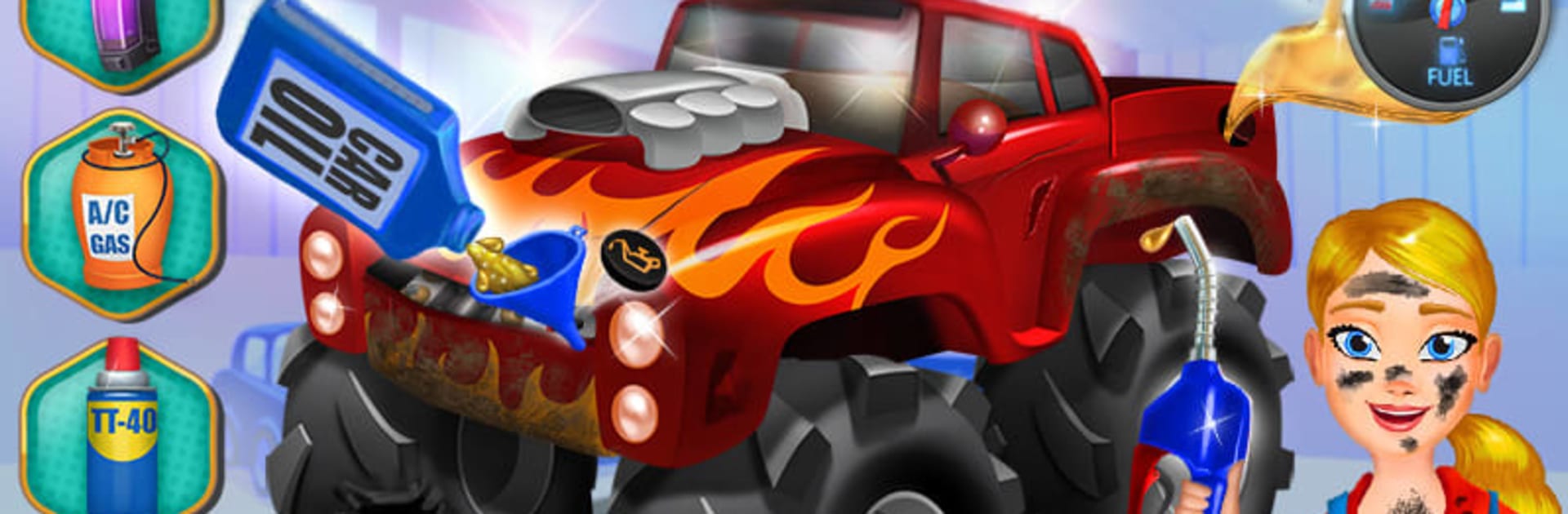
Mechanic Mike – Monster Truck is a Casual wrench-turning, tire-squealing playground where big trucks meet bigger repairs. You’ll tune, fix, polish, and then unleash your custom beast to crush cars and take on mini-games that keep the action moving. Want more room to tinker? It runs smoothly on BlueStacks when you’d like the garage—and the arena—on a larger screen.

Game Features

  • Pick Your Powerhouse: Choose from four distinct monster trucks—including over-the-top rides like the Alien Truck and the Flame Truck—and make each one feel like yours.
  • Story-Driven Fix-Ups: Roll into the shop after wild mishaps (think tree hits or gnarly collisions), then diagnose what went wrong and bring the truck back to life.
  • Garage Progression: Work through three garage levels, clear each tune-up floor, and earn stars to unlock the next set of tools and challenges.
  • Car-Crushing Arena: Take a break from the wrench and mash smaller cars in a quick, chaotic mini-game that’s all about raw power and control.
  • Gas Station Care: Patch up scratches, pump the tires, and top off the tank—simple jobs that keep your rig ready for the next stunt.
  • Hands-On Repairs: Use 16 different tools—from screwdrivers to specialty gear—to tighten bolts, swap parts, and fix whatever the road tried to break.
  • X-Ray Diagnostics: Scan under the hood to spot frayed wires and hidden issues, then reconnect and repair for a clean, satisfying finish.
  • Paint and Style: Choose from eight colors and give your monster a fresh coat; snap a picture when it’s shining and brag-worthy.
  • Wheels, Lots of Wheels: Try on 16 different wheel options to change grip, stance, and style without breaking a sweat.
  • Earn and Decorate: Collect coins as you play and use them to spruce up Monster Truck Town with decorations that make your pit stop feel like home.

BlueStacks gives you more room to focus on the game and less time adjusting around mobile limitations.


Game Features

Enhancements

  • Macros
  • Multi Instance
  • Script
  • Repeated Tap
  • Enhancements
Macros

Macros

Automate the predictable in Mechanic Mike - Monster Truck and transform your gameplay with Macros. Get access to inventive Macros in the BlueStacks Macro Community
Multi Instance

Multi Instance

Play Mechanic Mike - Monster Truck on one window. And chat with your friend on the other. Press CTRL + Shift + 8 to open the Multi-Instance Manager. And start creating fresh instances or clone an existing one.
Script

Script

Script your way to gaming glory in Mechanic Mike - Monster Truck with BlueStacks Script. Write and run a set of commands to automate repeated tasks. Trigger the command by assigning it to any key.
Repeated Tap

Repeated Tap

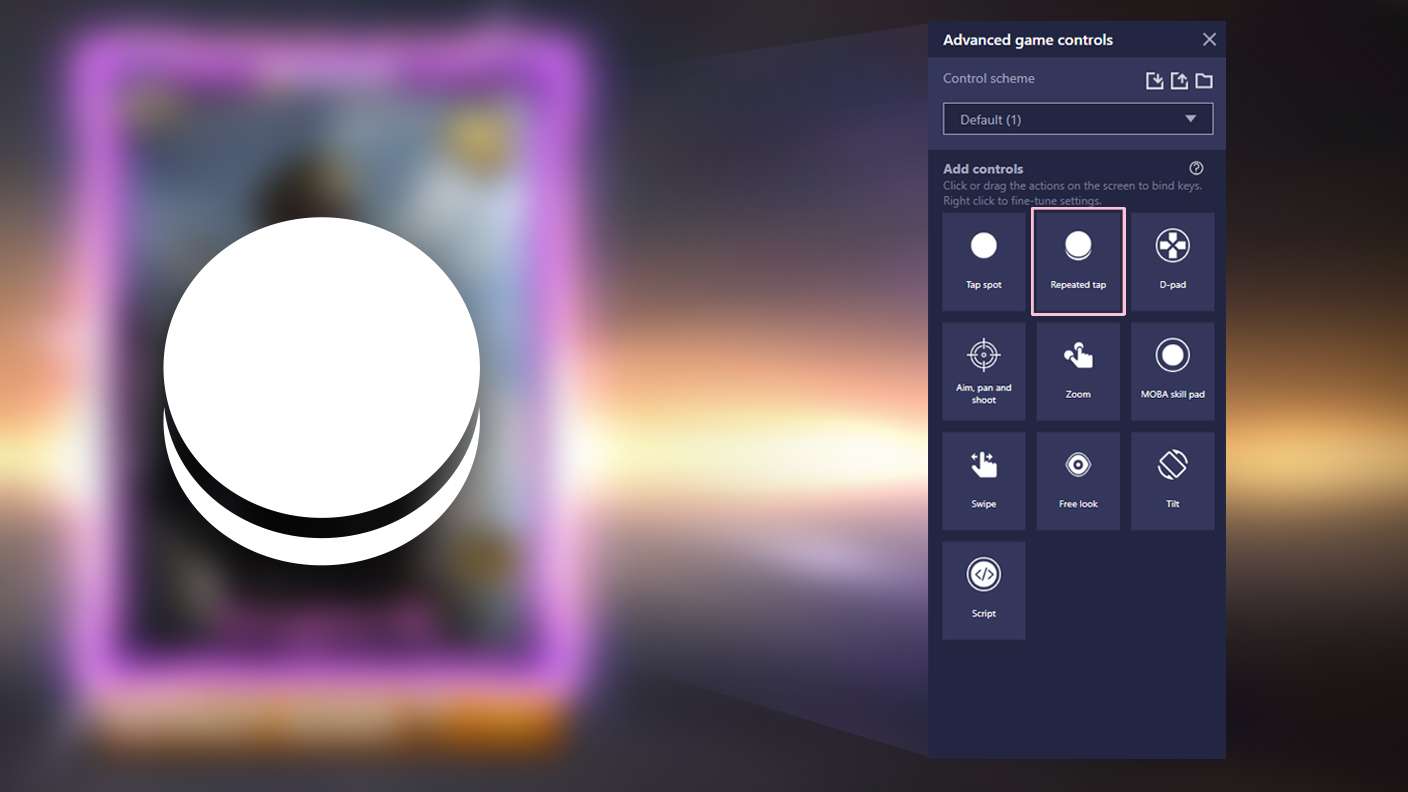
BlueStacks lets you master Mechanic Mike - Monster Truck with useful features like the Repeated Tap. Now you do not have to press the same key repeatedly to initiate an action. Just assign it to one key and you are good to go.
Read More

How to Download and Play Mechanic Mike - Monster Truck on PC or Mac

  • Download and install BlueStacks on your PC or Mac

  • Complete Google sign-in to access the Play Store, or do it later

  • Look for Mechanic Mike - Monster Truck in the search bar at the top right corner

  • Click to install Mechanic Mike - Monster Truck from the search results

  • Complete Google sign-in (if you skipped step 2) to install Mechanic Mike - Monster Truck

  • Click the Mechanic Mike - Monster Truck icon on the home screen to start playing

video
Watch Video

Minimum System Requirements

With BlueStacks 5, you can get started on a PC that fulfills the following requirements.

  • Operating System

    Microsoft Windows 7 or above, macOS 11 (Big Sur) or above

  • Processor

    Intel, AMD or Apple Silicon Processor

  • RAM

    at least 4GB

  • HDD

    10GB Free Disk Space

Note:

* You must be an Administrator on your PC. Up to date graphics drivers from Microsoft or the chipset vendor.

Mechanic Mike - Monster Truck - FAQs

  • How to play Mechanic Mike - Monster Truck on Windows PC & Mac?

    Play Mechanic Mike - Monster Truck on your PC or Mac by following these simple steps.

    • Click on 'Play Mechanic Mike - Monster Truck on PC’ to download BlueStacks
    • Install it and log-in to Google Play Store
    • Launch and play the game.
  • Why is BlueStacks the fastest and safest platform to play games on PC?

    BlueStacks respects your privacy and is always safe and secure to use. It does not carry any malware, spyware, or any sort of additional software that could harm your PC.

    It is engineered to optimize speed and performance for a seamless gaming experience.

  • What are Mechanic Mike - Monster Truck PC requirements?

    Minimum requirement to run Mechanic Mike - Monster Truck on your PC

    • OS: Microsoft Windows 7 or above MacOS 11 (Big Sur) or above
    • Processor: Intel, AMD or Apple Silicon Processor
    • RAM: Your PC must have at least 4GB of RAM. (Note that having 4GB or more disk space is not a substitute for RAM)
    • HDD: 10GB Free Disk Space.
    • You must be an Administrator on your PC.