Replicat
Replicat

Replicat

Casual

| Erabit Studios

Play on PC with BlueStacks or from our cloud

Click here to Pre-Register for Replicat
  • Overview
  • Features
  • How to Play

Page Modified On: June 04, 2026

Play Replicat on PC or Mac

Replicat brings the Casual genre to life, and throws up exciting challenges for gamers. Developed by Erabit Studios, this Android game is best experienced on BlueStacks, the World’s #1 app player for PC and Mac users.

About the Game

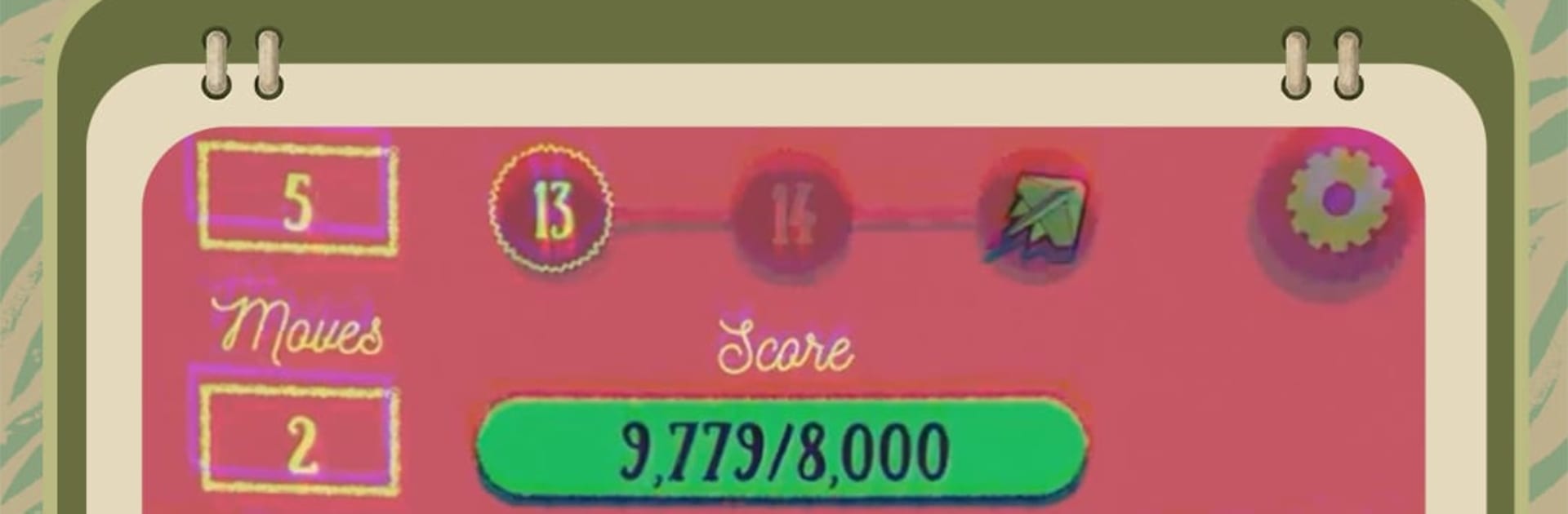
Replicat is a smart twist on the Casual genre, blending memory matching with roguelike deckbuilding. You’re not just flipping tiles—you’re crafting a plan, tinkering with rules, and turning tiny wins into huge chains. It’s quick to pick up, surprisingly deep once you start building combos, and packed with charming cat vibes and jazzy clicks. Prefer a bigger screen or mouse support? It also plays smoothly on BlueStacks.

Game Features

  • Strategy-first matching: Matching pairs is just the start. Use clever cards and curios to bend the rules—peek at more tiles, keep matches face-up, turn misses into hits, or toss in wild Jokers when things get tricky.
  • Build your run, your way: Each attempt can veer in a new direction: extra moves, passive reveals, tighter turn control, multiplier chains, or gleeful chaos. Memory helps, but your build decides the outcome.
  • Five-color system: Five distinct card colors nudge you toward different tactics and synergies, rewarding experimentation.
  • Deep card and relic pool: With 90+ cards and 80+ curios, there’s room for off-the-wall combos, busted interactions, and finely tuned strategies.
  • Starter decks with personality: Begin with one of 10 starter decks, each with its own difficulty and flavor to set the tone for your run.
  • Stages with teeth: Tackle 21 stages that ramp up the pressure and toss in unique boss modifiers to keep you on your toes.
  • Cozy style, punchy feedback: Adorable cat art, vibrant colors, and snappy, jazzy sound effects make every flip feel good.
  • Replay that sticks: Runs rarely play out alike—chase high scores, test oddball builds, or push for that perfectly “broken” combo.

BlueStacks gives you more room to focus on the game and less time adjusting around mobile limitations.


Features

  • Macros

    Automate the predictable in Replicat and transform your gameplay with Macros. Get access to inventive Macros in the BlueStacks Macro Community

  • Multi Instance

    Play Replicat on one window. And chat with your friend on the other. Press CTRL + Shift + 8 to open the Multi-Instance Manager. And start creating fresh instances or clone an existing one.

  • Script

    Script your way to gaming glory in Replicat with BlueStacks Script. Write and run a set of commands to automate repeated tasks. Trigger the command by assigning it to any key.

  • Repeated Tap

    BlueStacks lets you master Replicat with useful features like the Repeated Tap. Now you do not have to press the same key repeatedly to initiate an action. Just assign it to one key and you are good to go.

How to Download and Play Replicat on PC or Mac

  • Download and install BlueStacks on your PC or Mac

  • Complete Google sign-in to access the Play Store, or do it later

  • Look for Replicat in the search bar at the top right corner

  • Click to install Replicat from the search results

  • Complete Google sign-in (if you skipped step 2) to install Replicat

  • Click the Replicat icon on the home screen to start playing

video
Watch Video

Minimum System Requirements

With BlueStacks 5, you can get started on a PC that fulfills the following requirements.

  • Operating System

    Microsoft Windows 7 or above, macOS 11 (Big Sur) or above

  • Processor

    Intel, AMD or Apple Silicon Processor

  • RAM

    at least 4GB

  • HDD

    10GB Free Disk Space

Note:

* You must be an Administrator on your PC. Up to date graphics drivers from Microsoft or the chipset vendor.

Exclusive Gaming Content. And More.

Get the latest updates on the BlueStacks Blog.

See More
Replicat

Be among the first to play Replicat on PC

Get notified when the Game launches

Replicat - FAQs

  • How to play Replicat on Windows PC & Mac?

    Play Replicat on your PC or Mac by following these simple steps.

    • Click on 'Play Replicat on PC’ to download BlueStacks
    • Install it and log-in to Google Play Store
    • Launch and play the game.
  • Why is BlueStacks the fastest and safest platform to play games on PC?

    BlueStacks respects your privacy and is always safe and secure to use. It does not carry any malware, spyware, or any sort of additional software that could harm your PC.

    It is engineered to optimize speed and performance for a seamless gaming experience.

  • What are Replicat PC requirements?

    Minimum requirement to run Replicat on your PC

    • OS: Microsoft Windows 7 or above MacOS 11 (Big Sur) or above
    • Processor: Intel, AMD or Apple Silicon Processor
    • RAM: Your PC must have at least 4GB of RAM. (Note that having 4GB or more disk space is not a substitute for RAM)
    • HDD: 10GB Free Disk Space.
    • You must be an Administrator on your PC.