Downloader
Downloader

Downloader

Productivity

| Supono Holdings LTD

Play on PC with BlueStacks or from our cloud

  • Overview
  • How to Download

Page Modified On: October 26, 2026

Run Downloader on PC or Mac

What’s better than using Downloader by SOLID APPS INC? Well, try it on a big screen, on your PC or Mac, with BlueStacks to see the difference.

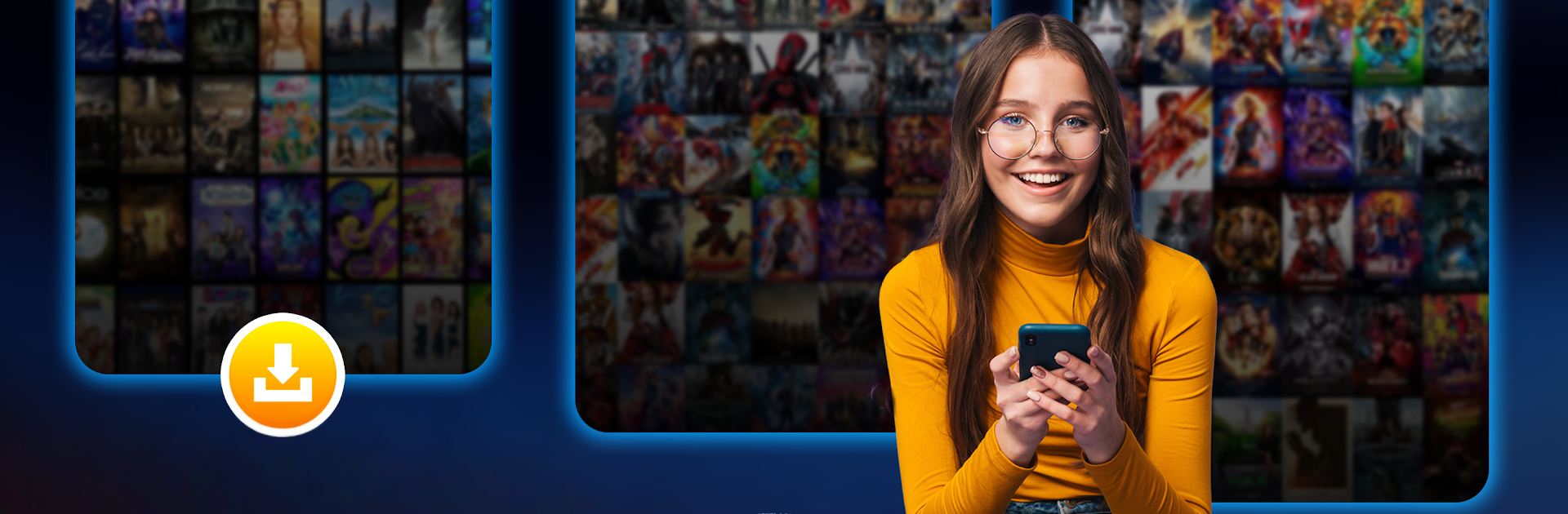
Downloader feels like a simple toolkit for grabbing files without fuss. The layout is clean, so someone can copy a link, paste it in, and just let it fetch the thing. There is also a little browser plug-in inside the app that lets them open a site and tap to download right there, which feels quicker than juggling tabs. On a PC with BlueStacks it is easy to keep an eye on the queue and let larger videos or music files run in the background while doing other stuff, no tiny phone screen juggling.

What stands out is the built-in file manager. After downloads finish, everything shows up in one place, and moving files into folders is painless. It is not fancy, it is just practical. The app understands the common stuff people actually grab, like videos, songs, documents, and APKs. If someone pulls an APK, there is an installer built in, so they do not have to dig through device settings to get it working. It feels very much like a catch-all download station that tries to keep things tidy instead of scattering files everywhere. Nothing flashy, mostly about saving time and clicks. If someone wants a straightforward way to fetch and organize files from the web on a bigger screen with mouse and keyboard, this does the job and stays out of the way.

Big screen. Bigger performance. Use BlueStacks on your PC or Mac to run your favorite apps.

How to Download and Run Downloader on PC or Mac

  • Download and install BlueStacks on your PC or Mac

  • Complete Google sign-in to access the Play Store, or do it later

  • Look for Downloader in the search bar at the top right corner

  • Click to install Downloader from the search results

  • Complete Google sign-in (if you skipped step 2) to install Downloader

  • Click the Downloader icon on the home screen to start playing

video
Watch Video

Minimum System Requirements

With BlueStacks 5, you can get started on a PC that fulfills the following requirements.

  • Operating System

    Microsoft Windows 7 or above, macOS 11 (Big Sur) or above

  • Processor

    Intel, AMD or Apple Silicon Processor

  • RAM

    at least 4GB

  • HDD

    10GB Free Disk Space

Note:

* You must be an Administrator on your PC. Up to date graphics drivers from Microsoft or the chipset vendor.

Downloader - FAQs

  • How to Run Downloader on Windows PC & Mac?

    Run Downloader on your PC or Mac by following these simple steps.

    • Click on ‘Download Downloader on PC’ to download BlueStacks
    • Install it and log-in to Google Play Store
    • Launch and run the app.
  • Why is BlueStacks the fastest and safest platform to play games on PC?

    BlueStacks respects your privacy and is always safe and secure to use. It does not carry any malware, spyware, or any sort of additional software that could harm your PC.

    It is engineered to optimize speed and performance for a seamless gaming experience.

  • What are Downloader PC requirements?

    Minimum requirement to run Downloader on your PC

    • OS: Microsoft Windows 7 and above:
    • Processor: Intel or AMD Processor:
    • RAM: Your PC must have at least 2GB of RAM. (Note that having 2GB or more disk space is not a substitute for RAM):
    • HDD: 5GB Free Disk Space.
    • You must be an Administrator on your PC.