Block X Block
Block X Block

Block X Block

Puzzle

| MiniFly Games

Play on PC with BlueStacks or from our cloud

  • Overview
  • Game Features
  • How to Play

Page Modified On: November 11, 2026

Play Block X Block on PC or Mac

Block X Block by MiniFly Games has plenty to keep you busy. BlueStacks lets you play it on PC or Mac with more screen space, better control, and fewer mobile limits.

About the Game

Block X Block is a clean, thinky Puzzle that turns a simple 8×8 grid into a surprisingly strategic challenge. Drop shapes, complete rows or columns, and keep the board breathing with a gentle Sudoku-style twist that rewards planning ahead. It’s easy to jump in for a quick round or stick around for a longer session, and it plays nicely on BlueStacks if you prefer a bigger view.

Game Features

  • 8×8 Board, Clear Those Lines: Place block pieces to fill full rows or columns, refresh the board, and keep space open for the next tricky shape.
  • Sudoku-Style Logic: A light, number-free nod to Sudoku nudges you to visualize placements and think a step ahead without overcomplicating things.
  • Simple, Fast Controls: Clean, no-fuss interactions keep the pace brisk so your attention stays on smart moves—not on menus.
  • Stage & Classic Modes: Pick Stage mode for structured, bite-size challenges, or switch to Classic when you want that free-form, keep-the-board-alive feel.
  • Offline Play: No connection needed, so it’s ready whenever you are—perfect for commutes, long waits, or cozy couch time.
  • No In-App Purchases: Enjoy the full experience without a shop or paywalls—just you, the grid, and your best decisions.

Ready to top the leaderboard? We bet you do. Let precise controls and sharp visuals optimized on BlueStacks lead you to victory.

Game Features

Enhancements

  • Macros
  • Multi Instance
  • Multi Instance Sync
  • Script
  • Enhancements
Macros

Macros

Automate the predictable in Block X Block and transform your gameplay with Macros. Get access to inventive Macros in the BlueStacks Macro Community
Multi Instance

Multi Instance

Play Block X Block on one window. And chat with your friend on the other. Press CTRL + Shift + 8 to open the Multi-Instance Manager. And start creating fresh instances or clone an existing one.
Multi Instance Sync

Multi Instance Sync

Play Block X Block with the power of Multi-Instance Sync. Replicate what you are doing on the main instance on all other instances. Level up faster, play more.
Script

Script

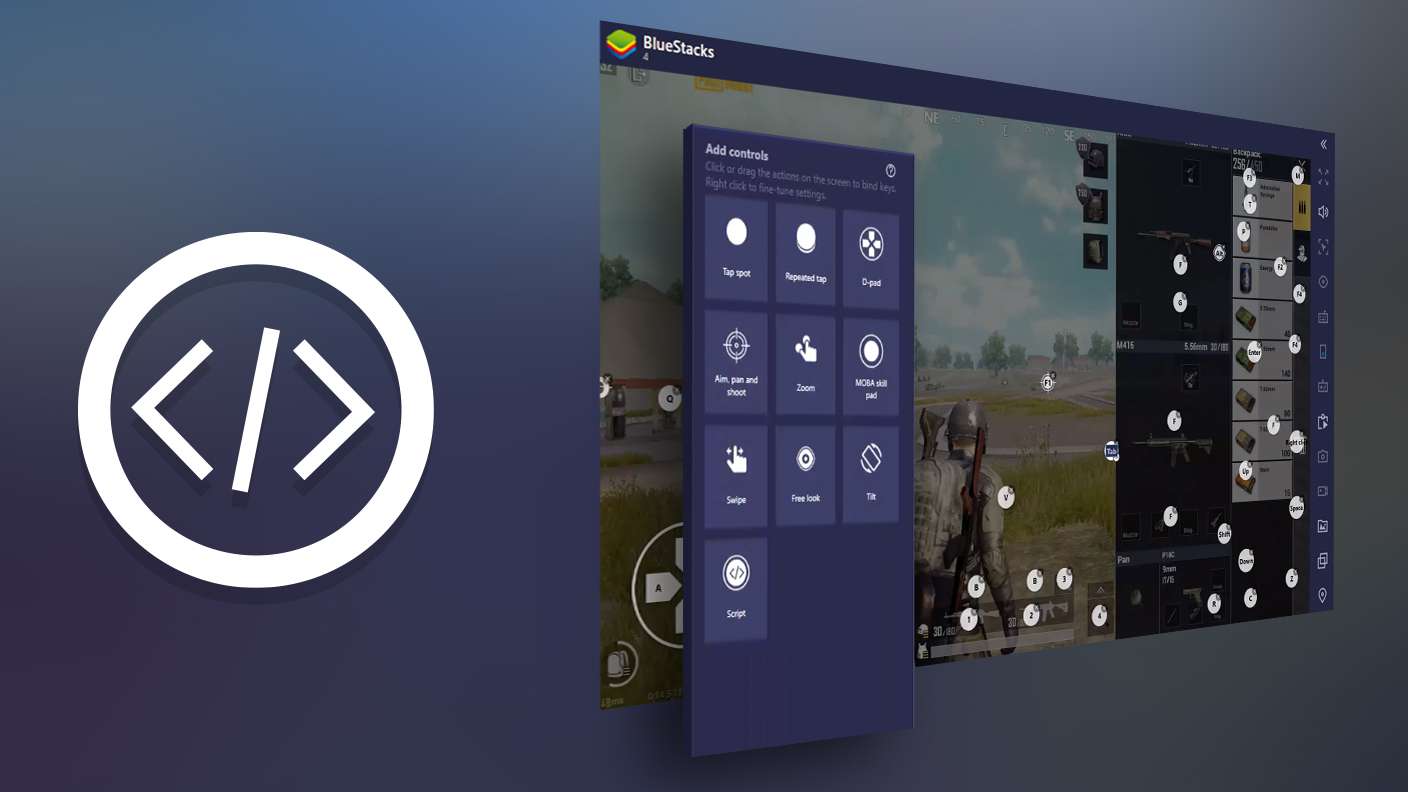
Script your way to gaming glory in Block X Block with BlueStacks Script. Write and run a set of commands to automate repeated tasks. Trigger the command by assigning it to any key.
Read More

How to Download and Play Block X Block on PC or Mac

  • Download and install BlueStacks on your PC or Mac

  • Complete Google sign-in to access the Play Store, or do it later

  • Look for Block X Block in the search bar at the top right corner

  • Click to install Block X Block from the search results

  • Complete Google sign-in (if you skipped step 2) to install Block X Block

  • Click the Block X Block icon on the home screen to start playing

video
Watch Video

Minimum System Requirements

With BlueStacks 5, you can get started on a PC that fulfills the following requirements.

  • Operating System

    Microsoft Windows 7 or above, macOS 11 (Big Sur) or above

  • Processor

    Intel, AMD or Apple Silicon Processor

  • RAM

    at least 4GB

  • HDD

    10GB Free Disk Space

Note:

* You must be an Administrator on your PC. Up to date graphics drivers from Microsoft or the chipset vendor.

Block X Block - FAQs

  • How to play Block X Block on Windows PC & Mac?

    Play Block X Block on your PC or Mac by following these simple steps.

    • Click on 'Play Block X Block on PC’ to download BlueStacks
    • Install it and log-in to Google Play Store
    • Launch and play the game.
  • Why is BlueStacks the fastest and safest platform to play games on PC?

    BlueStacks respects your privacy and is always safe and secure to use. It does not carry any malware, spyware, or any sort of additional software that could harm your PC.

    It is engineered to optimize speed and performance for a seamless gaming experience.

  • What are Block X Block PC requirements?

    Minimum requirement to run Block X Block on your PC

    • OS: Microsoft Windows 7 or above MacOS 11 (Big Sur) or above
    • Processor: Intel, AMD or Apple Silicon Processor
    • RAM: Your PC must have at least 4GB of RAM. (Note that having 4GB or more disk space is not a substitute for RAM)
    • HDD: 10GB Free Disk Space.
    • You must be an Administrator on your PC.