Blocked In: Color Sort Puzzle

Blocked In: Color Sort Puzzle

Puzzle

| Tripledot Studios Limited

Play on PC with BlueStacks or from our cloud

  • Overview
  • Game Features
  • How to Play

Page Modified On: October 12, 2026

Play Blocked In: Color Sort Puzzle on PC or Mac

Explore a whole new adventure with Blocked In: Color Sort Puzzle, a Puzzle game created by Tripledot Studios Limited. Experience great gameplay with BlueStacks, the most popular gaming platform to play Android games on your PC or Mac.

About the Game

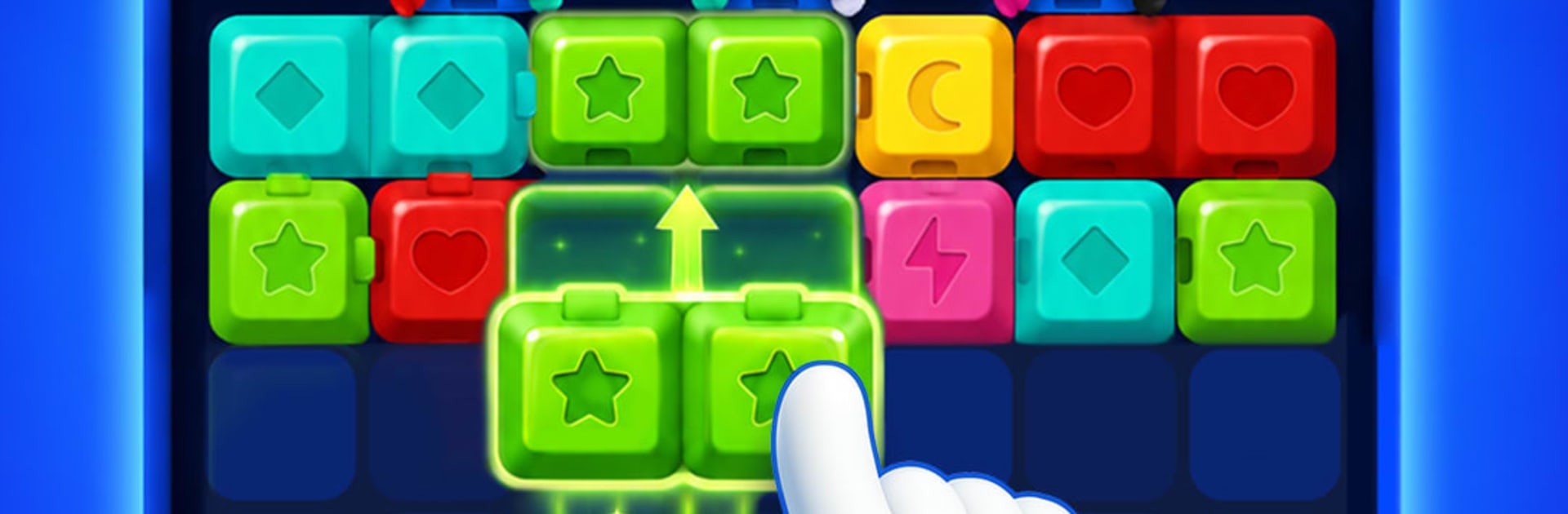
Blocked In: Color Sort Puzzle is a relaxed-but-thinky Puzzle that’s easy to learn and sneaky-hard to put down. Slide bright blocks around cramped boards to reunite matching colors, carve out new routes, and beat the clock without boxing yourself in. Want more space to strategize? It feels great on a bigger screen with BlueStacks.

Game Features

  • Smart sliding: Shift pieces through tight paths, using one move to unlock the next and keeping an eye on where everything will end up.
  • Tricky layouts: Narrow corridors, chokepoints, and dead ends turn each board into a careful route-finding challenge.
  • Fixed blockers: Solid gray blocks won’t budge, so you’ll have to build a plan that navigates around them.
  • One-way arrows: Directional pieces only travel the way they point, turning every nudge into a small logic check.
  • Frozen tiles: Ice-covered blocks need extra effort to free—create space and line up moves to break them loose.
  • Keys and locks: Guide a key to its matching lock to open precious space and keep the chain of moves flowing.
  • Mystery colors: Some pieces hide their color until revealed, pushing you to adapt your plan on the fly.
  • Simple controls: Just drag to move—approachable from the first board, with depth that rewards foresight.
  • Clear visuals: Bold colors and matching symbols make pairs easy to spot at a glance, even on the busiest boards.
  • Helpful boosters: Use a mallet to remove a stubborn piece and grab extra time when the countdown gets tight.
  • Always solvable: Every board has a solution—the real trick is discovering the order that opens the path.
  • Satisfying clears: When matching pieces finally meet and snap into place, the whole board suddenly breathes.

Start playing Blocked In: Color Sort Puzzle on BlueStacks and get a smoother, more comfortable PC or Mac setup.

Game Features

Enhancements

  • Macros
  • Multi Instance
  • Multi Instance Sync
  • Script
  • Enhancements
Macros

Macros

Automate the predictable in Blocked In: Color Sort Puzzle and transform your gameplay with Macros. Get access to inventive Macros in the BlueStacks Macro Community
Multi Instance

Multi Instance

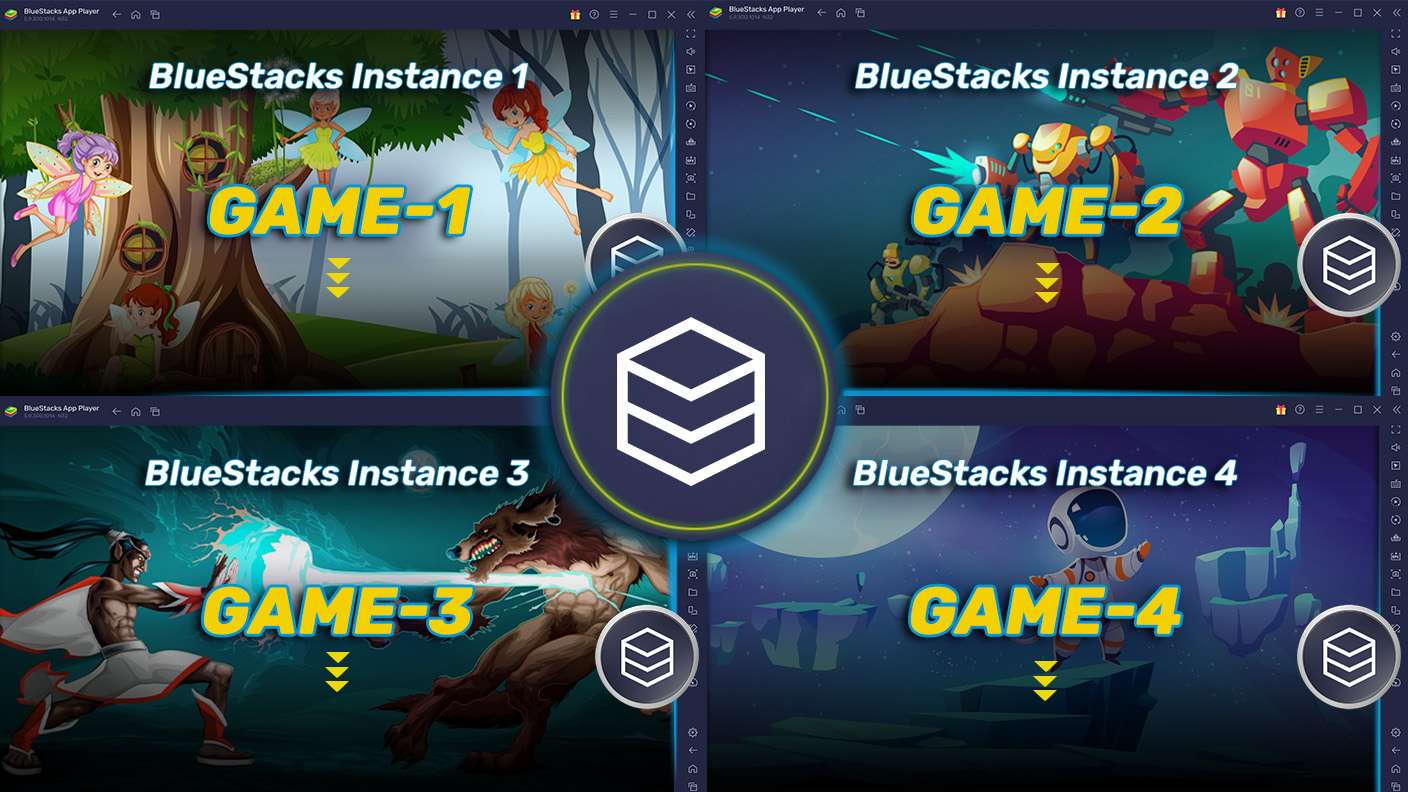
Play Blocked In: Color Sort Puzzle on one window. And chat with your friend on the other. Press CTRL + Shift + 8 to open the Multi-Instance Manager. And start creating fresh instances or clone an existing one.
Multi Instance Sync

Multi Instance Sync

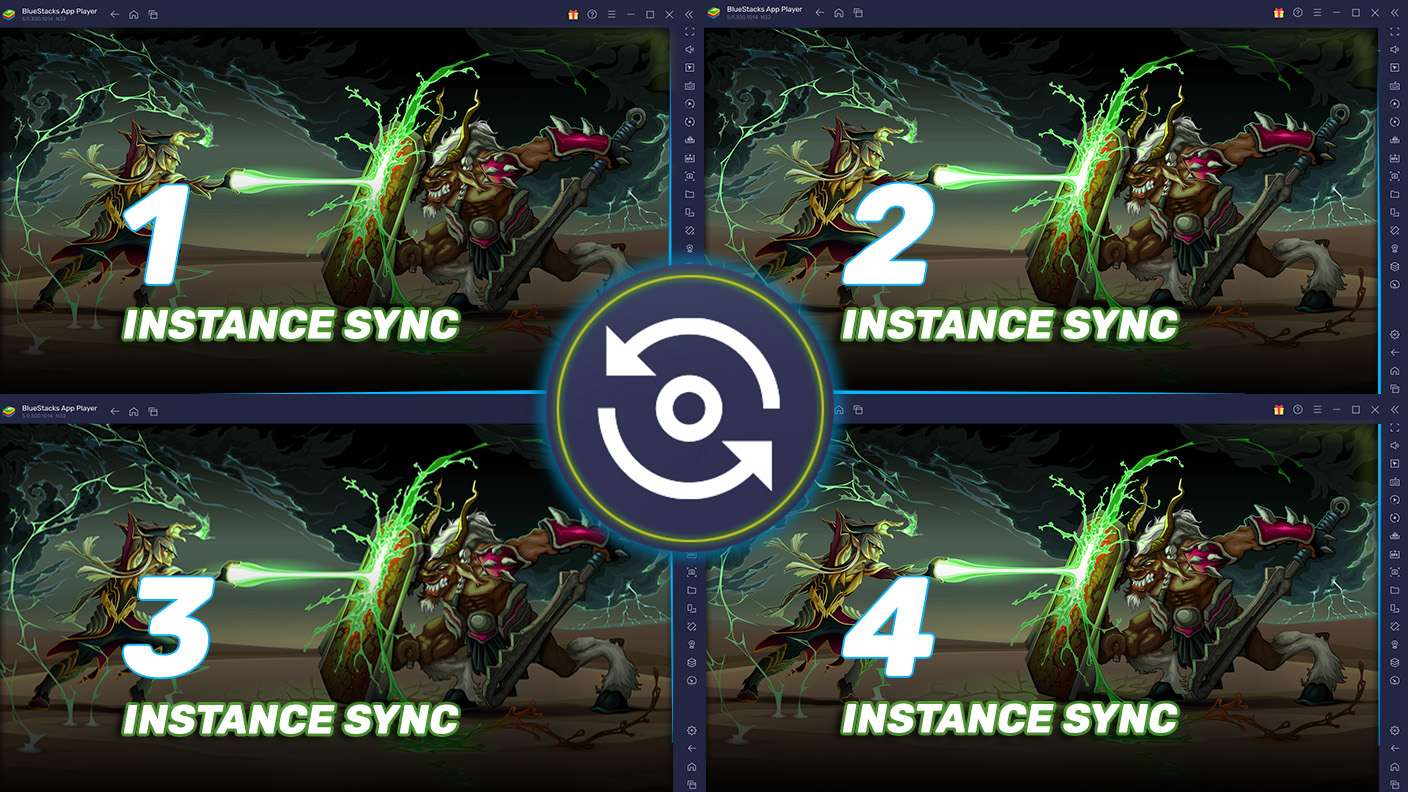
Play Blocked In: Color Sort Puzzle with the power of Multi-Instance Sync. Replicate what you are doing on the main instance on all other instances. Level up faster, play more.
Script

Script

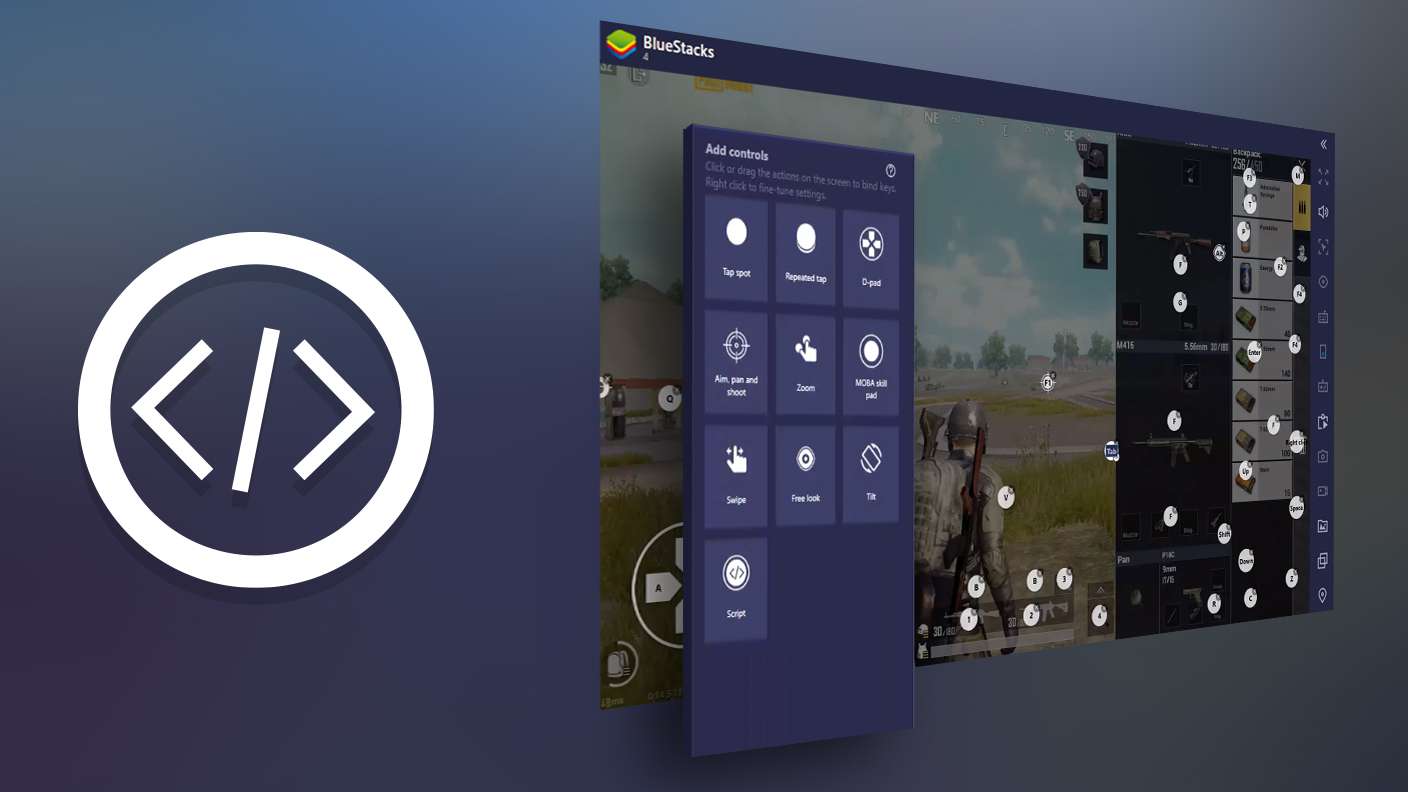
Script your way to gaming glory in Blocked In: Color Sort Puzzle with BlueStacks Script. Write and run a set of commands to automate repeated tasks. Trigger the command by assigning it to any key.
Read More

How to Download and Play Blocked In: Color Sort Puzzle on PC or Mac

  • Download and install BlueStacks on your PC or Mac

  • Complete Google sign-in to access the Play Store, or do it later

  • Look for Blocked In: Color Sort Puzzle in the search bar at the top right corner

  • Click to install Blocked In: Color Sort Puzzle from the search results

  • Complete Google sign-in (if you skipped step 2) to install Blocked In: Color Sort Puzzle

  • Click the Blocked In: Color Sort Puzzle icon on the home screen to start playing

video
Watch Video

Minimum System Requirements

With BlueStacks 5, you can get started on a PC that fulfills the following requirements.

  • Operating System

    Microsoft Windows 7 or above, macOS 11 (Big Sur) or above

  • Processor

    Intel, AMD or Apple Silicon Processor

  • RAM

    at least 4GB

  • HDD

    10GB Free Disk Space

Note:

* You must be an Administrator on your PC. Up to date graphics drivers from Microsoft or the chipset vendor.

Blocked In: Color Sort Puzzle - FAQs

  • How to play Blocked In: Color Sort Puzzle on Windows PC & Mac?

    Play Blocked In: Color Sort Puzzle on your PC or Mac by following these simple steps.

    • Click on 'Play Blocked In: Color Sort Puzzle on PC’ to download BlueStacks
    • Install it and log-in to Google Play Store
    • Launch and play the game.
  • Why is BlueStacks the fastest and safest platform to play games on PC?

    BlueStacks respects your privacy and is always safe and secure to use. It does not carry any malware, spyware, or any sort of additional software that could harm your PC.

    It is engineered to optimize speed and performance for a seamless gaming experience.

  • What are Blocked In: Color Sort Puzzle PC requirements?

    Minimum requirement to run Blocked In: Color Sort Puzzle on your PC

    • OS: Microsoft Windows 7 or above MacOS 11 (Big Sur) or above
    • Processor: Intel, AMD or Apple Silicon Processor
    • RAM: Your PC must have at least 4GB of RAM. (Note that having 4GB or more disk space is not a substitute for RAM)
    • HDD: 10GB Free Disk Space.
    • You must be an Administrator on your PC.