Car Crash Stunt ramp: Spusk 3D

Car Crash Stunt ramp: Spusk 3D

Racing

| LastCall

Play on PC with BlueStacks or from our cloud

  • Overview
  • Game Features
  • How to Play

Page Modified On: July 22, 2025

Play Car Crash Stunt ramp: Spusk 3D on PC or Mac

Join millions to experience Car Crash Stunt ramp: Spusk 3D, an exciting Racing game from LastCall. With BlueStacks App Player, you are always a step ahead of your opponent, ready to outplay them with faster gameplay and better control with the mouse and keyboard on your PC or Mac.

About the Game

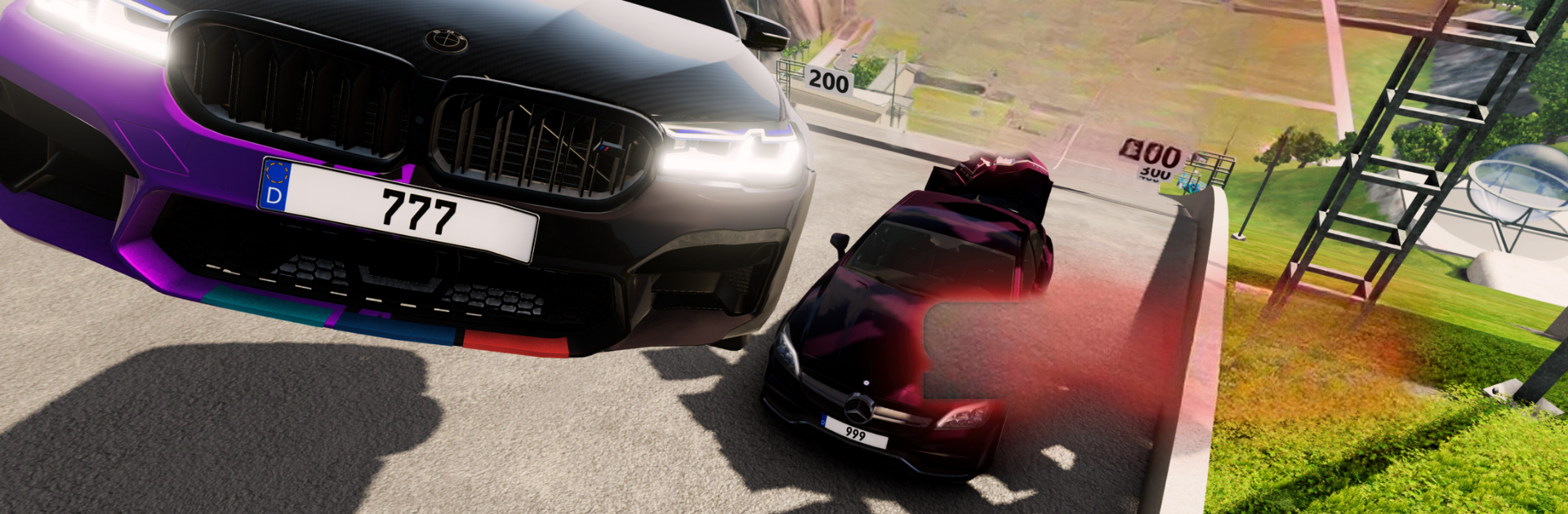
Car Crash Stunt ramp: Spusk 3D from LastCall isn’t just another Racing game—it’s a wild ride through chaos, destruction, and gravity-defying stunts. Think you’ve got what it takes behind the wheel? The game hands you an entire fleet of cars, from old school classics to sleek sports models, and drops you into arenas packed with ramps, obstacles, and endless opportunities to smash, tumble, and pull off jaw-dropping car stunts. If you’ve ever wondered what happens when physics meets reckless abandon, this game’s where you’ll find out.

Game Features

  • Huge Garage of Cars
    Step into everything from humble hatchbacks to luxury sedans, even stretch limos and muscle cars. Feeling a little old-school or want to tear it up in a modern beast? Go for it.

  • Crazy Realistic Destruction
    Crashes aren’t just for show—cars fold, crumple, and shed parts in all the right ways. You’ll see real damage as you barrel through obstacles…or slam into rivals.

  • Stunt Missions and Challenges
    Take on heart-pounding missions built around outrageous jumps, brutal landings, and tight turns. Land a trick, survive the carnage, and rack up points to unlock even more rides.

  • Multiple Tracks & Arenas
    Race and crash your way through deserts, jungles, cities, and more. Each map throws its own curveballs, with wild tracks designed for maximum mayhem.

  • Tweak Your Experience
    Switch between camera angles for that perfect shot, or dial up the difficulty if you’re feeling brave. Prefer to keep things chill or want a serious challenge? You’re in control.

  • Solid Racing Physics
    Whether you’re taking a hairpin turn or launching off a ramp, the game’s physics make every moment feel thrillingly unpredictable. Acceleration, drifting, and crashes all feel just right.

  • Compete Offline
    No need for a connection—jump straight into the action anytime, anywhere.

  • Earn Rewards and Upgrades
    Collect coins, grab boosters, and spend your winnings on fresh cars or trick out your collection. There’s always something new to try.

  • BlueStacks Support
    Want sharper control and smoother gameplay? Fire up Car Crash Stunt ramp: Spusk 3D on BlueStacks and take those stunts to the next level on your PC.

Slay your opponents with your epic moves. Play it your way on BlueStacks and dominate the battlefield.


Game Features

Enhancements

  • Macros
  • Multi Instance
  • Multi Instance Sync
  • Script
  • Enhancements
Macros

Macros

Automate the predictable in Car Crash Stunt ramp: Spusk 3D and transform your gameplay with Macros. Get access to inventive Macros in the BlueStacks Macro Community
Multi Instance

Multi Instance

Play Car Crash Stunt ramp: Spusk 3D on one window. And chat with your friend on the other. Press CTRL + Shift + 8 to open the Multi-Instance Manager. And start creating fresh instances or clone an existing one.
Multi Instance Sync

Multi Instance Sync

Play Car Crash Stunt ramp: Spusk 3D with the power of Multi-Instance Sync. Replicate what you are doing on the main instance on all other instances. Level up faster, play more.
Script

Script

Script your way to gaming glory in Car Crash Stunt ramp: Spusk 3D with BlueStacks Script. Write and run a set of commands to automate repeated tasks. Trigger the command by assigning it to any key.
Read More

How to Download and Play Car Crash Stunt ramp: Spusk 3D on PC or Mac

  • Download and install BlueStacks on your PC or Mac

  • Complete Google sign-in to access the Play Store, or do it later

  • Look for Car Crash Stunt ramp: Spusk 3D in the search bar at the top right corner

  • Click to install Car Crash Stunt ramp: Spusk 3D from the search results

  • Complete Google sign-in (if you skipped step 2) to install Car Crash Stunt ramp: Spusk 3D

  • Click the Car Crash Stunt ramp: Spusk 3D icon on the home screen to start playing

video
Watch Video

Minimum System Requirements

With BlueStacks 5, you can get started on a PC that fulfills the following requirements.

  • Operating System

    Microsoft Windows 7 or above, macOS 11 (Big Sur) or above

  • Processor

    Intel, AMD or Apple Silicon Processor

  • RAM

    at least 4GB

  • HDD

    10GB Free Disk Space

Note:

* You must be an Administrator on your PC. Up to date graphics drivers from Microsoft or the chipset vendor.

Car Crash Stunt ramp: Spusk 3D - FAQs

  • How to play Car Crash Stunt ramp: Spusk 3D on Windows PC & Mac?

    Play Car Crash Stunt ramp: Spusk 3D on your PC or Mac by following these simple steps.

    • Click on 'Play Car Crash Stunt ramp: Spusk 3D on PC’ to download BlueStacks
    • Install it and log-in to Google Play Store
    • Launch and play the game.
  • Why is BlueStacks the fastest and safest platform to play games on PC?

    BlueStacks respects your privacy and is always safe and secure to use. It does not carry any malware, spyware, or any sort of additional software that could harm your PC.

    It is engineered to optimize speed and performance for a seamless gaming experience.

  • What are Car Crash Stunt ramp: Spusk 3D PC requirements?

    Minimum requirement to run Car Crash Stunt ramp: Spusk 3D on your PC

    • OS: Microsoft Windows 7 or above MacOS 11 (Big Sur) or above
    • Processor: Intel, AMD or Apple Silicon Processor
    • RAM: Your PC must have at least 4GB of RAM. (Note that having 4GB or more disk space is not a substitute for RAM)
    • HDD: 10GB Free Disk Space.
    • You must be an Administrator on your PC.