Crash City: Heavy Traffic Driv

Crash City: Heavy Traffic Driv

Racing

| Play With Games

Play on PC with BlueStacks or from our cloud

  • Overview
  • Game Features
  • How to Play

Page Modified On: August 15, 2026

Play Crash City: Heavy Traffic Driv on PC or Mac

Bring your A-game to Crash City: Heavy Traffic Driv, the Racing game sensation from Play With Games. Give your gameplay the much-needed boost with precise game controls, high FPS graphics, and top-tier features on your PC or Mac with BlueStacks.

About the Game

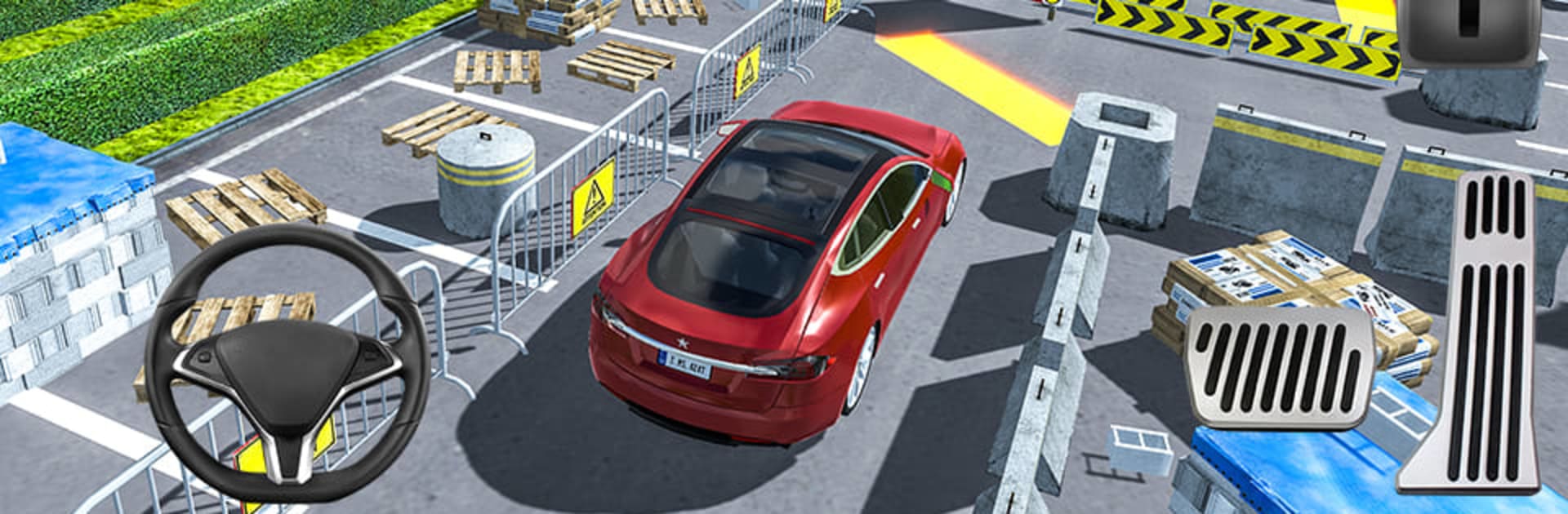
Crash City: Heavy Traffic Driv is a Racing experience built around fast reflexes and sharp parking skills. You’re thrown into a compact, lively town where traffic never seems to let up, ramps pop up when you least expect them, and every route asks for precision. Want a clean, smooth way to play on a larger display? It runs great on PC with BlueStacks, letting you really see those tight gaps you’re trying to squeeze through.

Game Features

  • Tight City Driving: Navigate busy streets, twisty side roads, and a sprawling mall district packed with hazards, shortcuts, and sudden surprises.
  • 10 Distinct Rides: Swap between a varied garage—sedans, SUVs, a pickup, a sturdy 4×4, a stretch limo, and even a small truck—each with its own feel.
  • Unique Handling: Every vehicle has different weight and grip, so you’ll learn when to feather the throttle, when to crank the wheel, and when to tap the brakes.
  • Real Traffic Challenges: Thread the needle between impatient drivers, time your merges, and avoid fender-benders while the clock keeps ticking.
  • Precision Parking Trials: It’s not just about getting there fast—stick the landing with clean, accurate parking at the end of each run.
  • 50 Skill-Based Missions: Tackle handcrafted objectives featuring ramps, narrow corridors, quick slaloms, and tricky stops that test control and focus.
  • Versatile Views & Controls: Switch camera angles—including an immersive first-person view—and choose between tilt, on-screen wheel, or buttons to match your style.
  • Earn and Unlock: Complete challenges to bank in-game cash, then put it toward new rides and upgrades that suit how you like to drive.
  • Optional Modes & Leaderboards: Try alternate rule sets available as add-ons, each tracked on separate leaderboards for fair, apples-to-apples competition.

BlueStacks gives you more room to focus on the game and less time adjusting around mobile limitations.


Game Features

Enhancements

  • Macros
  • Multi Instance
  • Multi Instance Sync
  • Script
  • Enhancements
Macros

Macros

Automate the predictable in Crash City: Heavy Traffic Driv and transform your gameplay with Macros. Get access to inventive Macros in the BlueStacks Macro Community
Multi Instance

Multi Instance

Play Crash City: Heavy Traffic Driv on one window. And chat with your friend on the other. Press CTRL + Shift + 8 to open the Multi-Instance Manager. And start creating fresh instances or clone an existing one.
Multi Instance Sync

Multi Instance Sync

Play Crash City: Heavy Traffic Driv with the power of Multi-Instance Sync. Replicate what you are doing on the main instance on all other instances. Level up faster, play more.
Script

Script

Script your way to gaming glory in Crash City: Heavy Traffic Driv with BlueStacks Script. Write and run a set of commands to automate repeated tasks. Trigger the command by assigning it to any key.
Read More

How to Download and Play Crash City: Heavy Traffic Driv on PC or Mac

  • Download and install BlueStacks on your PC or Mac

  • Complete Google sign-in to access the Play Store, or do it later

  • Look for Crash City: Heavy Traffic Driv in the search bar at the top right corner

  • Click to install Crash City: Heavy Traffic Driv from the search results

  • Complete Google sign-in (if you skipped step 2) to install Crash City: Heavy Traffic Driv

  • Click the Crash City: Heavy Traffic Driv icon on the home screen to start playing

video
Watch Video

Minimum System Requirements

With BlueStacks 5, you can get started on a PC that fulfills the following requirements.

  • Operating System

    Microsoft Windows 7 or above, macOS 11 (Big Sur) or above

  • Processor

    Intel, AMD or Apple Silicon Processor

  • RAM

    at least 4GB

  • HDD

    10GB Free Disk Space

Note:

* You must be an Administrator on your PC. Up to date graphics drivers from Microsoft or the chipset vendor.

Crash City: Heavy Traffic Driv - FAQs

  • How to play Crash City: Heavy Traffic Driv on Windows PC & Mac?

    Play Crash City: Heavy Traffic Driv on your PC or Mac by following these simple steps.

    • Click on 'Play Crash City: Heavy Traffic Driv on PC’ to download BlueStacks
    • Install it and log-in to Google Play Store
    • Launch and play the game.
  • Why is BlueStacks the fastest and safest platform to play games on PC?

    BlueStacks respects your privacy and is always safe and secure to use. It does not carry any malware, spyware, or any sort of additional software that could harm your PC.

    It is engineered to optimize speed and performance for a seamless gaming experience.

  • What are Crash City: Heavy Traffic Driv PC requirements?

    Minimum requirement to run Crash City: Heavy Traffic Driv on your PC

    • OS: Microsoft Windows 7 or above MacOS 11 (Big Sur) or above
    • Processor: Intel, AMD or Apple Silicon Processor
    • RAM: Your PC must have at least 4GB of RAM. (Note that having 4GB or more disk space is not a substitute for RAM)
    • HDD: 10GB Free Disk Space.
    • You must be an Administrator on your PC.