CSR 2 Realistic Drag Racing

CSR 2 Realistic Drag Racing

Racing

| Zynga

BlueStacks Verified

Play on PC with BlueStacks or from our cloud

  • Overview
  • Tips & Tricks
  • Game Features
  • How to Play

Page Modified On: April 07, 2026

Play CSR 2 Realistic Drag Racing on PC or Mac

Explore a whole new adventure with CSR 2 Realistic Drag Racing, a Racing game created by Zynga. Experience great gameplay with BlueStacks, the most popular gaming platform to play Android games on your PC or Mac.

About the Game

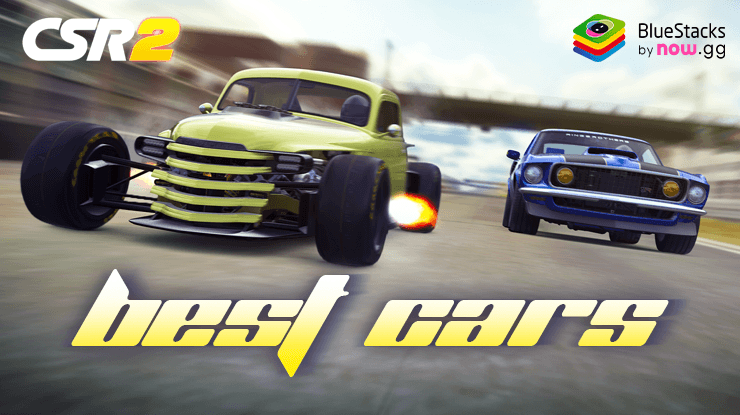
CSR 2 Realistic Drag Racing from Zynga is a pure shot of quarter-mile adrenaline, built for people who love horsepower and the sound of a perfect shift. It’s a Racing game that focuses on the art of launching, timing the lights, and squeezing every last tenth out of your build. It looks fantastic on your phone—and if you like a bigger view, it runs great on BlueStacks too.

Game Features

  • Authentic drag racing feel: React to the tree, heat the tires, nail your launch, and chase perfect shifts across short, blisteringly fast runs.

  • Dream garage, officially licensed: Collect and race legends and exotics like the Ferrari SF90 Stradale, McLaren Senna, Bugatti La Voiture Noire, Porsche, Lamborghini, and fan favorites such as the Nissan Skyline GT‑R (R34) and Toyota Supra.

  • Deep tuning and styling: Tweak transmission settings, nitrous, and tire pressure to match each track. Then make it yours with wraps, paint, wheels, brake calipers, and more.

  • Campaigns, Elite Tuners, and Legends: Work your way through crew battles and story events, dive into Elite Tuners for massive customization, and restore iconic classics in Legends to bring them back to top-tier form.

  • Real-time competition: Race live against players around the world, test your reaction time under pressure, and learn how tiny setup changes can flip a matchup.

  • Build and lead a crew: Team up with friends, coordinate car choices and tunes, and chase big rewards together through crew milestones.

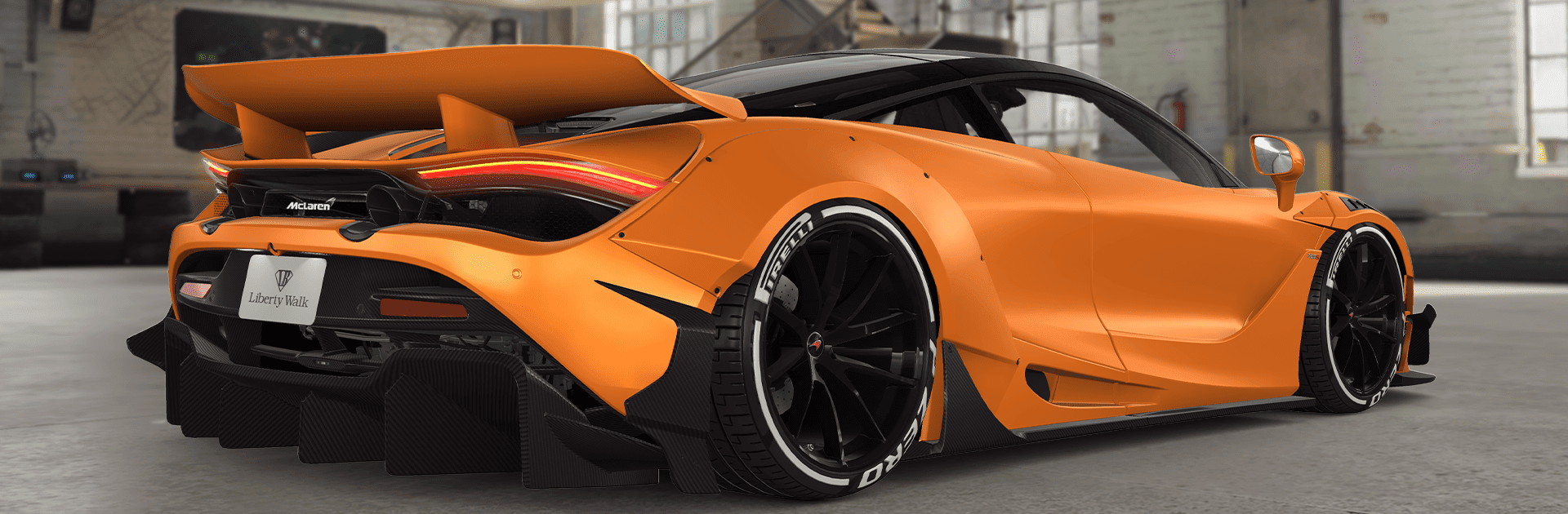
  • Photoreal cars and interiors: Meticulous models, reflections, and lighting make every angle screenshot-worthy, from carbon weave to brake rotors.

  • AR Showroom: Park your latest build in your living room or driveway with AR mode and admire the details up close.

  • Events that keep moving: Take on showdowns, ladders, and time-limited challenges that reward smart tuning and consistent driving.

  • Test, refine, repeat: Use test runs and the dyno to compare setups, shave off tenths, and find the launch and gear strategy that works for your car.

Make your gaming sessions memorable with precise controls that give you an edge in close combats and visuals that pop up, bringing every character to life.

Game Features

Enhancements

  • Macros
  • Multi Instance
  • Multi Instance Sync
  • Script
  • Enhancements
Macros

Macros

Automate the predictable in CSR 2 Realistic Drag Racing and transform your gameplay with Macros. Get access to inventive Macros in the BlueStacks Macro Community
Multi Instance

Multi Instance

Play CSR 2 Realistic Drag Racing on one window. And chat with your friend on the other. Press CTRL + Shift + 8 to open the Multi-Instance Manager. And start creating fresh instances or clone an existing one.
Multi Instance Sync

Multi Instance Sync

Play CSR 2 Realistic Drag Racing with the power of Multi-Instance Sync. Replicate what you are doing on the main instance on all other instances. Level up faster, play more.
Script

Script

Script your way to gaming glory in CSR 2 Realistic Drag Racing with BlueStacks Script. Write and run a set of commands to automate repeated tasks. Trigger the command by assigning it to any key.
Read More

How to Download and Play CSR 2 Realistic Drag Racing on PC or Mac

  • Download and install BlueStacks on your PC or Mac

  • Complete Google sign-in to access the Play Store, or do it later

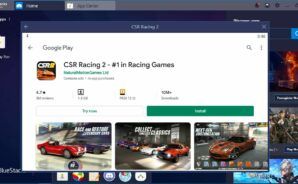
  • Look for CSR 2 Realistic Drag Racing in the search bar at the top right corner

  • Click to install CSR 2 Realistic Drag Racing from the search results

  • Complete Google sign-in (if you skipped step 2) to install CSR 2 Realistic Drag Racing

  • Click the CSR 2 Realistic Drag Racing icon on the home screen to start playing

video
Watch Video

Minimum System Requirements

With BlueStacks 5, you can get started on a PC that fulfills the following requirements.

  • Operating System

    Microsoft Windows 7 or above, macOS 11 (Big Sur) or above

  • Processor

    Intel, AMD or Apple Silicon Processor

  • RAM

    at least 4GB

  • HDD

    10GB Free Disk Space

Note:

* You must be an Administrator on your PC. Up to date graphics drivers from Microsoft or the chipset vendor.

CSR 2 Realistic Drag Racing - FAQs

  • How to play CSR 2 Realistic Drag Racing on Windows PC & Mac?

    Play CSR 2 Realistic Drag Racing on your PC or Mac by following these simple steps.

    • Click on 'Play CSR 2 Realistic Drag Racing on PC’ to download BlueStacks
    • Install it and log-in to Google Play Store
    • Launch and play the game.
  • Why is BlueStacks the fastest and safest platform to play games on PC?

    BlueStacks respects your privacy and is always safe and secure to use. It does not carry any malware, spyware, or any sort of additional software that could harm your PC.

    It is engineered to optimize speed and performance for a seamless gaming experience.

  • What are CSR 2 Realistic Drag Racing PC requirements?

    Minimum requirement to run CSR 2 Realistic Drag Racing on your PC

    • OS: Microsoft Windows 7 or above MacOS 11 (Big Sur) or above
    • Processor: Intel, AMD or Apple Silicon Processor
    • RAM: Your PC must have at least 4GB of RAM. (Note that having 4GB or more disk space is not a substitute for RAM)
    • HDD: 10GB Free Disk Space.
    • You must be an Administrator on your PC.