GC Racing: Car Racing 3D

GC Racing: Car Racing 3D

Racing

| Freepost Digital Media Games

Play on PC with BlueStacks or from our cloud

  • Overview
  • Game Features
  • How to Play

Page Modified On: October 30, 2026

Play GC Racing: Car Racing 3D on PC or Mac

GC Racing: Car Racing 3D by Freepost Digital Media Games has plenty to keep you busy. BlueStacks lets you play it on PC or Mac with more screen space, better control, and fewer mobile limits.

About the Game

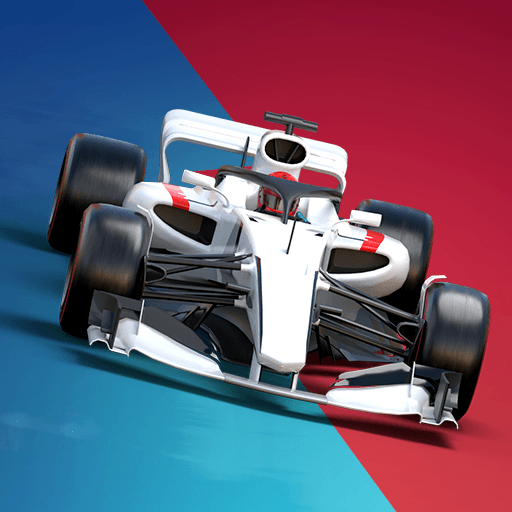
GC Racing: Car Racing 3D throws you into fast, no-nonsense action where quick reflexes and smart upgrades decide who crosses the line first. It’s built for players who love tight handling, bold overtakes, and the thrill of shaving milliseconds off a lap. Genre: Racing. Prefer a bigger screen? It also runs smoothly on PC with BlueStacks for crisp visuals and precise control.

Game Features

  • Pick-up-and-drive handling: Jump in and go with intuitive controls that feel responsive at any speed, whether you’re weaving through traffic or blasting down a straight.
  • Nitro overtakes: Time your boost to slingshot past rivals, manage your speed through corners, and keep the pressure on from start to finish.
  • Deep career and missions: Work through a lengthy solo path with well over a hundred bite-sized challenges, from time attacks to head-to-head runs and full-length sprints.
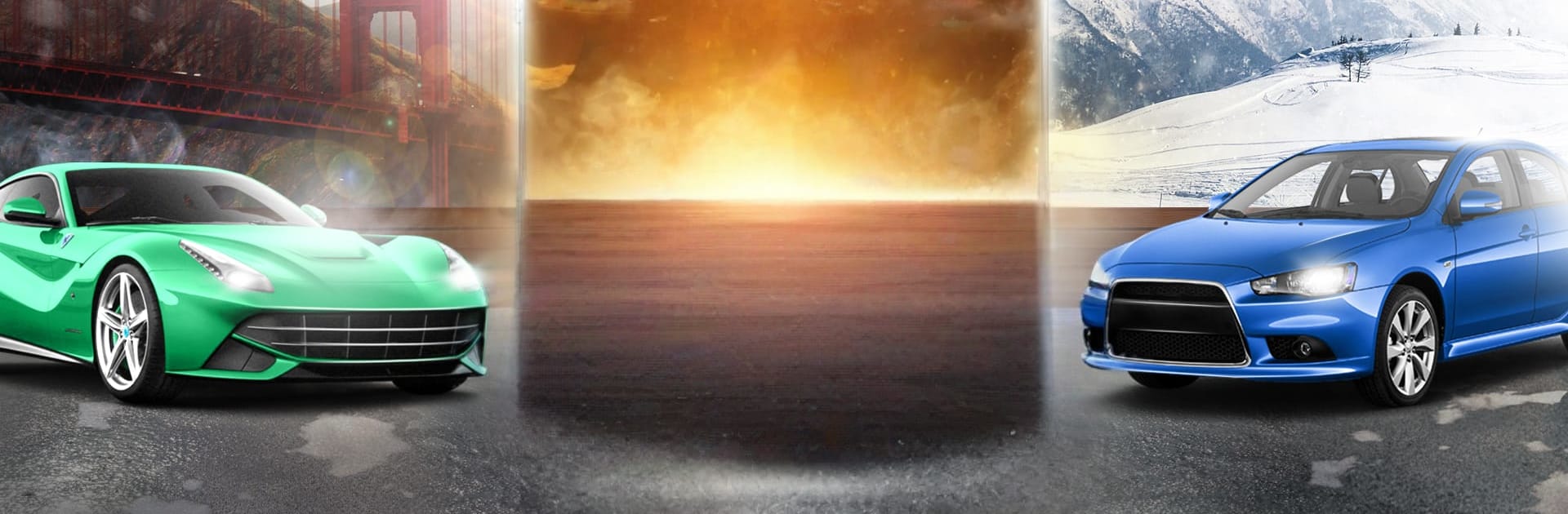
  • Global tracks and locations: Sprint through city avenues, long highways, and scenic routes around the world, each with its own rhythm and surprises.
  • Real-time PVP: Test your skill against actual players in quick matchups, climb the boards, and prove your pace when it counts.
  • Events with unique rewards: Unlock special challenges that spotlight different cars and track styles, then earn parts and goodies to grow your garage.
  • Garage growth and tuning: Expand your collection of high-performance rides, upgrade engines, handling, and nitro, and fine-tune looks with paints, rims, and more.
  • High-fidelity sights and sounds: Crisp visuals, cinematic camera angles, and punchy engine audio make every launch, drift, and finish-line moment feel big.
  • Smooth driving physics: Stable performance and natural car motion help you stay in control at top speed, even when traffic gets tight.

Start playing GC Racing: Car Racing 3D on BlueStacks and get a smoother, more comfortable PC or Mac setup.


Game Features

Enhancements

  • Macros
  • Multi Instance
  • Multi Instance Sync
  • Script
  • Enhancements
Macros

Macros

Automate the predictable in GC Racing: Car Racing 3D and transform your gameplay with Macros. Get access to inventive Macros in the BlueStacks Macro Community
Multi Instance

Multi Instance

Play GC Racing: Car Racing 3D on one window. And chat with your friend on the other. Press CTRL + Shift + 8 to open the Multi-Instance Manager. And start creating fresh instances or clone an existing one.
Multi Instance Sync

Multi Instance Sync

Play GC Racing: Car Racing 3D with the power of Multi-Instance Sync. Replicate what you are doing on the main instance on all other instances. Level up faster, play more.
Script

Script

Script your way to gaming glory in GC Racing: Car Racing 3D with BlueStacks Script. Write and run a set of commands to automate repeated tasks. Trigger the command by assigning it to any key.
Read More

How to Download and Play GC Racing: Car Racing 3D on PC or Mac

  • Download and install BlueStacks on your PC or Mac

  • Complete Google sign-in to access the Play Store, or do it later

  • Look for GC Racing: Car Racing 3D in the search bar at the top right corner

  • Click to install GC Racing: Car Racing 3D from the search results

  • Complete Google sign-in (if you skipped step 2) to install GC Racing: Car Racing 3D

  • Click the GC Racing: Car Racing 3D icon on the home screen to start playing

video
Watch Video

Minimum System Requirements

With BlueStacks 5, you can get started on a PC that fulfills the following requirements.

  • Operating System

    Microsoft Windows 7 or above, macOS 11 (Big Sur) or above

  • Processor

    Intel, AMD or Apple Silicon Processor

  • RAM

    at least 4GB

  • HDD

    10GB Free Disk Space

Note:

* You must be an Administrator on your PC. Up to date graphics drivers from Microsoft or the chipset vendor.

GC Racing: Car Racing 3D - FAQs

  • How to play GC Racing: Car Racing 3D on Windows PC & Mac?

    Play GC Racing: Car Racing 3D on your PC or Mac by following these simple steps.

    • Click on 'Play GC Racing: Car Racing 3D on PC’ to download BlueStacks
    • Install it and log-in to Google Play Store
    • Launch and play the game.
  • Why is BlueStacks the fastest and safest platform to play games on PC?

    BlueStacks respects your privacy and is always safe and secure to use. It does not carry any malware, spyware, or any sort of additional software that could harm your PC.

    It is engineered to optimize speed and performance for a seamless gaming experience.

  • What are GC Racing: Car Racing 3D PC requirements?

    Minimum requirement to run GC Racing: Car Racing 3D on your PC

    • OS: Microsoft Windows 7 or above MacOS 11 (Big Sur) or above
    • Processor: Intel, AMD or Apple Silicon Processor
    • RAM: Your PC must have at least 4GB of RAM. (Note that having 4GB or more disk space is not a substitute for RAM)
    • HDD: 10GB Free Disk Space.
    • You must be an Administrator on your PC.