

Join millions to experience NHRA Legends of Drag Racing, an exciting Racing game from Concrete Software, Inc.. With BlueStacks App Player, you are always a step ahead of your opponent, ready to outplay them with faster gameplay and better control with the mouse and keyboard on your PC or Mac.
About the Game
NHRA Legends of Drag Racing is all about that rush when the lights drop and you nail the perfect launch. Built by Concrete Software, Inc. and firmly in the Racing genre, it focuses on authentic, straight-line competition where tenths (and even thousandths) matter. You’ll stage, heat the tires, tune every last detail, then try to out-react and out-run your rival over a brutal, blink-and-it’s-done stretch. Prefer playing on a PC? It runs smoothly on BlueStacks too.
Game Features
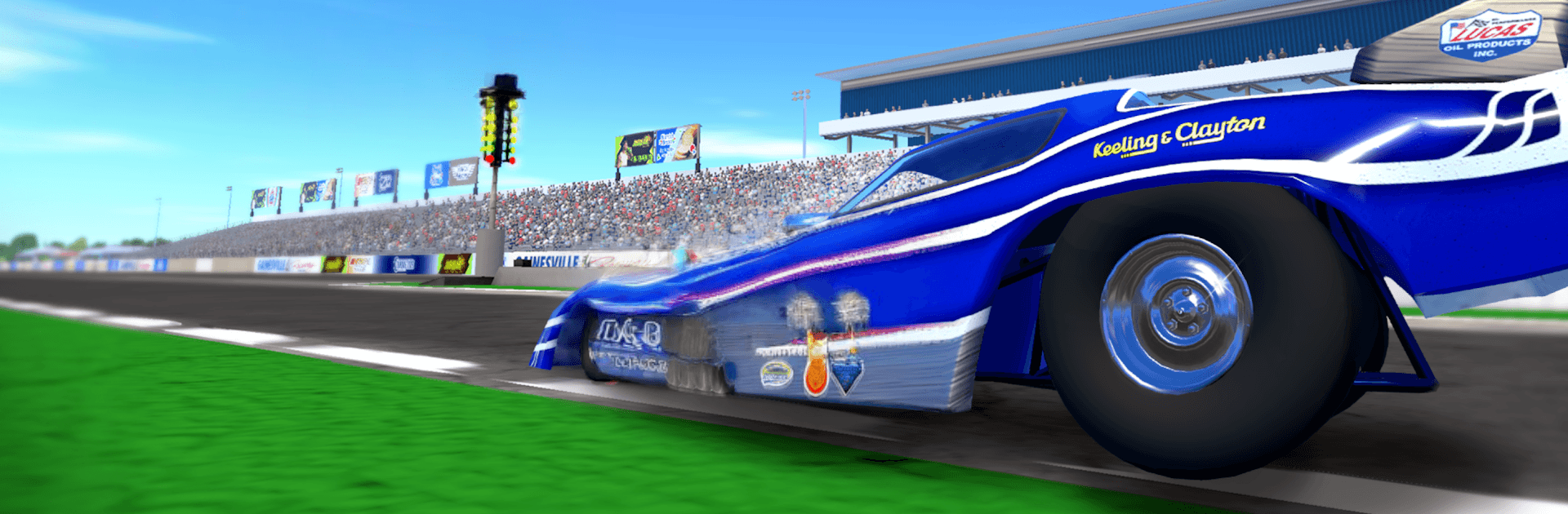
- Official NHRA Venues: Run real strips like Pomona, Gainesville, and Lucas Oil Indianapolis for the genuine big-event feel.
- Launches That Hit Hard: Manage staging, reaction time, and traction to feel that push in your gut the moment you mash the throttle.
- A Garage with Serious Muscle: Build a collection from classic Hot Rods to modern Pro Stock machines and wild Top Fuel beasts packing around 11,000 horsepower.
- Tuning That Matters: Tweak engine parts, gearing, and wheel setups to squeeze out speed and stability for each track and matchup.
- Burnout Mastery: Heat the tires to the sweet spot so your car hooks clean and pulls strong all the way through.
- Online Multiplayer & Leagues: Jump into competitive lobbies, climb league tiers, and prove you can win when it’s head-to-head.
- Career, Duels, and Tournaments: Work your way from rookie to contender, take on quick 1v1 showdowns, and enter bracket-style events.
- Team Garage: Create or join a crew, swap tuning ideas, and prep setups together for the next big race night.
- Leaderboards & Weekly Challenges: Chase national rankings, tackle rotating events, and earn rewards while sharpening your setup game.
- Broadcast-Style Presentation: Crisp 3D visuals and short, high-intensity runs make it easy to race between breaks—or obsess over for hours. A network connection is required.
Start your journey now. Download the game on BlueStacks, invite your friends, and march on a new adventure.