

From the innovators and creators at DogByte Games, OTR 2 is another fun addition to the World of Racing games. Go beyond your mobile screen and play it bigger and better on your PC or Mac. An immersive experience awaits you.
About the Game
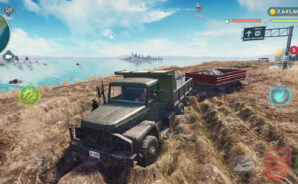
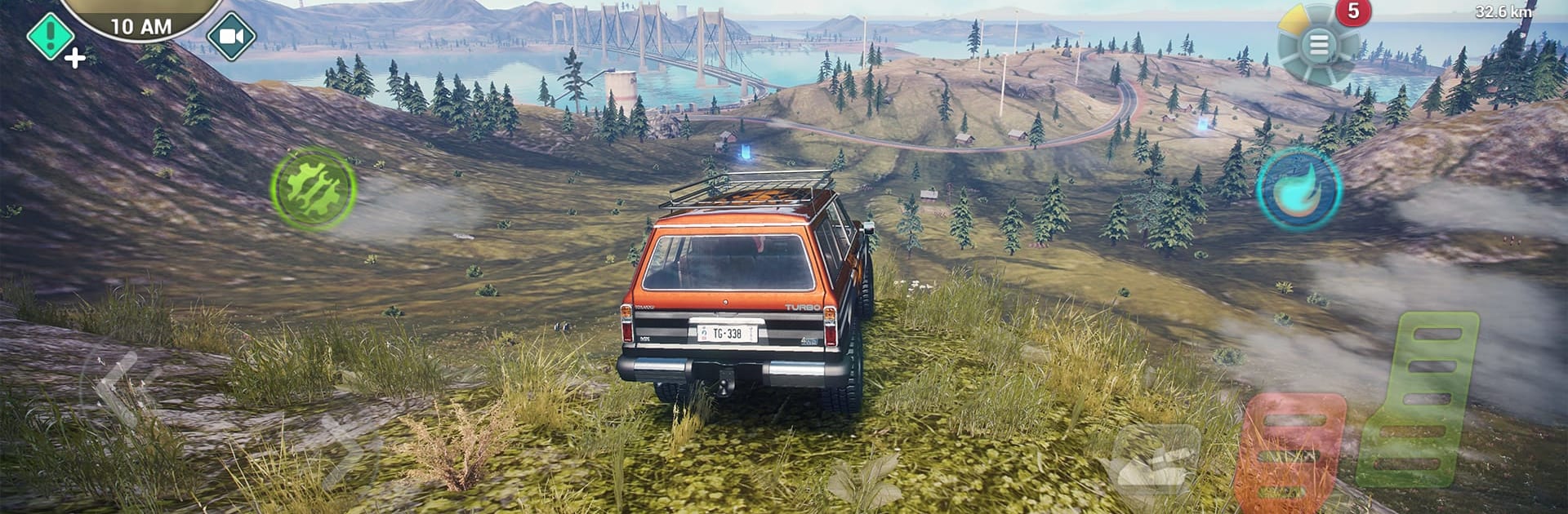
OTR 2 from DogByte Games mixes wide‑open exploration with grit-under-your-tires Racing. It’s a huge sandbox where you can push anything with an engine across mountains, highways, rivers, and backcountry trails—then switch to the skies or the open sea when the road runs out. Expect weighty physics, big playground energy, and the kind of “let’s try it and see” freedom that’s fun solo or with friends.
Game Features
- Colossal open world: Roam a seamless map packed with peaks, deserts, coastlines, long highways, and secret side routes waiting to be found.
- Drive, fly, and sail: Tackle rocks in beefy 4x4s, rip asphalt in supercars, lift off in helicopters and planes, or skim the water in fast powerboats.
- Realistic physics and visuals: Feel every bump and slide, watch mud cake onto your tires, and enjoy sharp lighting with impressive water effects.
- Advanced damage model: Push too hard and your ride shows it—scrapes, crunches, and performance hits make every decision matter.
- Day and night cycle: Changing light and visibility keep routes fresh and make night runs feel totally different.
- Make it yours: Use the Livery Editor for custom paint and decals, then fine-tune performance to match your style.
- Jump in with friends: Online multiplayer supports up to 6 players for competitive races or relaxed cruising across the same massive world.
- Missions and rewards: Take on deliveries and challenges to earn cash and unlock more toys and upgrades.
- Detailed interiors: Cockpits and dashboards are modeled and functional, so first-person driving actually feels like driving.
- Play offline anywhere: No connection? No problem—explore and race whenever you want.
- Smooth on BlueStacks: Prefer playing on your computer? OTR 2 runs great on BlueStacks with crisp controls.
Make your gaming sessions memorable with precise controls that give you an edge in close combats and visuals that pop up, bringing every character to life.